
Believe what you want, but I believe in vaccinations. This sez it all.
Tag: youtube
Birds or Squirrels?
We have a few bird feeders hanging up outside the studio window. Tucked under the eaves, small local birds such as finches or wrens congregate to munch out over seed. There have been a few times when the hawks have come looking for lunch, and crows, too, but the squirrels prove to be the funniest. They try to jump from the red bud tree, but fall far short of the feeder. Other times the squirrels sit on the roof, look down and chatter. A couple of times I have seen them hanging by their back feet to reach the feeder – but all in vain.
Now, here is an erstwhile bird watcher who worked to foil the squirrels conquering his “squirrel proof” bird feeders. Watch how he solved his bird feeding problem and worked hard to overcome the threat of predatory squirrels.
I hope you watched to the end!
Water in Watercolor
Today I spent the morning running errands and doing chores, the afternoon playing with a friend and doing some photography. The day went by delightfully, but there is that need to pick up a brush and some paint. I wasn’t in the mood for trying to make a painting of anything, but the idea of waves and oceans has been going through my mind, and now it is time to get some ideas on paper. So, of course, YouTube comes to the rescue, and I found a nice, simple, easy video by Paul Clark.
Paul Clark’s videos are informative and easy to follow – as well, I like his presentation style and his paintings. In the above video, in 20 minutes, he shows how to paint water in increasingly more complex ways.
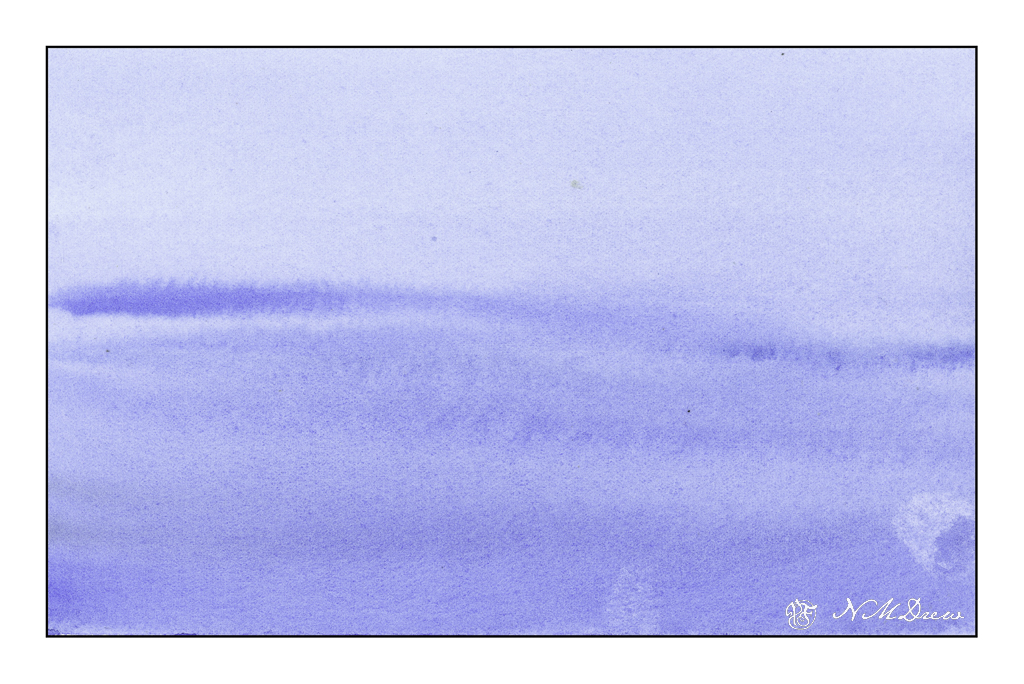
Above is just a simple, gradated wash, with the greatest density of value at the bottom of the page. From there, some paint is lifted, and while the paper is still a bit damp, more lines of color are painted into the blue, wider ones at bottom and more narrow at the top to suggest distance.
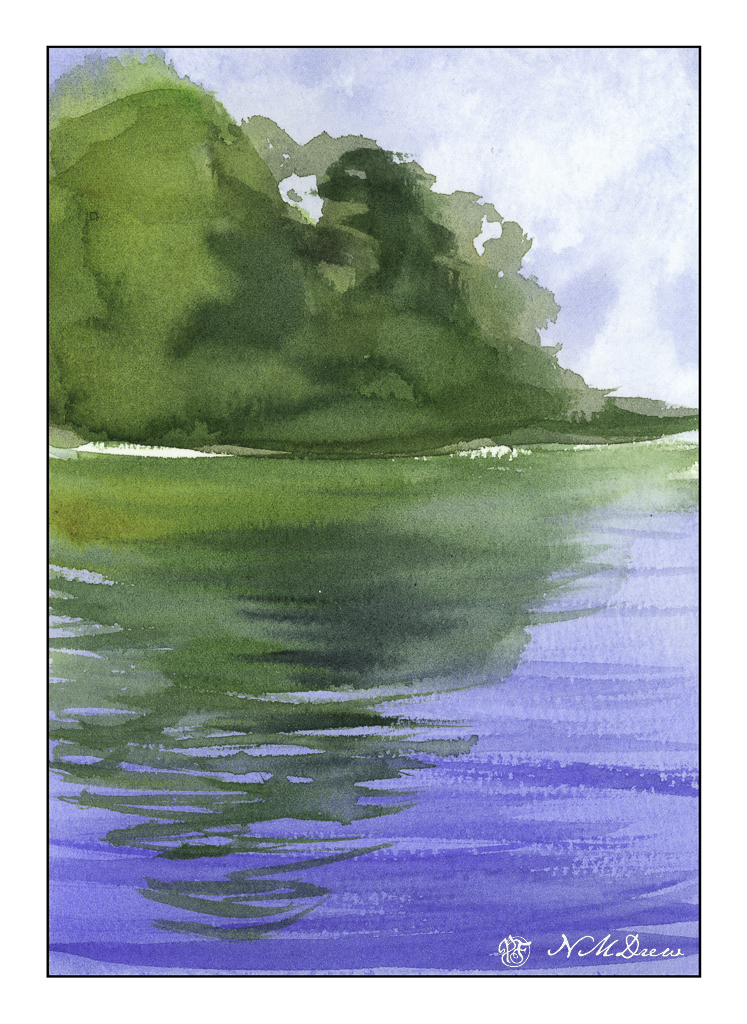
The next is reflections of trees on a lake. The trees and sky were painted first and allowed to dry. The water was then put in, using a gradated wash, darkest at the bottom. Time was given to put in suggestions of waves or reflections – this required waiting for the paint and paper to dry. The hair dryer is perfect for this. Watch how Clark does it in the video as it get a bit more complex than what I am describing.
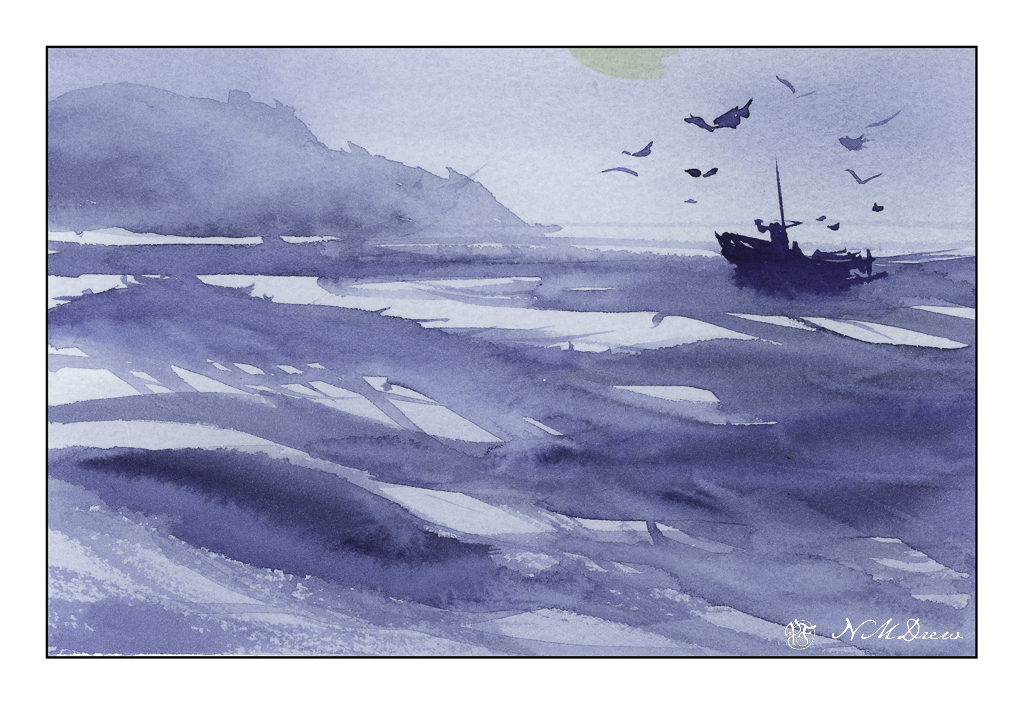
The third one is done with one color of paint. I used a bit of what I had mixed on the palette – ultramarine and indanthrene blues. Clark’s painting is far better than mine, and we will leave it at that! I want to return to the video to watch it again as I know I worked really quickly – too quickly – to catch all the fine points.
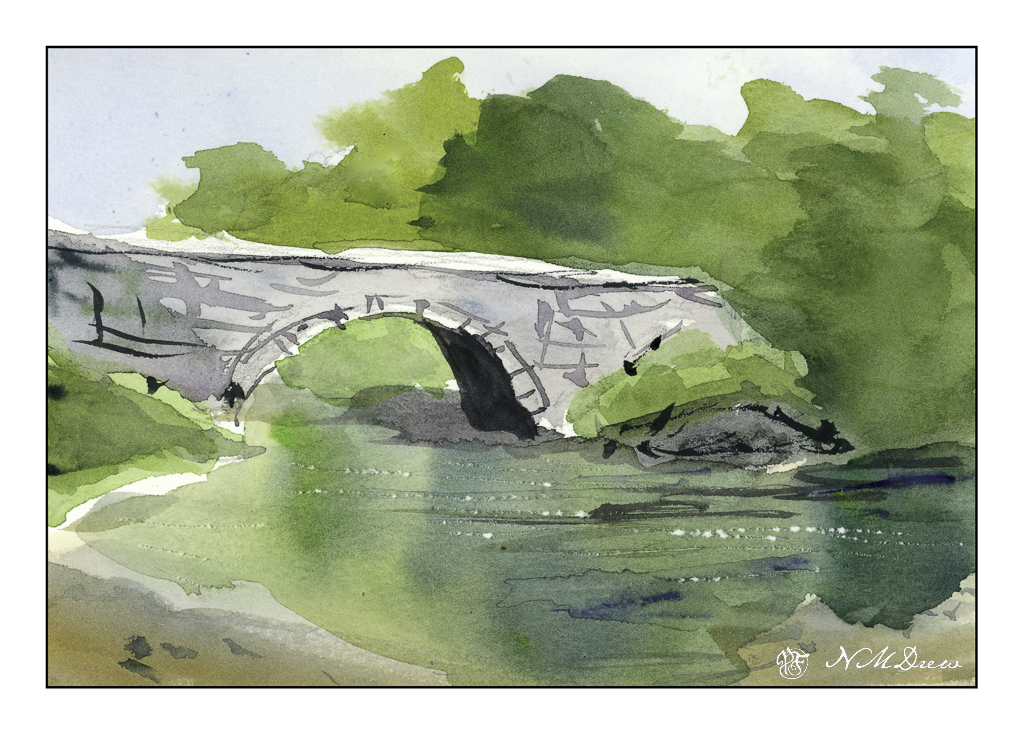
From the ocean we now move inland, to an old bridge spanning a river. I think was my favorite one, and I was quite happy with my results. The white sparkles of light on the water is done by using a knife point to dig a bit into the paper. Techniques varied here; again, refer to the video.
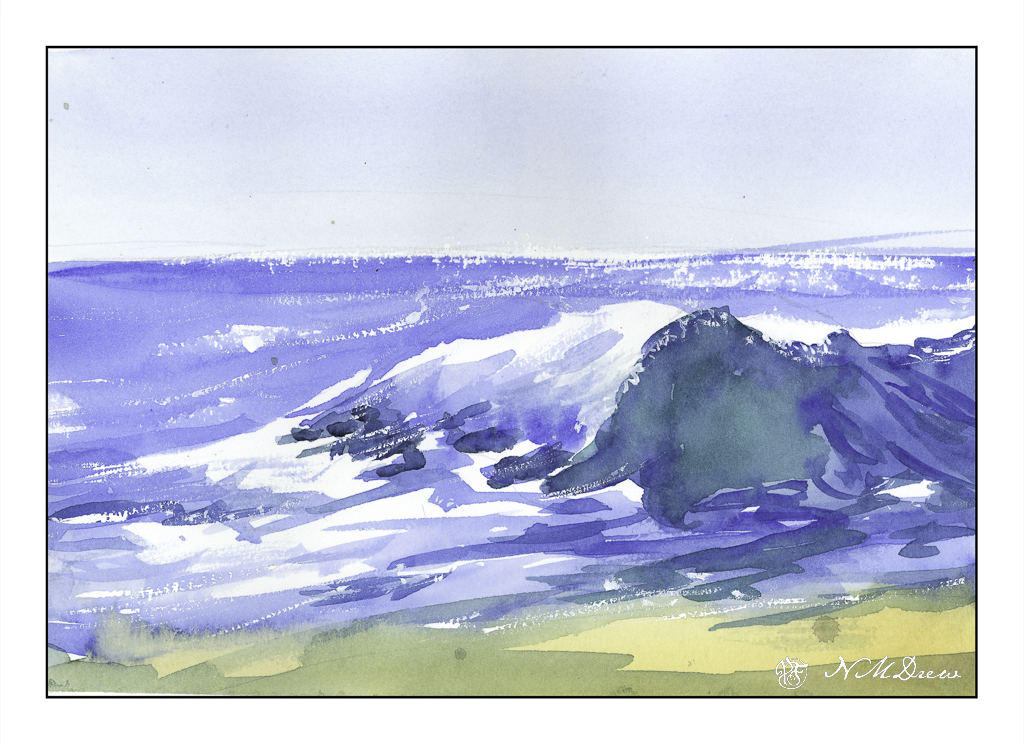
Now, back to the beach. My painting is quite clumsy in a lot of areas. I rather like the sparkly water on the horizon, and the way my white gouache dry brush adds to sparkles. While my painting is definitely that of an amateur, I have a better sense of what to look for, to see, in a wave. The idea I had initially was to learn a bit about crashing waves, and this one is a good introduction to them.
Altogether, I spent about 30-40 minutes doing these studies. I watched and paused the video for each painting exercise, and then went to work. The goal is to do and practice, not create a beautiful work of art. The act of painting is what teaches me initially, and then I can analyze a bit more to hopefully create more successful whatevers – here, waves and water and reflections.
Practice is something a sketchbook gives room for – a playground to explore. Paul Clark’s videos are really nice and I do suggest them. Meanwhile, it is time to go to bed!
Time to Learn, and a Tornado in Malibu!
Software updates and new versions come out on a regular basis. If you are diligent, you learn the newer versions and discard the old by uninstalling them. Sometimes the newer versions have features added and older ones removed for this reason or that. Usually I just install things and play. Today I decided it was time to really get my proverbial s*** together with regards to Lightroom Classic CC and On1 Photo Raw 2023.
In Lightroom up to the 2021 version of Photo Raw I could use the different modules of On1’s software individually. After that, no. I decided to get into the 2023 release of Photo Raw and figure it out. The first thing I did was to import a bazillion of presets into Photo Raw 2023. That took easily a few hours. Each preset group had to be imported individually. Argh! Why batch imports cannot be done, I have no idea – may be it can be, but I have no idea how!!
Anyway, done with preset importing, I started trying to figure out how I could get the best usage out of my LR and Photo Raw 2023 to edit by exporting an image from LR to Photo Raw. I found a great video, for Photo Raw 2022, not with the individual modules as before, but it works.
If you have struggled with LR and On1, this presents a viable option. It is not as good as the individual modules of the 2021 and earlier versions of Photo Raw, but it works. There are ways to batch edit in both LR and On1, and I do need to learn those as well.
While I was playing with On1 Photo Raw 2023, I started exploring the sky replacement element. It is really fun! Of course, you need to have some sense of matching the sky with the photo or it can look odd, but there are some adjustments it seems that you can make while importing a sky into a photo – ones that adjust the foreground for instance. If you have water, you can put in a reflection. You can also expand and shrink your new sky to a degree, as well as move the horizon and so on. Again, more study is needed.
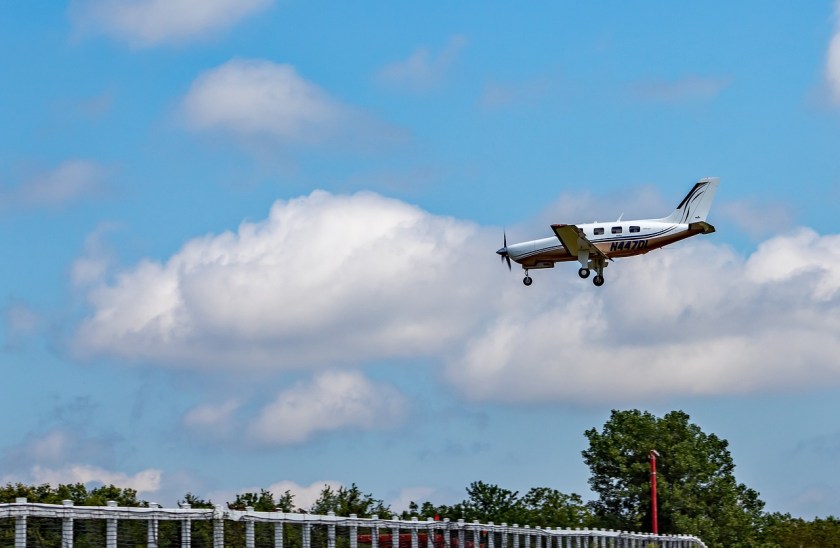
And here is just one of the pictures I played with. Below is one with an original sky – I downloaded it from Pixabay, a website with a lot of free photos for use. Per the description, this is taken in Malibu, CA. Those clouds are not common here – winter storms are usually when we see them.
And here it is with a tornado and rain – not something you are likely to see here in California unless the world really changes!
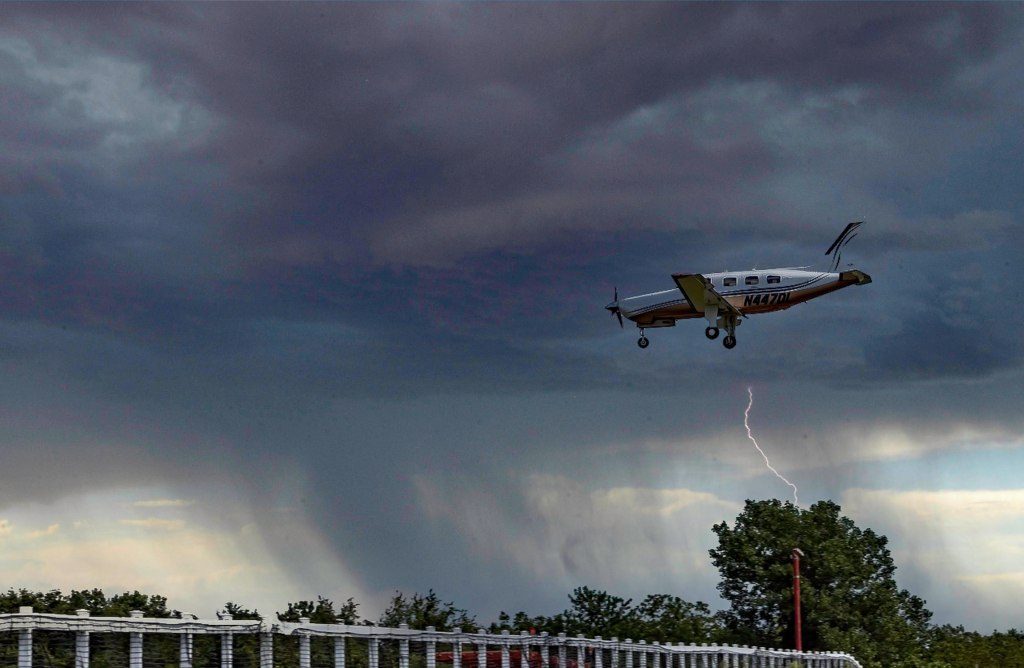
And that is how I spent today – updating photo software, playing around, and trying to join the 21st century with AI and photography. I like the sky thingy – has potential.
And now – dinner and a walk and something other than computers . . .
Splotchness

Another floral study following a YouTube video. This one is by Lois Davidson, whose technique is much different than the “Bowl of Roses” video.
I rather liked this one. There were some little things in doing it that I hadn’t done before. I’ve sprinkled colors onto wet paint, but never dropped in sprinklings of water. That was fun. Also, the sheer joy in painting splotchy flowers is always a delight but I did have to think a lot more than it looks – working light to dark requires forethought and patience. To me, watercolor painting is like haiku – it takes a lot more work than it appears to need!
This is on Arches CP 140# – as always! – 9×12.
 Ink, Yarn & Beer