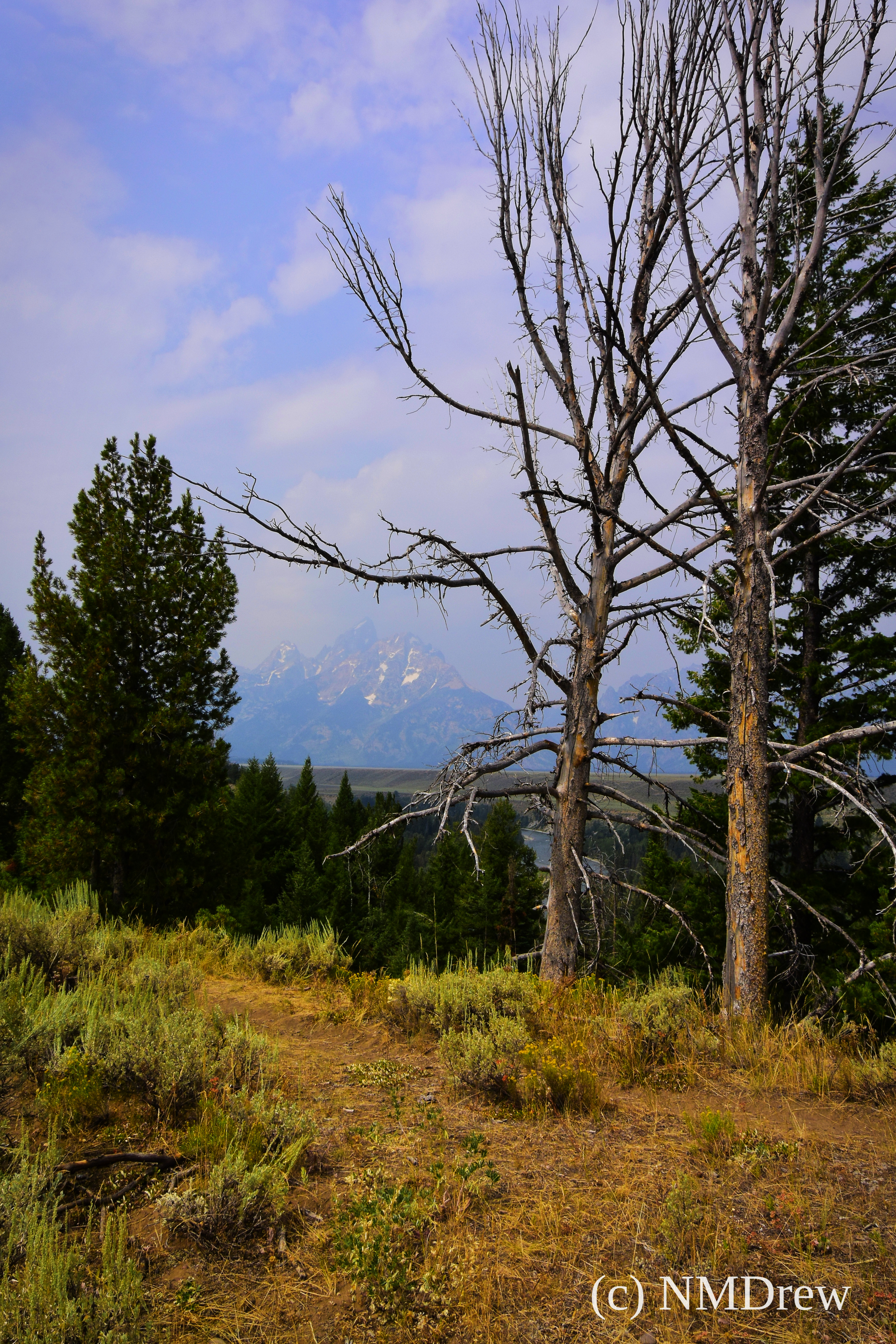
Overlooking the Snake River, a view of the Tetons through the trees.

Overlooking the Snake River, a view of the Tetons through the trees.

The last time we were visited Yellowstone National Park – which is the size of a small country – the boardwalk surrounding the Grand Prismatic Spring was closed for repair and refurbishing. Yesterday, we made it . . . it was packed with people from everywhere in the world . . . but it was worth the crowds. Fumaroles are amazing in that they are boiling hot, occasionally spout a geyser, and have plant and animal life which can live in such extreme conditions (ones which humans consider extreme, though they probably don’t worry about it too much!). Besides the odd flora and fauna, the colors in these pools varies, from yellows and ochres, to deep reds, and finally to the blues and turquoises from the Caribbean or Mediterranean. If you ever get a chance to visit Yellowstone, do so – it’s an amazing place.
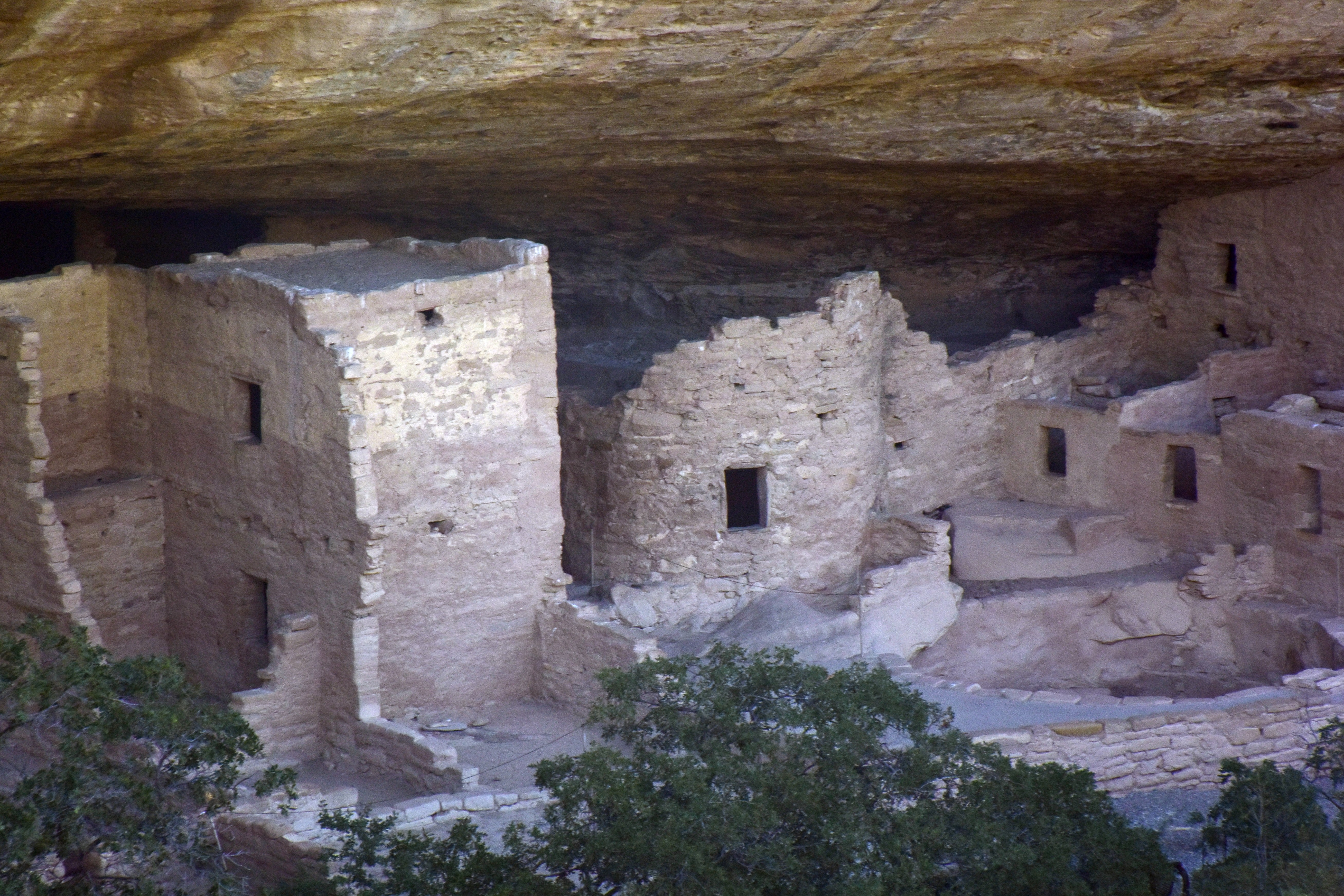
I love Mesa Verde … it is one of the wonders of the world. Here, a view of Spruce Tree House, closed, unfortunately, because of a slide into the area. Heavy rains caused it,and I hope it will be repaired soon. No damage was caused to the structure, which dates ca. 1200 a.d., but to the area where tourists – like yours truly – stand. We were there on an early morning, enjoying the quiet of the canyon into which it is built.

Ansel Adams took a picture of this view over the Snake River in the Teton National Park during the 1940s. Here is my tribute to a fine photographer. Developed using Polarr on my Chrome Book.
We are actually in the Jackson Lake Lodge in the Teton National Park. Today will be the first day out – we had a long drive from Laramie. Without a laptop, much less good internet connections in the Wild West, it’s been difficult to edit pictures or make an entry to a blog here or there.

I’ve been using Polarr editing software with my Chrome Book, and I have rather mixed feelings about it but that is just because I am not sure how things look in the final edit. Still, it is an easy-to-use editor, and given that, I am not going to complain. I just need to master it, and when home, compare the images I see on the screen of the Chrome Book to my 27″ monitors at home.
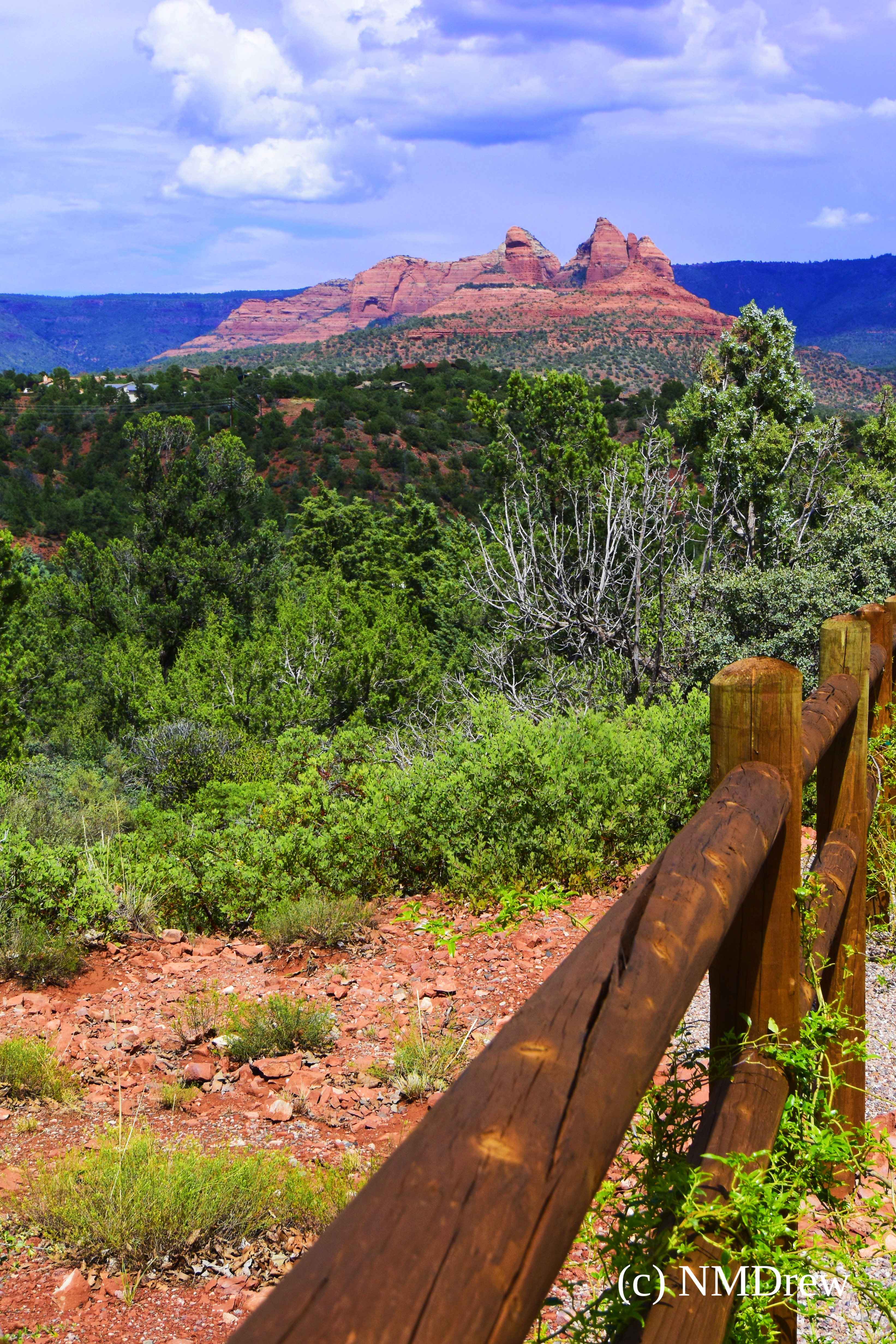
We have really been enjoying the trip! We started out in California, and the first stop was in Flagstaff, Arizona. I really like Flag – as we are known to call it – and we stayed at a wonderful B&B. Knowledgeable hosts are one of the draws of a good B&B, along with great breakfasts. We had both. We were in Flagstaff for two full days, taking in Shoshone Point in the Grand Canyon, and a drive through Oak Creek Canyon to see Sedona. The Grand Canyon is truly grand, and unfathomable, so to speak, until you are on the edge, looking down and across from the rim. Sedona is a tourist town surrounded by incredible red rocks, buttes, mesas and cliffs. To get there, one drives through a lovely canyon, and it is worthwhile to stop at Oak Canyon to wander through it.

Oak Creek Canyon is a deep, narrow canyon, complete with creek, old buildings, and a former apple orchard put in by some of the original families who settled there. It was my favorite part of the day out to Sedona, other than fantastic food at a restaurant – Mariposa – which has 360 degree views of the rocks surrounding Sedona. The canyon is surrounded by red cliffs and traversed by a winding road. The drive is one to take slowly, stopping, hiking, gawking. It’s a wonderful corner of the world to see.

