Film Star Tomatoes

I bought the Pentax 17 half-frame camera soon after it came out. And only a couple of weeks ago did I finally finish the roll and get it processed. I scanned the film myself – the first roll in what seems ages – and it took me awhile to get familiar with my film scanners. I have a Pakon 135 which I use with my very old XP eMachine laptop, and my newer Pacific Image PrimeFilm XAS scanner which works with Windows 11.

Tomatoes - Pakon 135 Scan
Pakon 135 Scan

The above image was done using TLXClient (the professional part of the Pakon software – may have the name a bit munched), a part of the Pakon software. It is limited in size for the final scan. I used it with scratch and dust removal along with whatever else was in the arsenal. The image was a tad dark so I lightened it a bit in Lightroom. It has a warm cast which is very nice to the eye.

Tomatoes - PrimeFilmXAS and NegLabPro

The above image was scanned as a negative – not a negative turned positive as the Pakon does. From there I converted it to a positive image using Negative Lab Pro and the “Cine” color interpretation. It is a lot colder and more blue of an interpretation. I rather like it. Post-processing of film images is a lot like painting – you can interpret things as you wish.

I used the Pentax 17, one of the two newest film cameras manufactured in the past couple of years. It is a simple camera which uses zone focusing but is automated in a lot of ways which make for some fun times. What I have seen so far in image quality is pretty good – and when you remember to take the lens cap off, you get pictures, too! (There is a light on the viewfinder which blinks at you if you have no incoming light – but I forgot that!) The biggest thing is that this is a “half frame” camera, meaning instead of one image, you get two. Thus, a 36-exposure roll should net you 72 images.

Image quality has been discussed back and forth for different film sizes, so I will leave it to you, dear reader, if you want to find out more. The link above takes you to the Ricoh website for the Pentax 17, and if you use the tabs on the web page, you will get a lot of information. I think the pictures I got look great – when I remembered to do things right! Using the Pentax 17 is easy and fun, and its compact size makes it easy to take with you.

Fujicolor 100, Pakon 135 Scanner, Pacific Image PrimeFilm XAS scanner, Lightroom, Negative Lab Pro, Pentax 17 camera.

Magic Fujicolor Panoramic Tree!

Tree

I haven’t done any film photography for about 2 years, but I finally took a roll of FujiColor 100 I had finished awhile ago in to the lab to be processed. No idea what camera I used. I asked for only processing, no scans or prints.

Once home, I ran the film through both my Pakon 135 scanner and then my PrimeFilm XA Super Edition scanner using SilverFast 8e (free version for this scanner). I ran it as negatives but used the infrared clean up on all of my images. Once all processed, I merged the 5 images which make up this one without doing any clean up post Negative Lab conversion. This image is the one I used with SilverFast, and I am pretty pleased with the end results. I didn’t do any color shifts or anything in post, just used my standard frame and trimmed the raw edges down a bit.

I really like my Pakon scanner – I got it in the days of yore when cheap – and have a dedicated XP laptop for use with it. However, when I went looking for a scanner which was not consigned to the world of XP only, I came across the Prime Film on recommendation by a video on YouTube by “Shoot with Coops”. I have scanned negatives with VueScan, but there is not clean up. This roll of film was horribly scratched and really would have not been worth any time in removing the dots and scratches by hand. SilverFast works really beautifully, I think, and even though I had to putz around to get things working, straight out of scan and Neg Lab, I like the results.

I plan to get out and do more film photography as summer progresses. Film just has an extra something which digital lacks. I like scanning my own film – it saves a lot of money for one thing – but there are a lot of frustrations which go along with it. Dirt, scratches, and software. Yes, film can be scanned, but the quality of the scanner and the software can make or break it for you. Silverfast is often offered as a free scanning software. What I like about it is that each scanner has its own specific version, and the free one is really, really good. I use the Epson V600 for 120 film, and that works well enough with the native software, but not for 35mm.

So . . . no drawing today, but a foray into another picture making process.

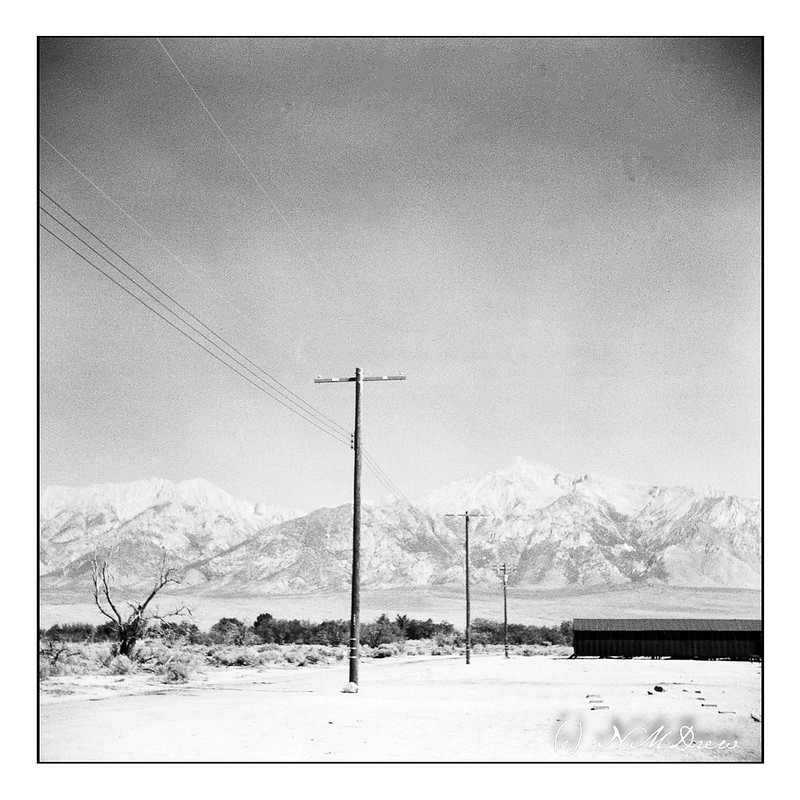
Manzanar #1

Manzanar 1

In 2021 we headed out on what was to be a 3 week long road trip. The first part was up the Eastern Sierra along Hwy. 395, stopping and staying in Independence, CA. One of the most notable places to see along this route was Manzanar National Historic Site – a not very nice part of US history. It is a Japanese internment camp which was built for imprisoning Japanese Americans, natives of this country, and therefore citizens, as well as immigrants.

I took along a digital camera, and a folding camera, the Zeiss Ikon Ikonta 521/16. Only now am I scanning the film – it took quite some time to finishing up the roll! I used Kodak TriX 400 and got twelve 6×6 images out of the roll, which is 120 film. To process the film, I took it to a local lab and then scanned it myself using the Epson V600 and Negative Lab Pro in Lightroom.

However, the trip ended when we got breakthrough Covid. We headed back home, sadly, but better safe than sorry, eh?

Modular Medium Format: Mamiya 645 Pro TL, Part II

I am gonna keep the beast! 

The image above has the waist level viewfinder, which I would like to have.  I have the eye-level viewer complete with automatic exposure and a hand grip with film advance.

There is a really good review of this critter over at Emulsive, which is a great website for reviews on older cameras.

Everything worked out really well, auto-exposures and ones from reading of the Sekonic light meter, as well as my own guestimates!  Totally happy!  And what I like even better is the distinctive look of the 80mm f2.8 C lens that came with the beast.  Add to that, the Negative Lab Pro has been a real worthwhile investment for post-processing.

In order to check out the camera, I loaded a roll of Fuji Pro 400H, a film which has great color and latitude.  Its color is not as intense as Ektar, but it comes close with the brilliance of the colors.  I just shot around the house and neighborhood.  There is absolutely nothing outstanding about these images except to prove the camera works, and works well.  The whole point was to learn about the various aspects of the camera, both automatic and manual.

I handheld the camera for all these images. Friday I am expecting some of the proprietary Mamiya lugs to attach to a camera strap so that I won’t be as likely to drop it. The hand grip is a great handle, but I have read of people almost losing the camera from depending on the hand grip – somehow, the grip got disconnected from the body. At some point, I will get the waist level finder as I enjoy using so much on my Yashica D that I know it will be a good accessory. Because it is such a large camera, if I do get any other lenses, I am likely to limit myself to a macro lens. Other than that, at this point I don’t plan to accessorize it too much. I like the way it currently is, but if I want to go hiking, a lighter set-up would be good.

Altogether, I am happy with my decision to go with a modular medium format camera.  However!  G.A.S. is setting in . . . 6×7?  4×5?  Oh, dear me!

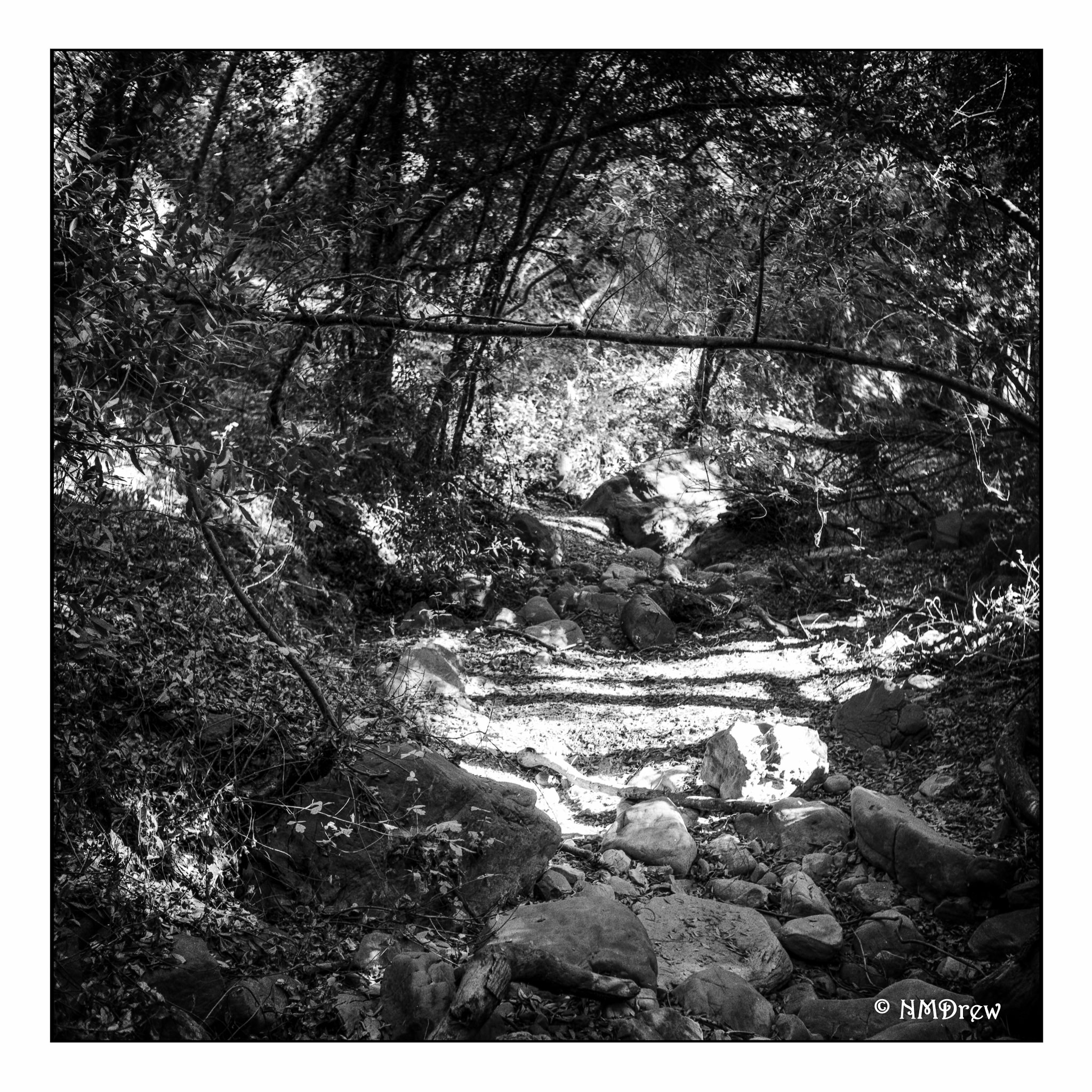
Where’s the Water?

In California, we have been dealing with increasing drought over the years. Usually this creek runs with water falling from Nojoqui Falls in Santa Barbara County, but here it is dry. With the winter’s rainy season beginning, I want to return, perhaps after a storm, as this really is a lovely little creek when it’s moving along. Even dry, it’s nice.