Another Walk on the Wild Side

Toward the River

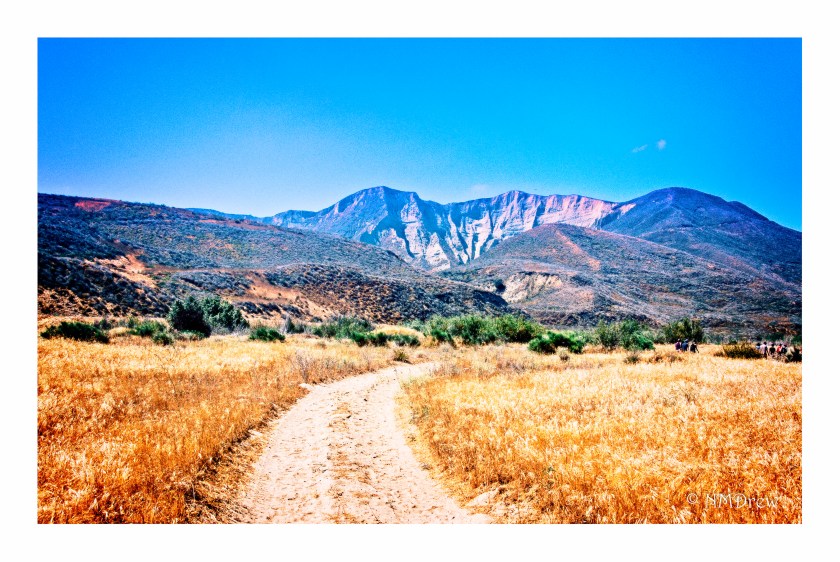
Meetup groups can be a great way to make connections, to do and learn about new things.  Lately, I have been going on walks with the local Nature Conservancy group, and enjoying it immensely.  I am amazed at what I see and what I learn.  There are a lot of sharp eyes – the leaders spot things I wouldn’t notice, like horned lizards, and mountain lion tracks.  Yesterday, we wandered over to Santa Paula, California, to explore the property the Nature Conservancy has there.  It is up against the mountains and along the Santa Clara river, which is one of the last open rivers in Southern California – “unmolested” as Amy (the leader) says.
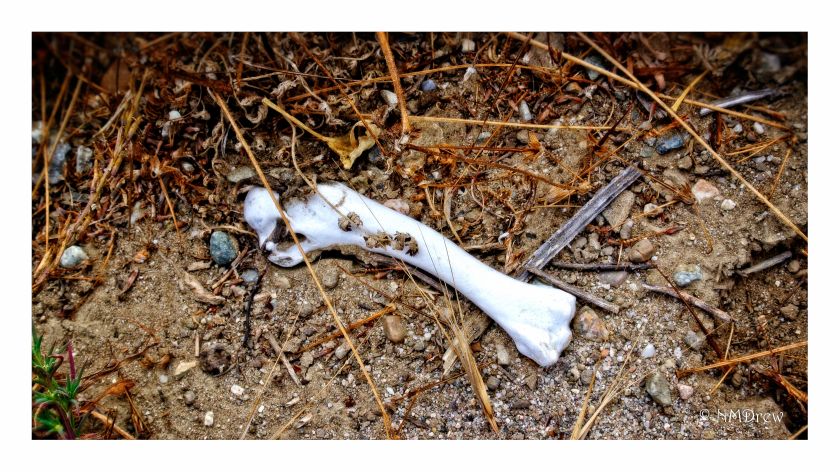
Remains

This hike consisted of a group of young men from a church in San Bernardino to a couple of young kids who found a horseshoe with the nails still in it and a feather from a red tail hawk.  All told, there were about 15 of us.  There were people I had met earlier – I expect they are regulars, as I am becoming – and newbies, too, who weren’t “new” to the world of nature, but just to me.  Some had amazing knowledge of plants and animals and the ecosystems involved.
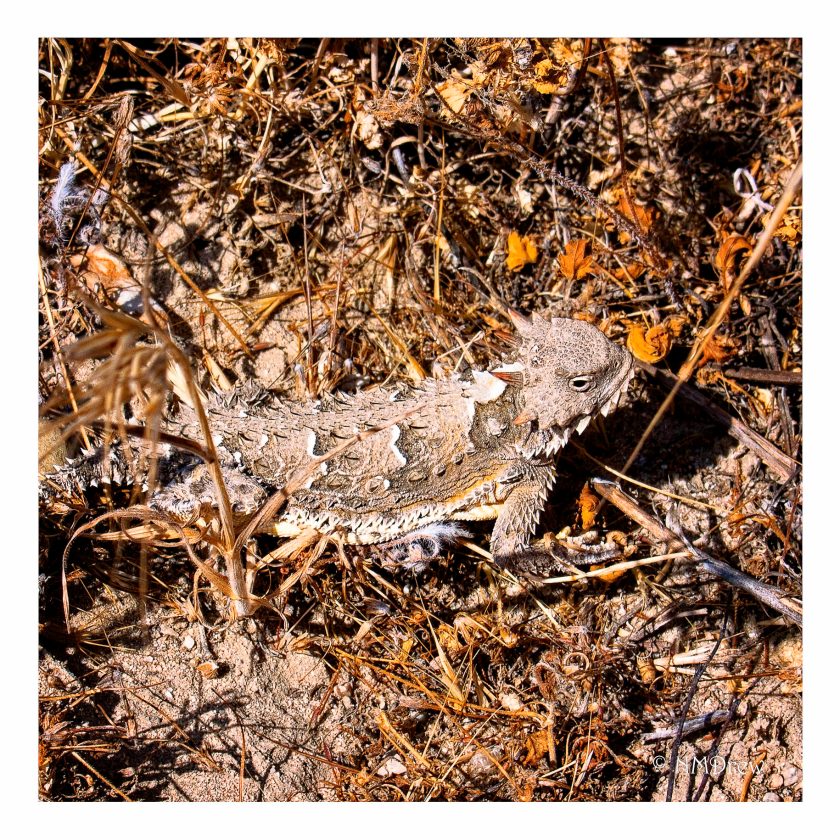
Horned Lizard

Probably the most interesting part of this hike, for me, was to learn about the invasive species here in California, and their negative impacts.  These plants include arundo donax, black mustard, and fennel.  They are everywhere.  The arundo donax is an import from India and was used to control flooding along rivers.  The problem is that it is very invasive and dense, crowding out native species.  Black mustard was spread (supposedly) by the Spanish missionaries as the wended their way up from Mexico into California, using it as way to mark the trail from Mission to Mission.  Finally, fennel (which has a taste similar to anise or licorice) is an import from the Mediterranean.  Each of these plants are very familiar to the California landscape, but extremely, extremely difficult to eradicate.  Each has changed the native landscape in its own way, not for the better.
Heron

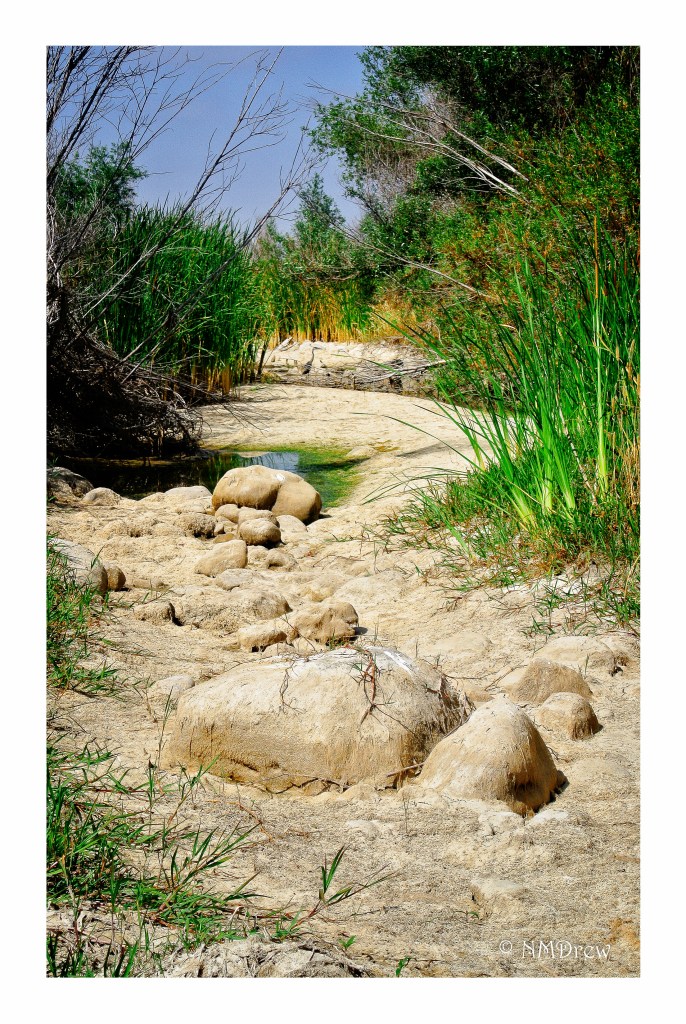
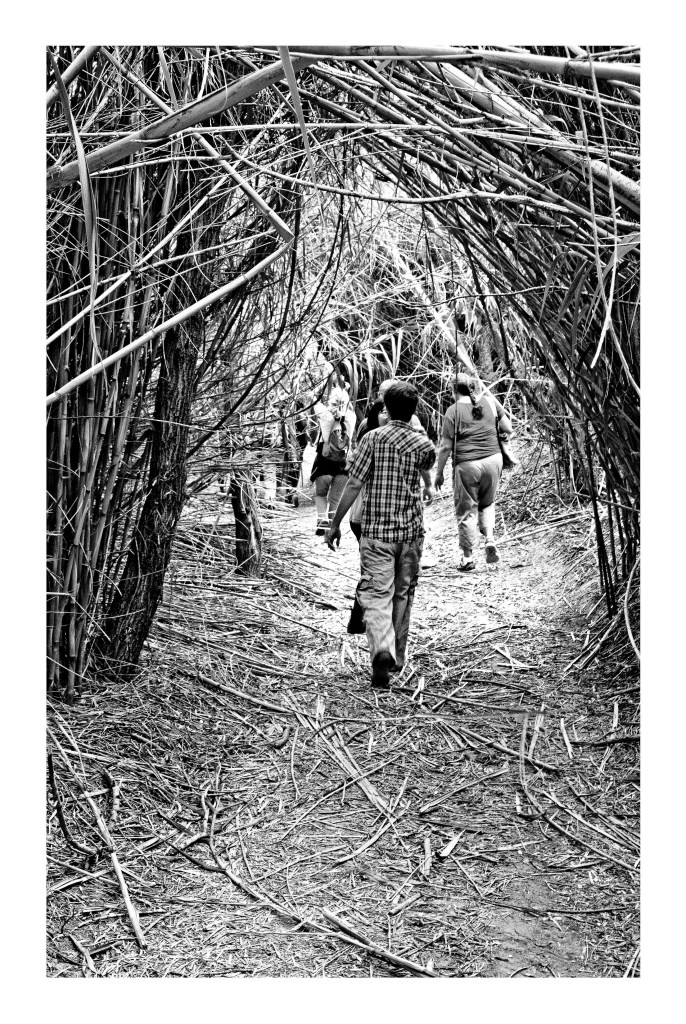
Native species along the Santa Clara river include mountain lions, badgers, egrets, herons, coyotes, pond turtles, yucca, buckwheat, cat tails, bull rushes, black walnut, red tail hawks, and a lot of other plants and animals adapted to the dry climate.  The Santa Clara river itself is not a river as one might think – not like the Mississippi – but a seasonal one which varies depending on the rainy season.  Some years we might see it wide and filled, other years a bit more than a trickle.  Where we trekked there were scattered ponds, low areas surrounded by cat tails and clogged by the arundo.
Tunnel

Many people think that everything in So Cal is just a freeway . . . it’s not.  There are a lot of open areas filled with life.  You just have to get out to look for it!  Below is a gallery of images.

Rainy Day

Today a pretty good rain storm is hitting the California coast – up to 3 inches in some areas, with potential mudslides where land has been laid bare by wildfires.  I had hoped to get out before the rain, to take a look at the nearby open space, and possibly take some photos.  Other activities have distracted me, so I thought it was high time to get out.  The thing is, that it was raining pretty hard by the time I was ready – 7:30 a.m. – and it is going to be like this for the rest of the day.  So, instead of getting too far from the safety of the front door, I decided to look at what was around the house and on the patio.  I got a bit wet, and so did the camera, but we both dried off rather nicely.


I Forget About My Phone . . .

Usually, I take my cell phone with me, set so I don’t hear it ring. I bring it for emergencies, not because I want to text friends or take calls or listen to spammers or check my email or the stock market. It’s a practical tool. I forget about it unless there is something I want from it. And I forget that it has a respectable camera on it – the Samsung Galaxy 5 is not a slouch of a camera, and I even have VSCO on it as my primary editor. When I want to, I use it.

Yesterday, out on The Trail for the Blind here in town, early in morning, I was wishing I had my camera with me – so many beautiful things to see in the morning sun. And, as I was looking, hands in pockets (it was only 44F!), the answer to my desires appeared in my hand. Rather magical on a magical morning!

A Photographer’s Friend: Epson V600 Scanner

For 35mm film, you cannot go wrong with a Pakon scanner – it comes in a lot of flavors and price ranges.  The problem is that it is no longer being manufactured.  Models vary in price and availability, usually on eBay.  On the other hand, the Epson V600 scanner is still being produced, and is about $200 US, depending on where you shop.  It is a great way to scan your own medium format film.

As we all know, YouTube is an endless resource for information, opinions, silliness, and instruction.  One photographer whose videos I enjoy, and learn a great deal from, is Matt Day.  In particular, his video on using the Epson V600 is invaluable.  The video below is for scanning black and white film.

Scanning black and white film is easy, but one of the issues you might find is that the Digital Ice is not useable with b&w.  Digital Ice is the software which reduces scratches and dust on negatives as they are being scanned.  It works great with color film – scan the same color negative twice, and you will see the differences.  The reasons why are found on the web, but essentially it is because the chemical content of color and b&w film are different.  Therefore, having a very clean negative for b&w scans is necessary, although you can remove dust manually through software, such as Photoshop or On1 Perfect Photo Suite / Photo 10.  NB:  Digital Ice will work with b&w C-41 processed film (color film is C-41).
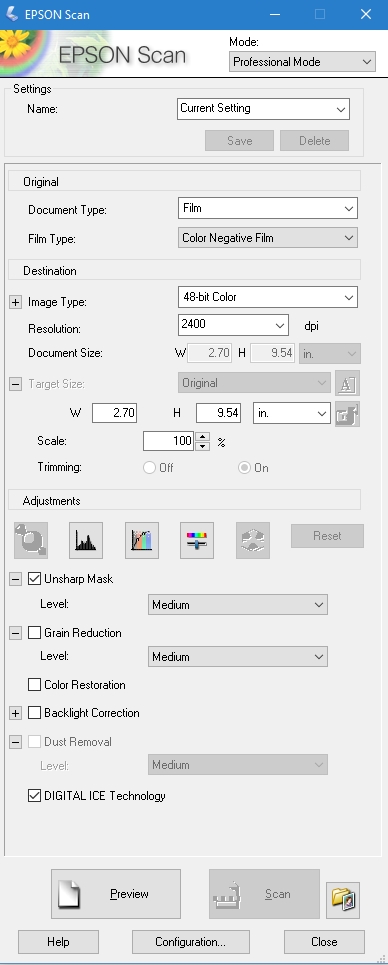
The Epson Scan software is quite robust.  It does a great job, and has a lot of tools to help the end user modify individual images prior to the final scan – yeah, use the preview for sure!  Below is an image of what my settings are in b&w.

Epson Scan B&W Settings

The best way to use the software is to just explore it. Check or uncheck boxes as you desire. Take the time to play with it, to get used to what the software does. Matt’s out-of-the-video settings are very good. I checked the “dust removal” box for a particularly nasty set of negatives – don’t know if I saw much difference, but I didn’t look too closely.

Color negatives have different configurations – as you can see in the image below.

Epson Scan Color Film Settings

These are what I use, and am fine with them. In the middle of the screen are adjustment buttons – check them out to see what they do (try reading the manual, or googling them, if you need help!). The two items checked are the ones I use – unsharp mask, per Matt’s recommendation, and the Digital Ice, per my recommendation.

Also, do not be lured into much more resolution than 3200, as the files can become very big, and perhaps not worth the size for post-production work.  Some people have noted that beyond 3200, quality begins to degrade.

Directly below are three items which are important to look at. The “Preview” button lets you see what you are going to end up scanning. If you watch Matt’s video, you will see how he uses the previewed images to make adjustments. The button labeled “Scan” will be activated once you are ready to roll, but BEFORE YOU SCAN, go to the button directly to the right of the “Scan” button. You must use this to give the final info to the scanner – where to send your scans.

Epson Scan File Save Settings

I always save my images to specific file directories, where I keep all my photos that I later import into Lightroom. I save as Tiff, and try to renumber to 001, but if I rescan, I change the file number to 100, and so on. I like having the image folder opening after I scan because then I can double-check my foggy brain and make sure I have done this job! I don’t want my Ektar in my Portra scan folder.

Also, while I think the Epson Scan software automatically detects the film size(s), if you notice anything weird, go to the “Configuration” button on the bottom of the page.  Here you will find info for Preview, Color, Film Size, and Other.

Altogether, I like my Epson V600. The price is right for me, and because I am just getting into film in a bigger way, I don’t want to spend too much money – film costs add up quite quickly! Other software helps develop an image to your final liking – as you can see below. The first picture is directly from the scanner, and the second one has been manipulated to the nth degree because it was so crappy (an image from my previous post, Catastrophe in the Darkroom.

img014

Stripes

Click on the images above to see the crap in the first, and the final clean up in the second.

To clean up the final image above I did the following:

  • exported image from LR6 to On1 Photo 10 Enhance and used the spot removal tool (this is better than the one in LR as it does not search for an area similar to the one being fixed, and as a result, does a better job).  More post, if desired, in On1 Photo 10 Effects, or whatever else I want to do.
  • Return to LR6, and exported to Photoshop, using the Noise / Scratches and Dust filter (or whatever it is called).  To use this, find a video – there are good ones for us unsophisticated Photoshop users.
  • Return to LR, and do final export with signature.

And there you are – a brief review and some post-processing steps.

Catastrophe in the Dark Room

img008

Well, in the film-changing bag.

I have the Paterson set-up, with adjustable reels, for home developing of film.  My first round of developing was smooth and easy, using 35mm black and white film.  This time, though, was awful.  The Paterson reels are plastic and adjustable, and I like them for the 35mm – but did not like them at all for the 120 film.

The reels are harder to load than I realized for 120, and as soon as I got the film in the bag (without any practicing), I knew I was in for trouble.  I couldn’t do it.  Neither could my husband.  The film was bent, spindled, and mutilated.  As I had already poured out my chemicals, I just went ahead and jammed the film in, figuring the practice in developing wouldn’t hurt, and since things were already a mess, what the hell.

The film here is Ilford HP5+ used with the Holga GCFN 120 camera I got for my birthday last month.  I kind of like what happened, but don’t want this experience to be my usual for 120.

The funny thing is, there are some pictures in here I actually like, but will need to do some work on to get them where I find them acceptable.  Contrast adjustments, cropping, whatever.  In particular, out of this sea of mistakes, I like the leaves – I’ve never thought about deliberately doing double exposures, but the double exposure of the leaves are pretty cool.  (I also have some Kodak Ektar 100 I double exposed in another camera that I also like.)  So, even though there was catastrophe, Pandora’s box is not all dark.