That Old Faded Look

Once more, the folks at OnOne Software have come through with an excellent video tutorial.  What makes their tutorials so nice is that you also get to learn a lot more about the program as their narrators are usually articulate with a spoken pace which is understandable and clear.  Being able to put a video on pause is another advantage – you can fumble around with Perfect Photo Suite as you follow along, wait for things to process, answer the phone, or whatever.  You will find their tutorials under the Learn / Video Tutorials tab on their site.

The video I watched today is Replicating Faded Film Looks.The essence is that one can achieve this look, and then batch process it so other images will take on the same characteristics as the original.  The parts of Perfect Photo Suite used include the Browser, Enhance, Resize, Effects, and Batch.

I used a bunch of images from a photo shoot at a local beach done a couple of years ago. Here are the before-and-after images.  If you have sharp eyes, you will see that none of the “original” pictures match the finished – I have about 1400 pictures in the folder from which these are drawn, so I pulled out ones which were similar.  I really should have moved the before and after pictures to another folder . . . live and learn.  But, you will get the idea!

Before the Fading 1

Faded Dunes at the Beach

After processing the images in Photo Suite, I did add a bit of a vignette in all images using the vignette tool in LR5.

Before the Fading of the Crab

Faded Crab on Pier

What I like about this shot is that the crab, while really rich in color, did fade rather nicely in the final shot.
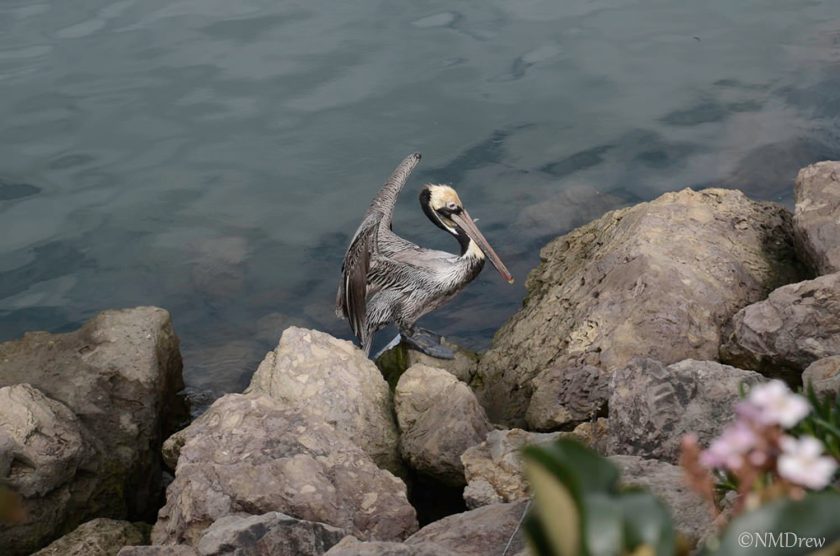
Before the Fading

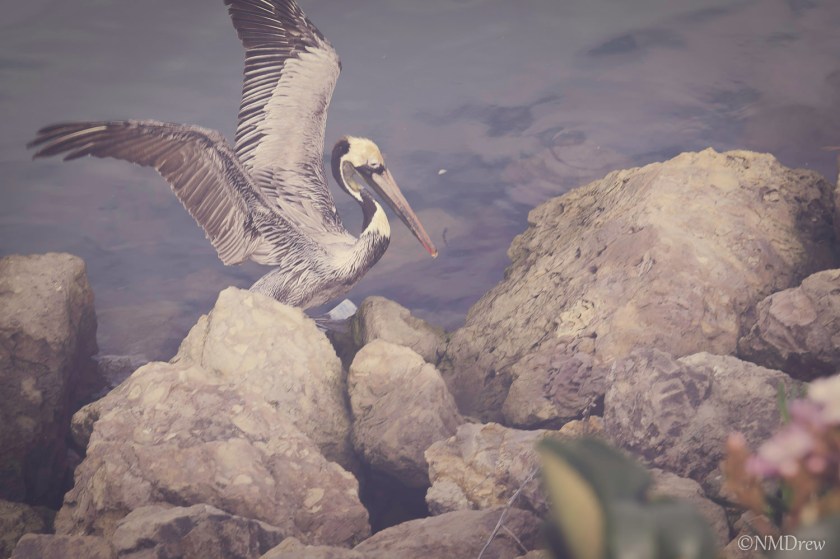
Faded Pelican

Altogether, this is really nice if you are trying to achieve a similar quality between pictures. The Batch process works nicely, and seems fairly efficient – I processed all 3 of the images in the same batch.

I’ve decided that I will work toward mastering Perfect Photo Suite, rather than some of the other programs I have to use. Photoshop is just way to complicated for my impatient nature, and OnOne is putting out V. 9 of Photo Suite by the end of this week, and I already bought my upgrade.

Changing Perspectives

One thing I admire is craftsmanship – the ability to create something beautiful and / or useful – and that mastery of tools to create that item.  By making the decision to understand the photographic software I am using in greater depth, the computer and programs are shifting from just things to play with to make a photograph look better to creative tools in the creative process.  Granted, the physical task is not the same as working in a darkroom – and not as fun. But by plumbing the depths of different software, I am finding a creative outlet I haven’t had before.  Really strange this new mindset . . .

To learn anything, to master anything, to go beyond mastery into artistry, takes time, talent, inspiration, patience, accidents, tangents.  I can honestly say that this change in perspectives occurred when I took the picture below further than I ever conceived possible . . .

Fern Leaf  - Original

I chose this photo because I like the shadows cast by the fern. I thought initially it would be good in black and white, which I think is something I will eventually do, but I just grabbed it at random to use as a photo in a follow-along of an OnOne Perfect Photo Suite video lesson.

I have never used textures to process an image, but a post by Brian Matiash featuring a picture I really liked, tweaked my interest to the point I looked up this video.  Step by step, I followed Liz, choosing the ferns, importing some textures, working with her as she moved along.  I really didn’t think too much about making a picture I liked, I thought about learning more about Perfect Photo Suite.  Well . . . I did learn more about the program, but I also learned that I really could get something I liked that was not horrifically ugly.

Fern Leaf

I had fun, and better, discovered that I could find a sense of creative satisfaction sitting at a computer working on a photo.

Oh, here it is in black and white . . .

Fern Leaf  - B&W

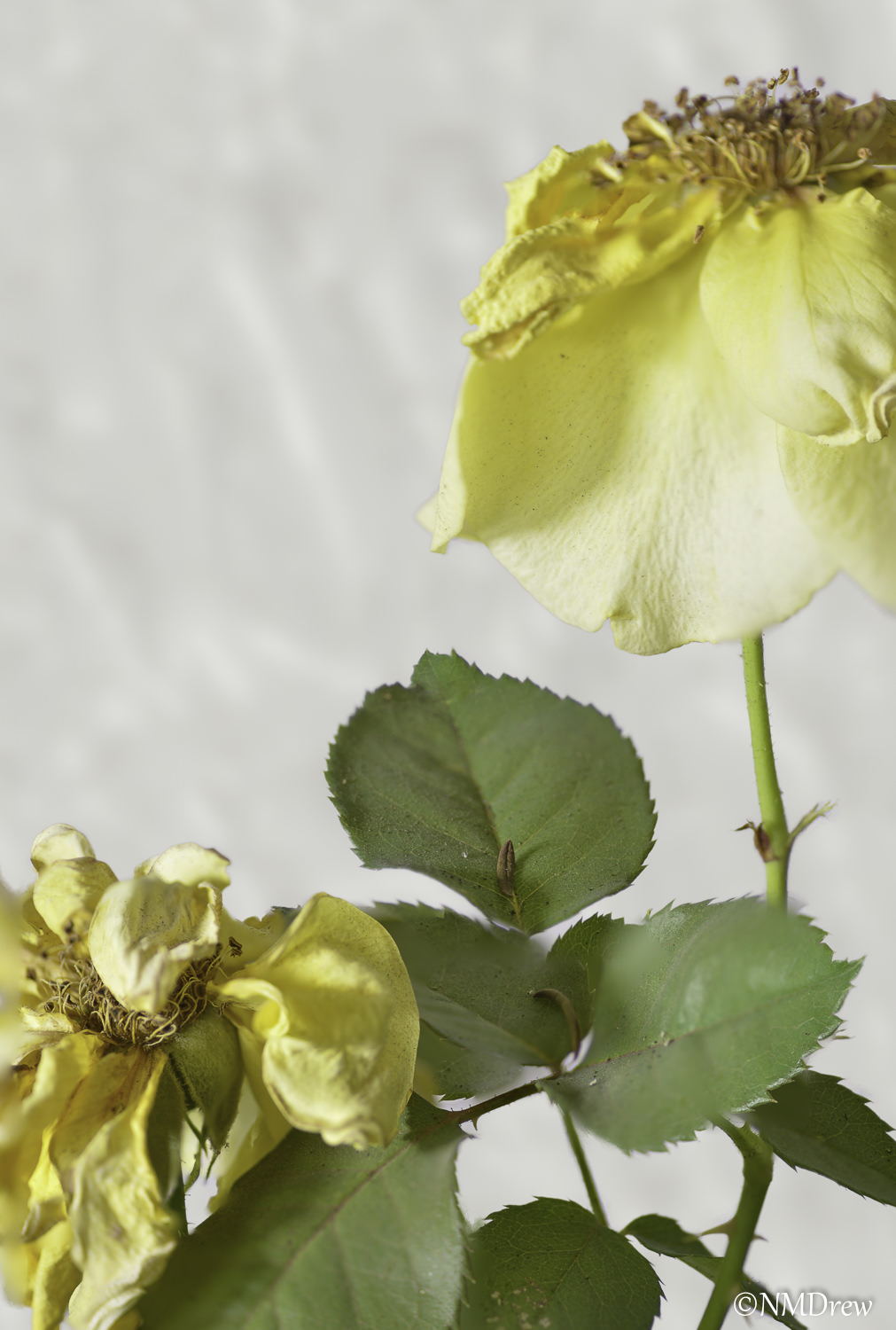
Two Roses, Two Masks

Yellow Rose Remask 4 Impasto Gaussian Blur

The above was done using Topaz Remask 4 and CS6. The one below with a “quick and dirty” program and less refinement on my end. In the one above, I inserted a background and blurred it in the Gaussian blur. The one below was simply an opaque, white background.

Drying Roses

Like I said, I’ve made the decision to work at mastering the software I use in post. There are lots around, with lots of tools. Some are expensive, some ubiquitous, others less well known.

Some progress is being made. Click on them to compare if you wish to see the quality of the masking.

Topaz Remask 4 is quite remarkable.

I See the Moon

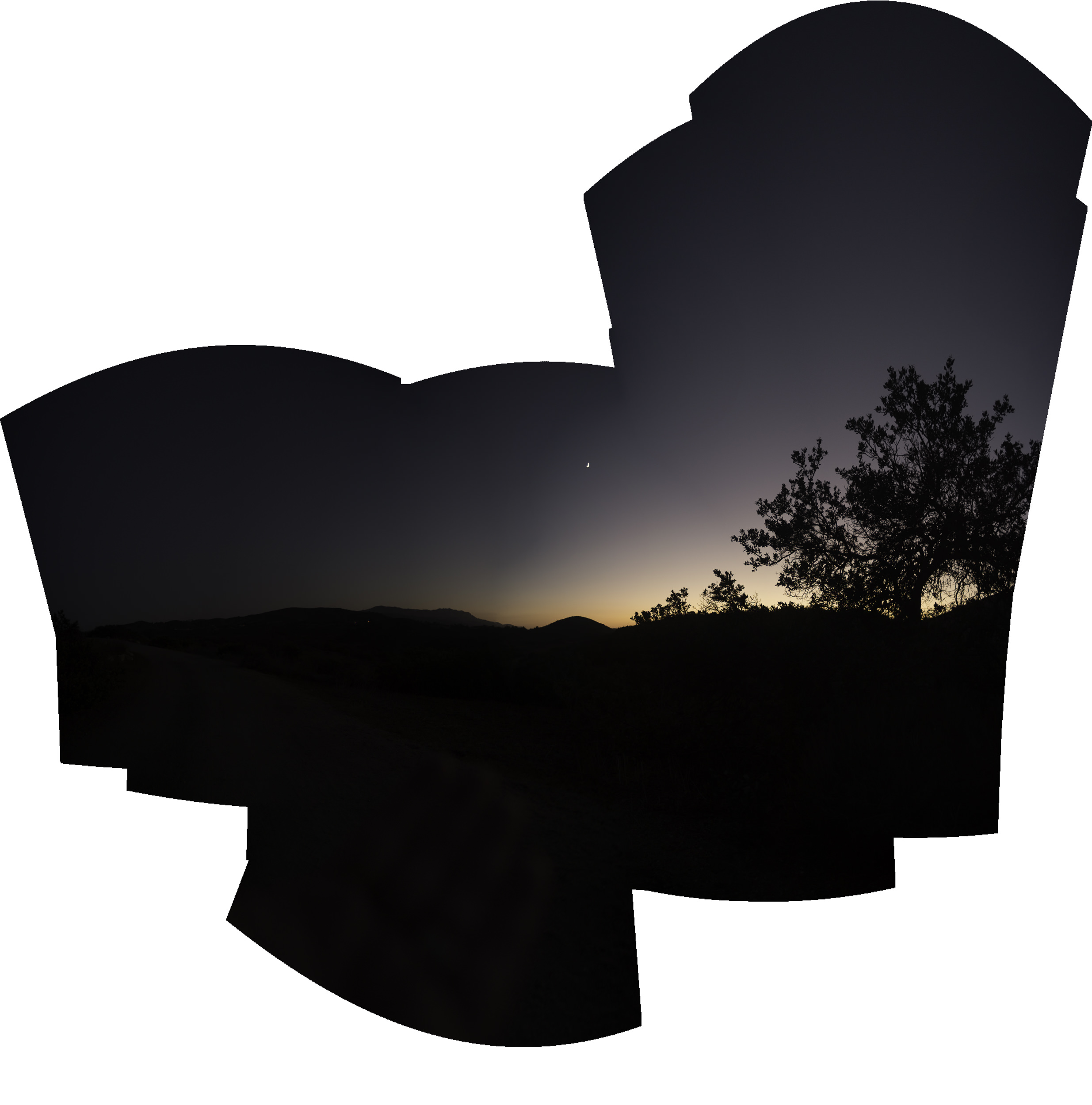
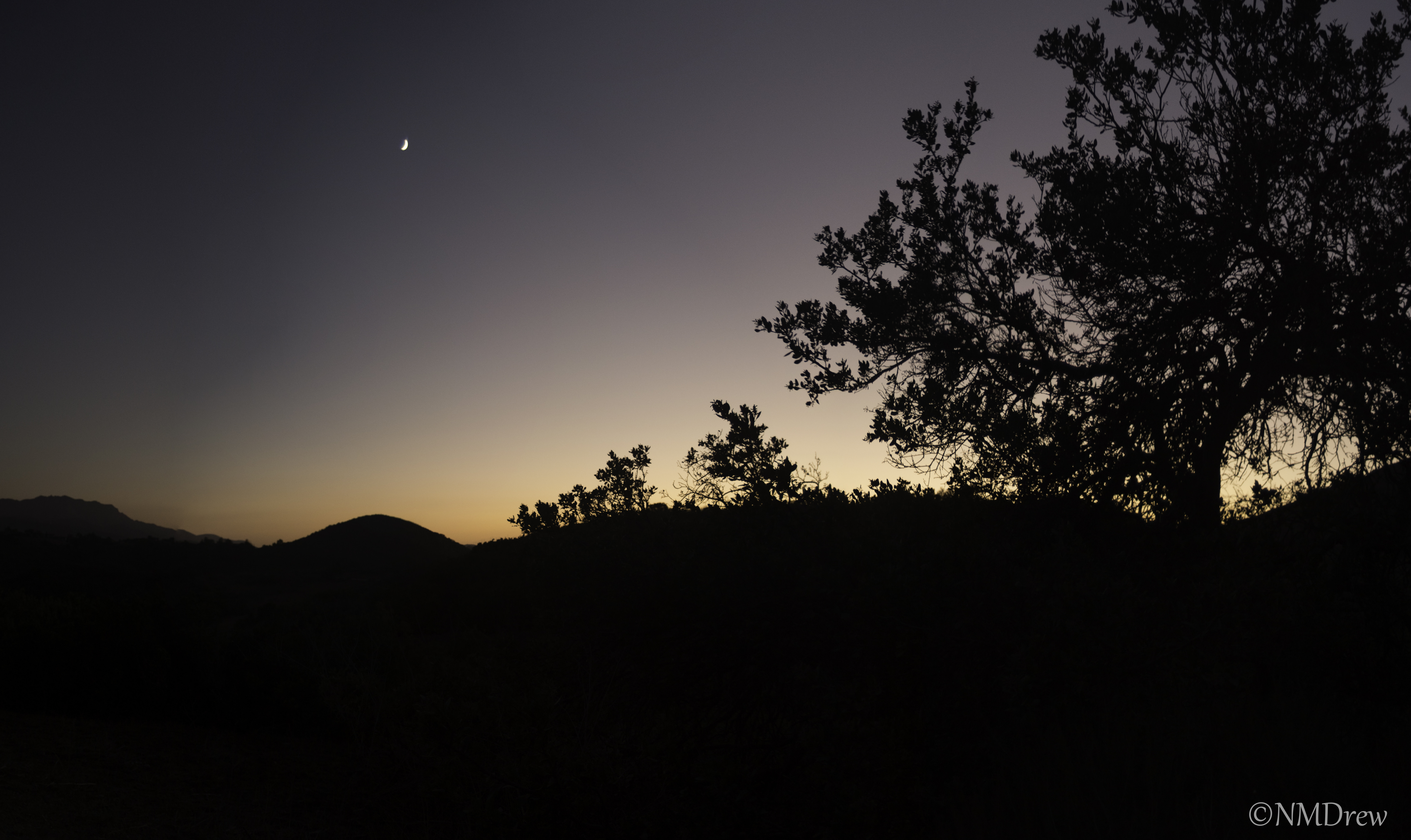
The other night I went out toward sunset – checked the electronic almanac called my phone – taking a beautiful old lens, the Vivitar Series 1 24-48mm, and the Df.  I set everything up manually and shot a number of pictures to make a panorama of the crescent moon and oak tree silhouetted against the remaining daylight.  I was in the golden hour, moving into the blue hour.  The first image below is the pano, uncropped but reduced in size, and the following are variations in cropping and post processing. Click on the pictures to see them full size. This lens is beautifully sharp.

I See the Moon - Uncropped (1 of 1)

I See the Moon (1 of 4)

I See the Moon (2 of 4)

I See the Moon (3 of 4)