
This morning, I was out in the mountains early. Fog was heavy, drifting in and out.

This morning, I was out in the mountains early. Fog was heavy, drifting in and out.
Meetup can be a great way to meet people with similar interests. This morning, I joined up with a hiking-photography group, had a great time, and saw some parts of the Santa Monica Mountains I had not seen before. Here are a few results.


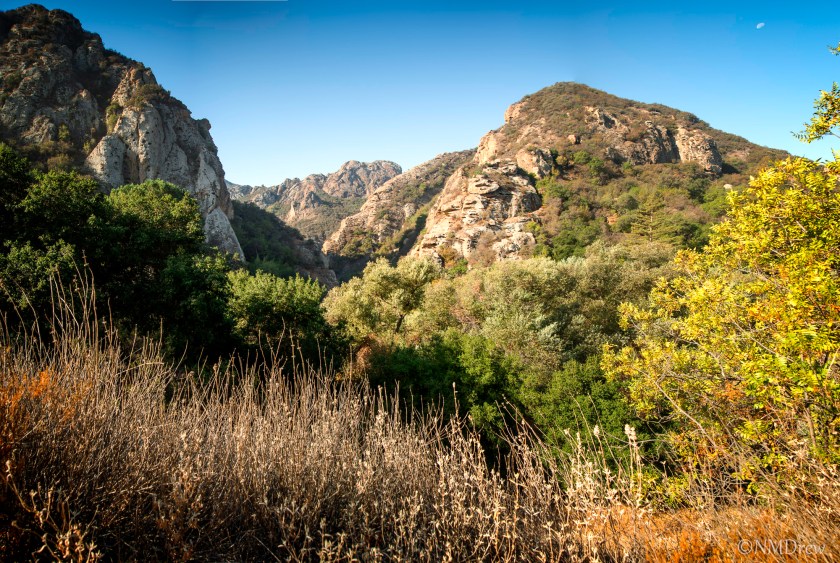
Notice the moon in the upper corner of the picture above?

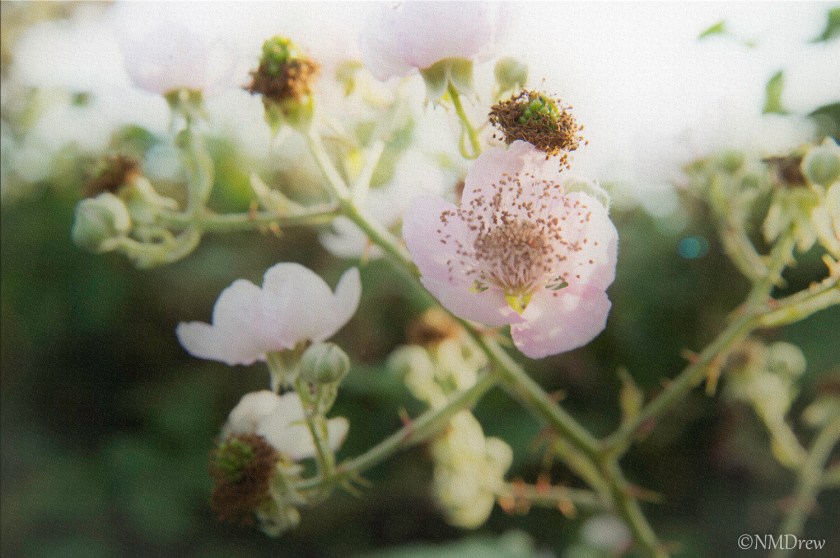
In the process of learning software in greater depth, I am coming across approaches to photography I have never before encountered. Here, I present you with an attempt at the Orton Effect, which provides a softening of an image, sometimes a dreamy quality with a painterly appearance.
This approach was done with multiple layers in CS6. The upper left hand corner looks muddy to me – not quite sure what to do about that to correct the color, so it could be cropped out. I could adjust the colors in the image, but I just decided to go with its pale quality.


Taken whilst exiting the ferry in Seattle.

