
Every now and again it is fun to play with post . . . this is a pano of about 5 images.

Every now and again it is fun to play with post . . . this is a pano of about 5 images.
Every now and again a program comes along for photography that is just plain fun. Topaz Glow is one of them. Essentially a fractal program, Glow gives some interesting results. Many similar results can be done in different programs, such as different filters in Photoshop, but they could require a bit more work. Below are some videos about the product.
This is one in greater detail.
I like this next one because it shows a very clear way in which you can incorporate Glow into your workflow from Photoshop.
Using a program like this requires practice and time. Me, I don’t have a lot of it, but I really do think using videos to learn about something can be worthwhile. Companies often provide nice oversights of their products, but individuals can come up with incredibly creative ways to use a program.
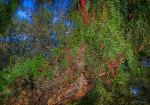
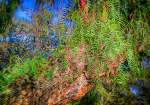
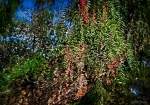
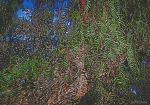
Below is my original picture.
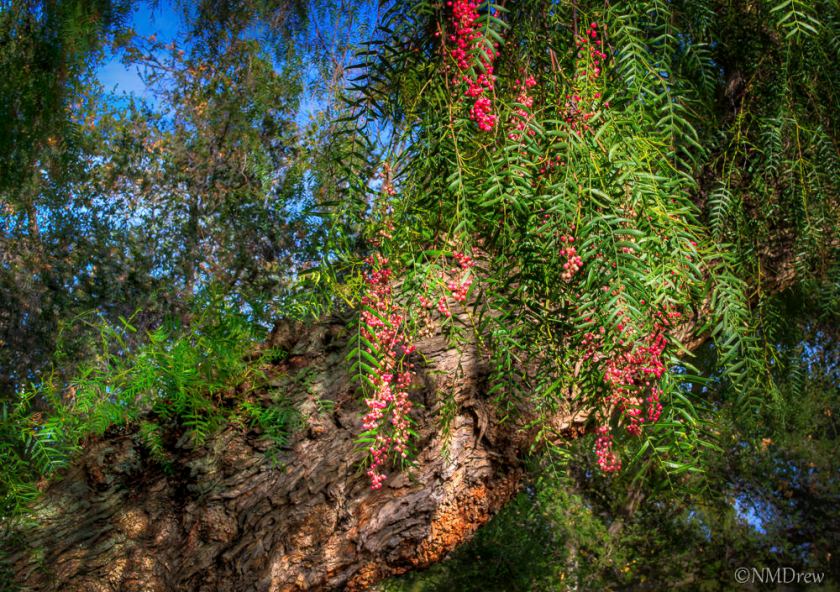
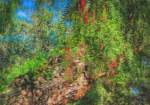
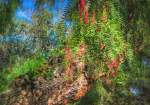
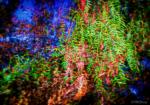
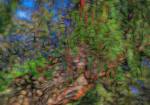
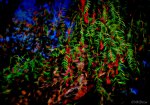
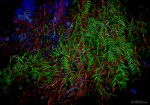
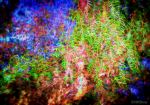
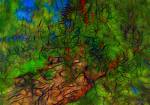
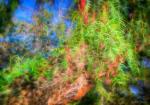
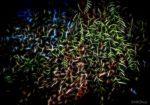
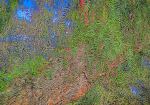
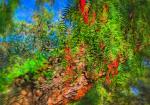
Here, I am simply going to show you some pictures using the default settings for all the presets that come with Glow. Many of the presets are similar, others have light or dark variations. There is a lot of potential here for the creative . . .
Click on an image to begin a slide show.
















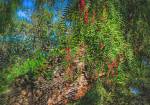














I am practicing masking in different software programs. Of late, I have picked up a trial version of Topaz’s Remask 4. It does a very good job, far better than less expensive programs, and with very good edge refinement. This is one of my first attempts using it, replacing a dull sky with one filled with clouds. Processed using LR5, CS6, and Remask 4. If you would like to see what Remask 4 can do, google it or look for it on YouTube, but you can also see how it worked with a photostacked rose.
 Ink, Yarn & Beer