Work to Do

This is really a result of the road trip – more of that in other postings! – a lot of slides being scanned by yours truly in two different systems, with two different results. These slides are from ca. 1951-1960 and were taken in Illinois, in Chicago and the rural area where I grew up. For some reason after that the only family pictures we have are school pictures, and they are not really exciting to look at.
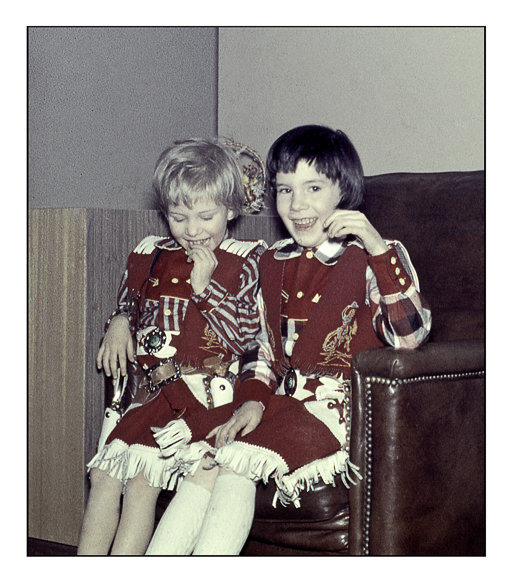
My sister and me

The slides were taken with both Kodachrome and Ansochrome. Both have deteriorated, lost color, collected dust and threads. Cleaning them up is not easy, but software – the right software – helps in that regard. Above is a slide I cleaned up and cropped using the Epson V600 flatbed scanner, Lightroom, Photoshop, and On1 Photo Raw. Dust removal with the Epson software was not really great so I spent a lot of time erasing the debris on the slide. You can see the original slide below.
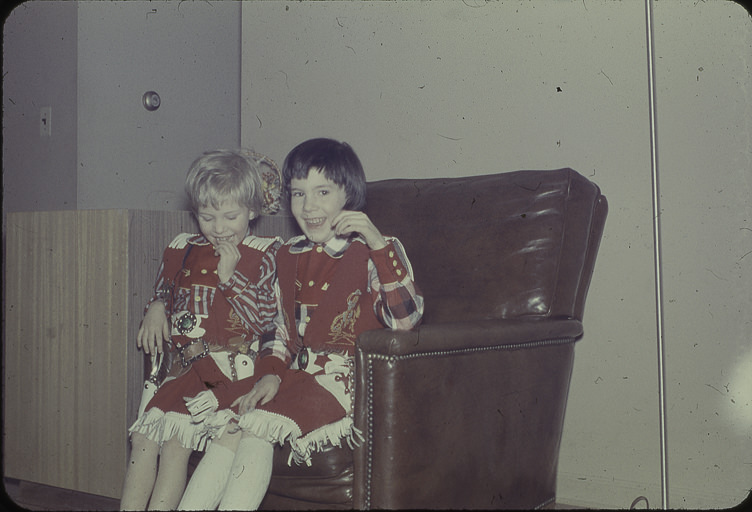
Dirty slide . . . dust and schmutz everywhere!

I have no idea what kind of camera my parents used in those days, but I am sure it is a 35mm camera as this is a Kodachrome. This next image is from an Ansochrome slide of yours truly and our dog Siwy (pronounced shee-veh, or as we said, shee-vee). I used SilverFast 8.8 and my PrimeFilm XA Super Edition to scan the slide.
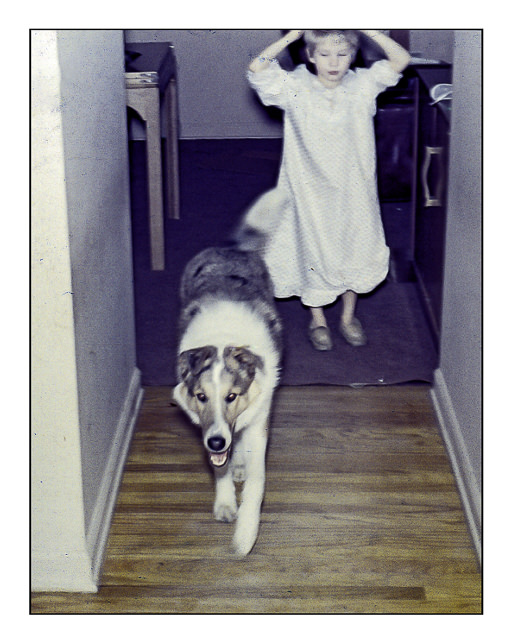
Siwy and Me

Silverfast has a really good dust and dirt removal in its SE software – you can get this for free with a lot of new scanners. A lot of people think it is hard to use – maybe if you don’t want to play a bit – but I have been really pleased with it. There were still areas after the dust / dirt removal I needed to clean up, such as areas where the slide had deteriorated. Sharpness, too, was difficult to work with. Below is the original scan of the slide so you can see the difference.
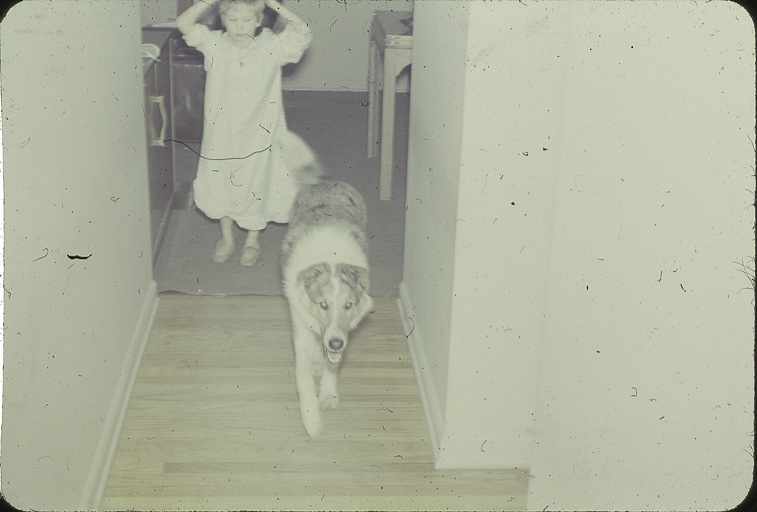
Epson V600 Scan

The combo of SilverFast and PrimeFilm scanner create a relatively clean scan – I wanted you to see all the dirt! Finally, I did the color upgrade / modification in On1 Photo Raw using a preset I made.

Our family doesn’t have a lot of photos and little knowledge of family history. My mother’s family were immigrants and their family vanished after WW2. We never had much contact with my father’s family for all sorts of reasons. When we go, our branch of the family tree disappears. Editing and recording these slides is for my pleasure and that of my sibs – if they think it is of any interest.

Am I living in the past and not looking to the present and future? Am I getting mawkish and sentimental? It’s hard to tell. History has always fascinated me, so perhaps our little bit of history and that of the world is impetus enough. Of course, editing photos is a bit of fun, too, so why not?
Fun & Games with Topaz Glow

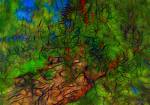
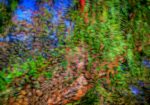
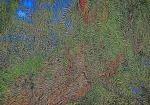
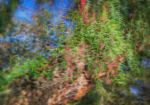
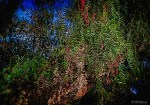
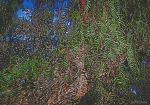
Every now and again a program comes along for photography that is just plain fun. Topaz Glow is one of them.  Essentially a fractal program, Glow gives some interesting results.  Many similar results can be done in different programs, such as different filters in Photoshop, but they could require a bit more work.  Below are some videos about the product.

This is one in greater detail.

I like this next one because it shows a very clear way in which you can incorporate Glow into your workflow from Photoshop.

Using a program like this requires practice and time. Me, I don’t have a lot of it, but I really do think using videos to learn about something can be worthwhile. Companies often provide nice oversights of their products, but individuals can come up with incredibly creative ways to use a program.

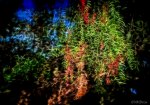
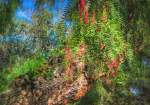
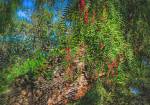
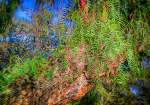
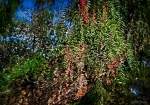
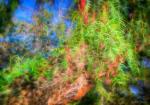
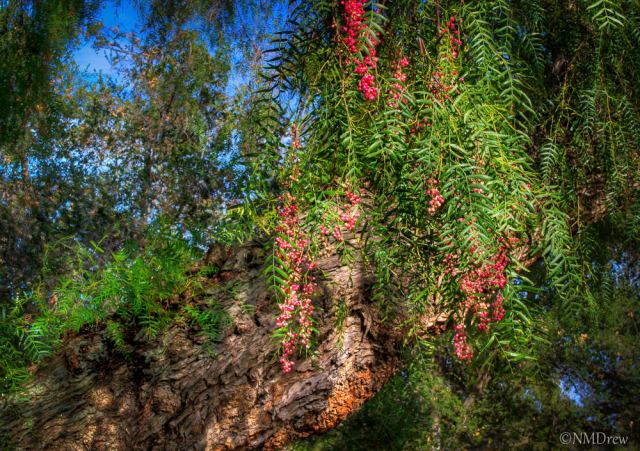
Below is my original picture.

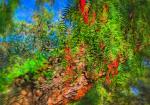
Pepper Tree

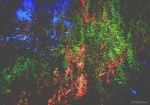
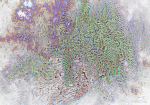
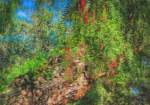
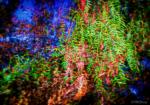
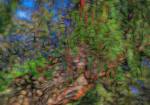
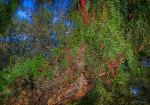
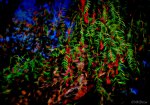
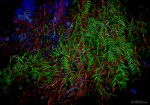
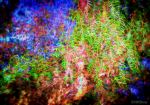
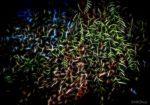
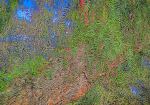
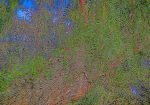
Here, I am simply going to show you some pictures using the default settings for all the presets that come with Glow. Many of the presets are similar, others have light or dark variations.  There is a lot of potential here for the creative . . .

Click on an image to begin a slide show.

Layers

OnOne Perfect Photo Suite 7 is a rather fun program.  Coupled with the book by Nicole Young and training videos from OnOne University, some of the power of the software becomes apparent.

First of all, I am really a novice with this program, and, indeed, with many more sophisticated programs.  Photoshop eludes me, and I am okay with Lightroom, but only because it is pretty easy to putz through.  Layers, though, are another story.  I get the concept of layers quite readily, but how to produce something using layers is the challenge.  This is one reason why I decided to pick up Perfect Photo Suite 7 – it isn’t over the top with what can be done, but provides a really solid set of tools for neophytes.

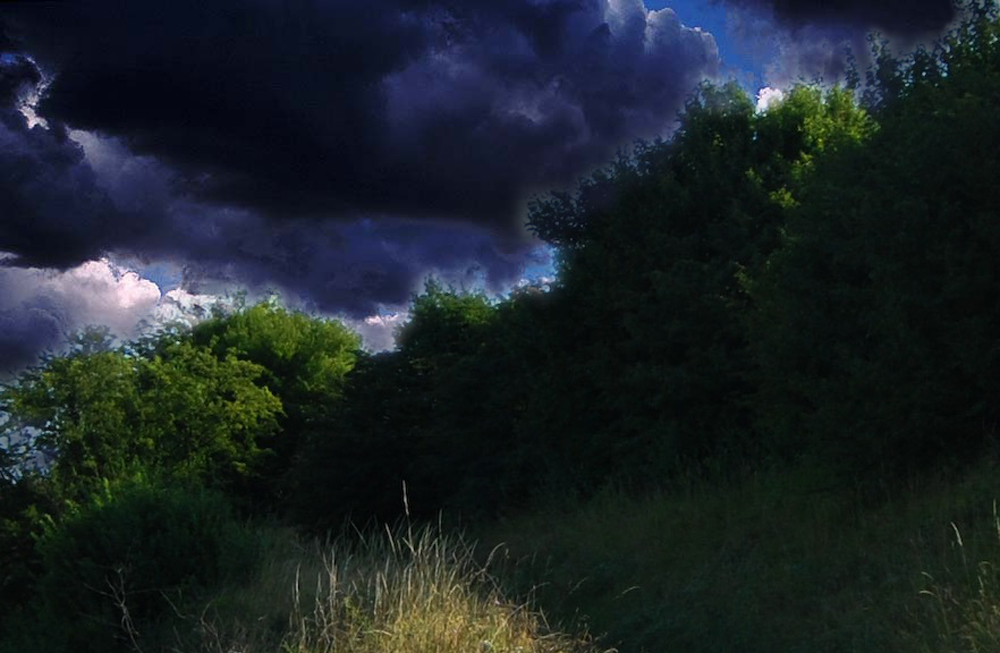
I began the book at the beginning, reading the first chapter, Getting Started, and the second one, Perfect Layers. I also watched a video or two about layers, and the results are below. For each, I took two pictures, free from the internet and from my own portfolio. I found skies, and put them into the other image by brushing out or in, to show or hide, the underlying layer. Kind of confusing at first, but I got the hang of it.

Layers 1

Layers 2

The above two images worked out okay, and I played a bit with different available in the Layers module. I tried the different “bugs” – they look great, but I need to practice more with them. There are some limitations that I can see, but I expect with experimentation, the bugs, with multiple layers, can be quite powerful.

Layers 3

This image uses Layers, and then the addtion of Effects. If you look closely, you can see that my erasure of the sky was not very good – there are streaks in the clouds! Important point.

So far, I think that Perfect Photo Suite 7 will be very useful. Certainly easier than Photoshop, and probably an excellent starting point. Nicole’s book is clear, but I think some samples of how something is done, with images to use and modify in a step-by-step sequence, would add to the overall strength of her book, and certainly aid the new user in grasping how things are done.

The Next Ten Days

OnOne

This blog has been lying dormant for quite some time, and honestly, I have been rather indifferent to it. I have been using it more to link to other places, rather than have people link to me. Now, with Christmas having passed by (and very pleasantly), there is still a lot of open time on my hands before going back to work, and I’ve decided I am going to go through this book to learn a program I bought – OnOne Perfect Photo Suite 7. The book is not long, which is good for getting acquainted with all the different elements of the program, so my goal is to try to go through all of it over the next ten days. Let’s see what transpires.