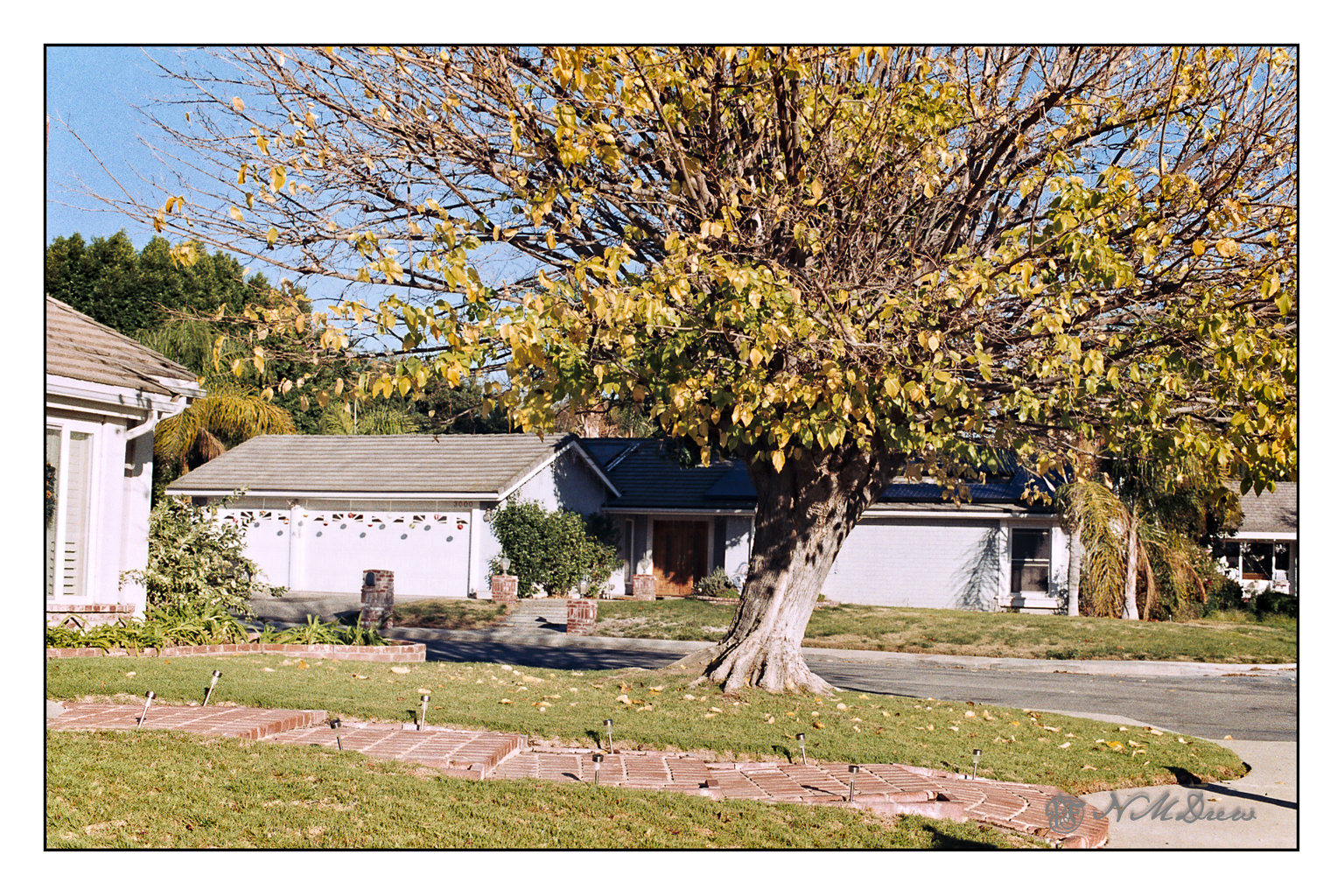
Putzing around a bit, I decided to take an image I had developed a week or so ago and take it somewhere. No idea about the camera, but it is Fujicolor film. I desaturated it and then pushed it to extremes in black and white – I like to do this when considering a subject for value studies, whether I painted it already, or plan to paint it. Below is the color version.
Just as an aside, this is my favorite tree in the neighborhood. In the fall all the leaves are scattered around, bright yellow. In the spring, they come back slowly, little bright bits of green and then a full canopy. The shape is very symmetrical at the height of summer.
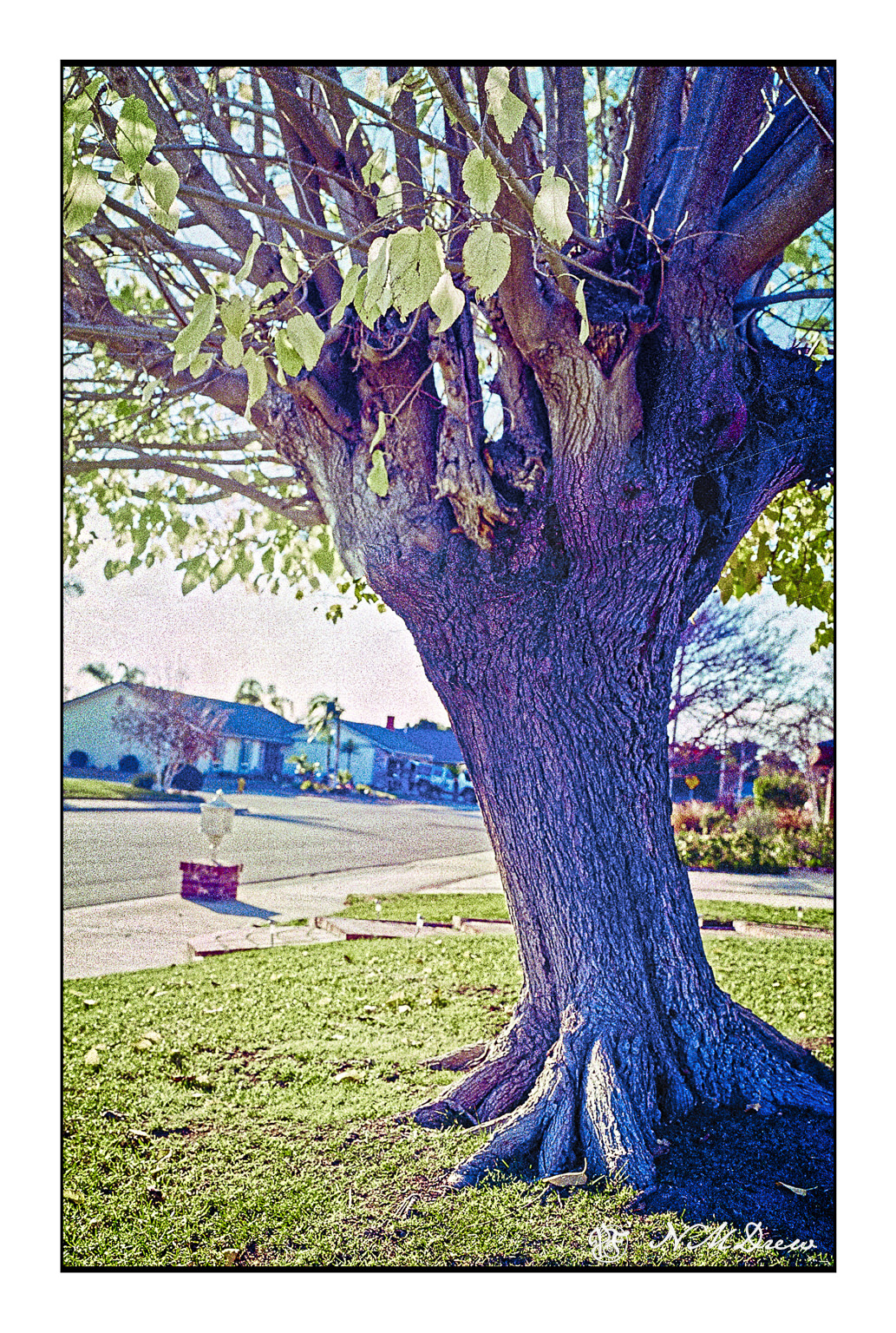
The above was a series of five or six pictures fused together into a panorama. The original pano was not as detailed – the image was a bit soft – but I wanted the texture of the trunk to show clearly.
35mm Fujicolor 100 film, scanned with a Pakon 135, and again with a PrimeFilm XA Super using Silverfast 8e.
I haven’t done any film photography for about 2 years, but I finally took a roll of FujiColor 100 I had finished awhile ago in to the lab to be processed. No idea what camera I used. I asked for only processing, no scans or prints.
Once home, I ran the film through both my Pakon 135 scanner and then my PrimeFilm XA Super Edition scanner using SilverFast 8e (free version for this scanner). I ran it as negatives but used the infrared clean up on all of my images. Once all processed, I merged the 5 images which make up this one without doing any clean up post Negative Lab conversion. This image is the one I used with SilverFast, and I am pretty pleased with the end results. I didn’t do any color shifts or anything in post, just used my standard frame and trimmed the raw edges down a bit.
I really like my Pakon scanner – I got it in the days of yore when cheap – and have a dedicated XP laptop for use with it. However, when I went looking for a scanner which was not consigned to the world of XP only, I came across the Prime Film on recommendation by a video on YouTube by “Shoot with Coops”. I have scanned negatives with VueScan, but there is not clean up. This roll of film was horribly scratched and really would have not been worth any time in removing the dots and scratches by hand. SilverFast works really beautifully, I think, and even though I had to putz around to get things working, straight out of scan and Neg Lab, I like the results.
I plan to get out and do more film photography as summer progresses. Film just has an extra something which digital lacks. I like scanning my own film – it saves a lot of money for one thing – but there are a lot of frustrations which go along with it. Dirt, scratches, and software. Yes, film can be scanned, but the quality of the scanner and the software can make or break it for you. Silverfast is often offered as a free scanning software. What I like about it is that each scanner has its own specific version, and the free one is really, really good. I use the Epson V600 for 120 film, and that works well enough with the native software, but not for 35mm.
So . . . no drawing today, but a foray into another picture making process.
This is really a result of the road trip – more of that in other postings! – a lot of slides being scanned by yours truly in two different systems, with two different results. These slides are from ca. 1951-1960 and were taken in Illinois, in Chicago and the rural area where I grew up. For some reason after that the only family pictures we have are school pictures, and they are not really exciting to look at.
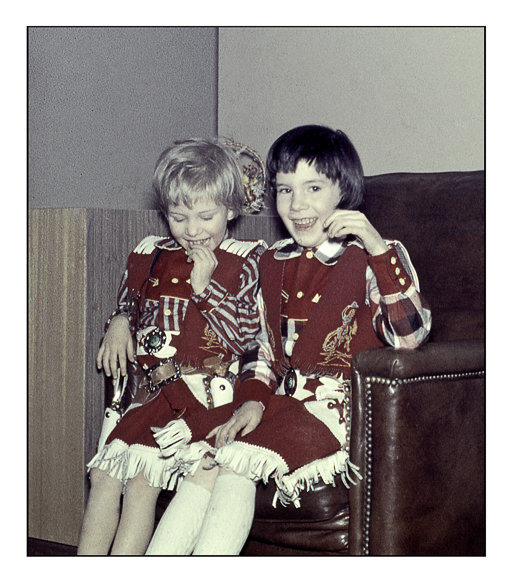
My sister and me
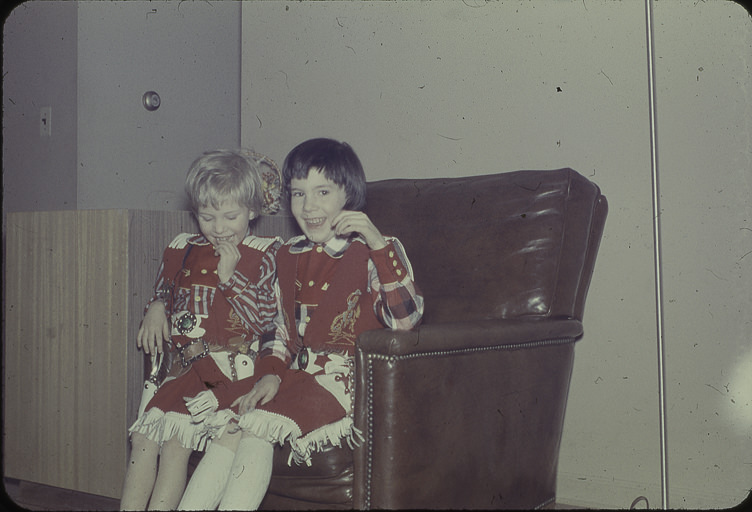
The slides were taken with both Kodachrome and Ansochrome. Both have deteriorated, lost color, collected dust and threads. Cleaning them up is not easy, but software – the right software – helps in that regard. Above is a slide I cleaned up and cropped using the Epson V600 flatbed scanner, Lightroom, Photoshop, and On1 Photo Raw. Dust removal with the Epson software was not really great so I spent a lot of time erasing the debris on the slide. You can see the original slide below.
Dirty slide . . . dust and schmutz everywhere!
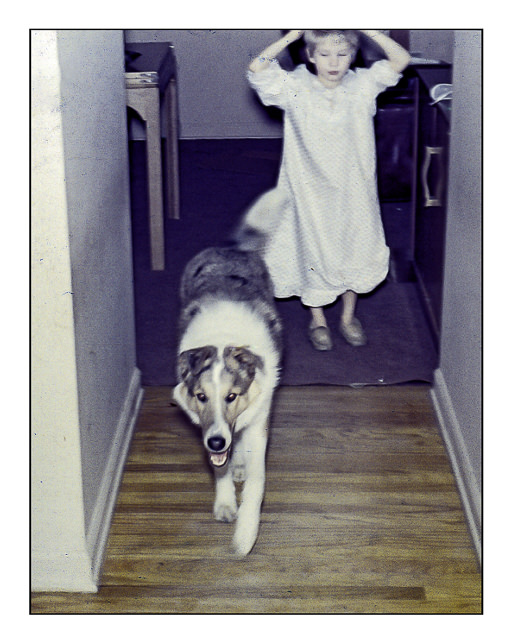
I have no idea what kind of camera my parents used in those days, but I am sure it is a 35mm camera as this is a Kodachrome. This next image is from an Ansochrome slide of yours truly and our dog Siwy (pronounced shee-veh, or as we said, shee-vee). I used SilverFast 8.8 and my PrimeFilm XA Super Edition to scan the slide.
Siwy and Me
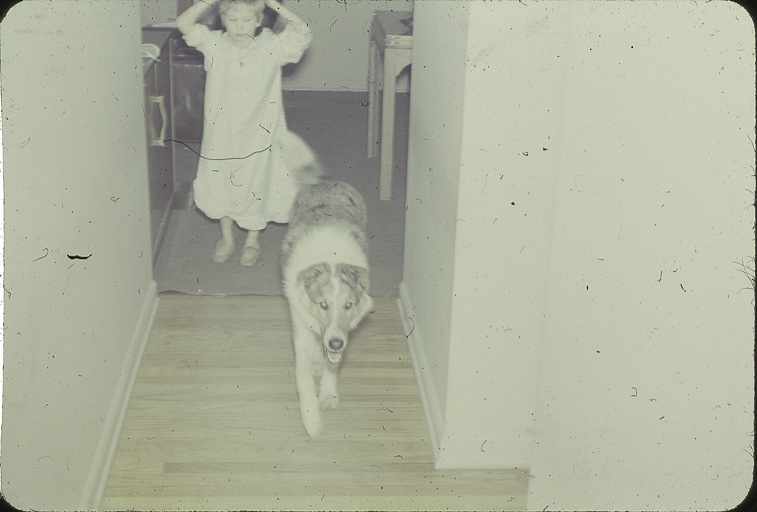
Silverfast has a really good dust and dirt removal in its SE software – you can get this for free with a lot of new scanners. A lot of people think it is hard to use – maybe if you don’t want to play a bit – but I have been really pleased with it. There were still areas after the dust / dirt removal I needed to clean up, such as areas where the slide had deteriorated. Sharpness, too, was difficult to work with. Below is the original scan of the slide so you can see the difference.
Epson V600 Scan
The combo of SilverFast and PrimeFilm scanner create a relatively clean scan – I wanted you to see all the dirt! Finally, I did the color upgrade / modification in On1 Photo Raw using a preset I made.
Our family doesn’t have a lot of photos and little knowledge of family history. My mother’s family were immigrants and their family vanished after WW2. We never had much contact with my father’s family for all sorts of reasons. When we go, our branch of the family tree disappears. Editing and recording these slides is for my pleasure and that of my sibs – if they think it is of any interest.
Am I living in the past and not looking to the present and future? Am I getting mawkish and sentimental? It’s hard to tell. History has always fascinated me, so perhaps our little bit of history and that of the world is impetus enough. Of course, editing photos is a bit of fun, too, so why not?



 Ink, Yarn & Beer