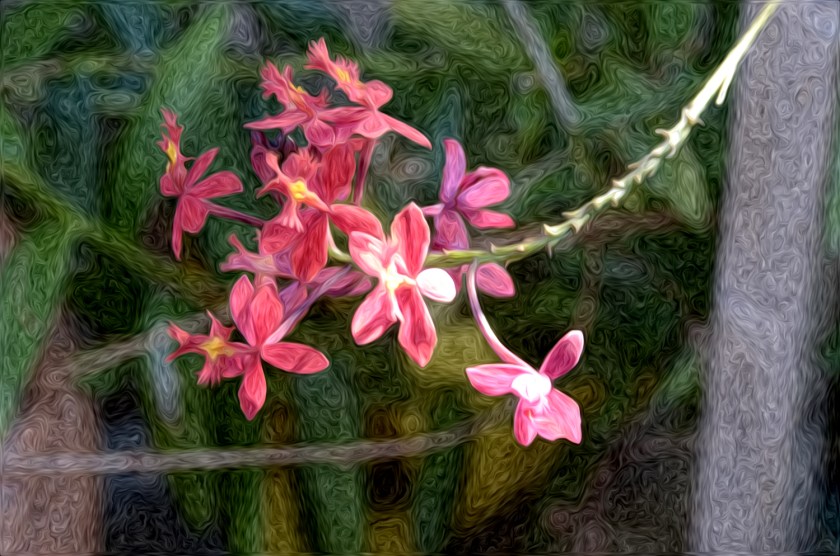
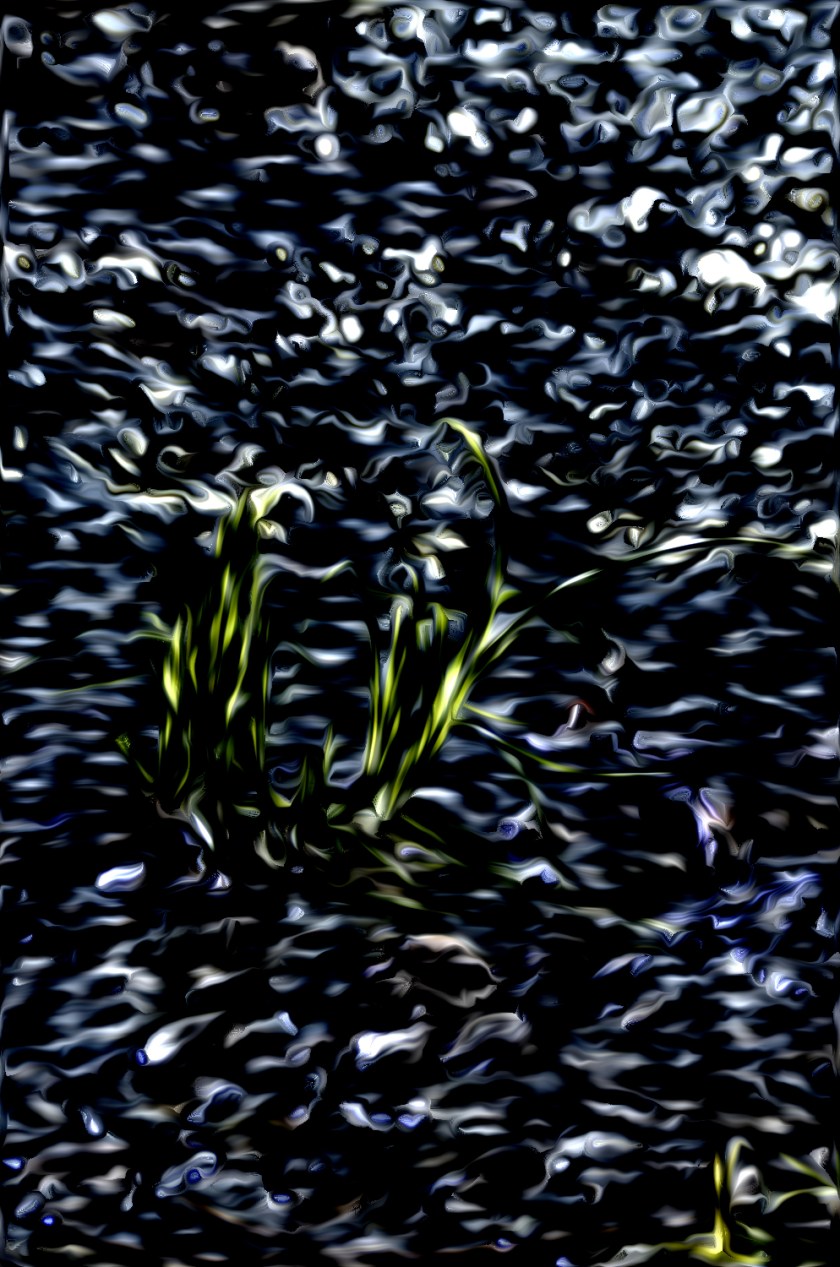
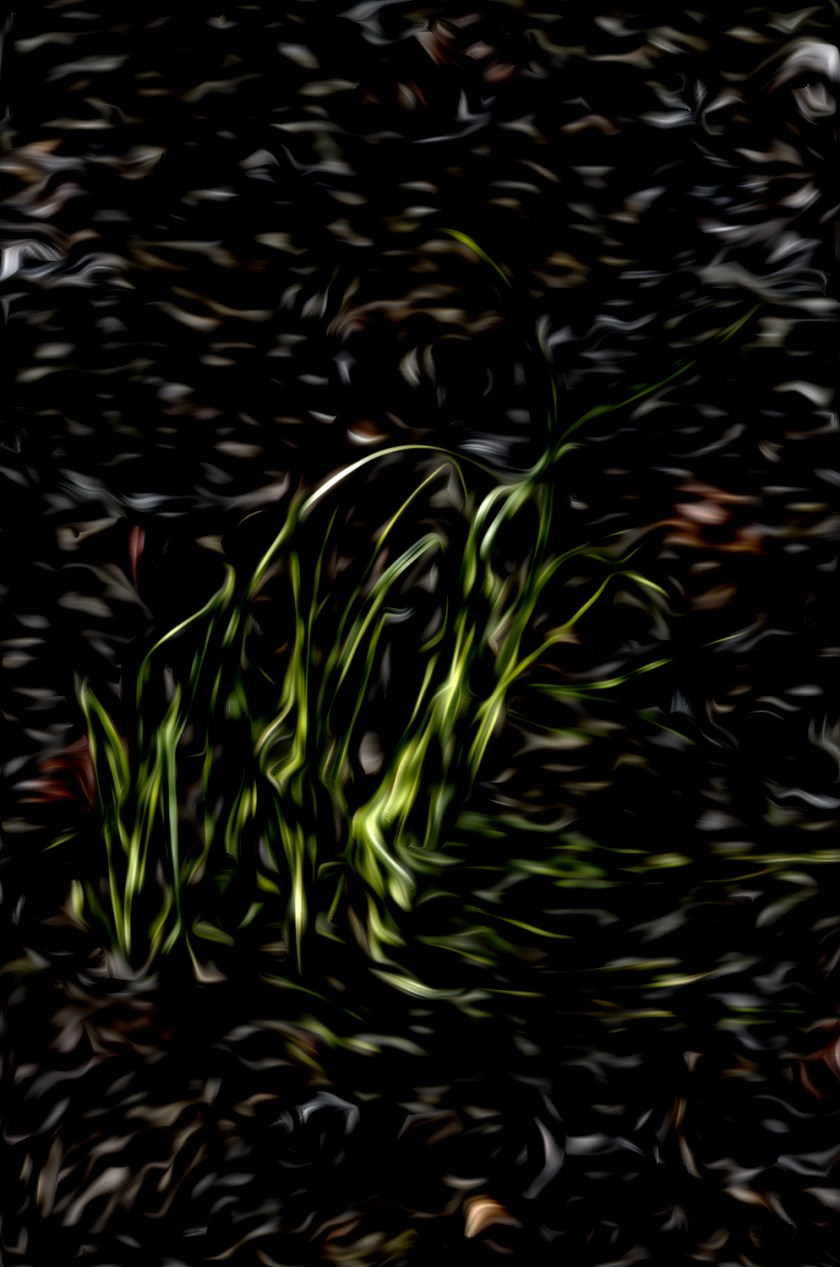
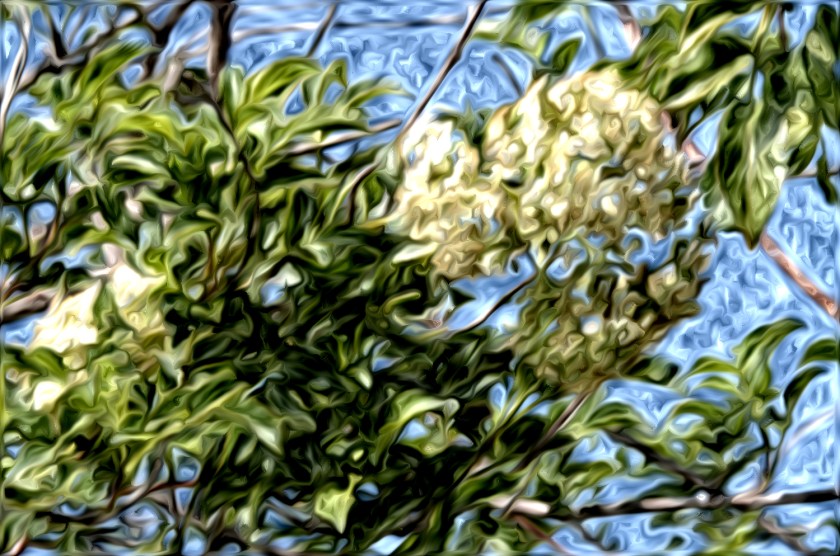
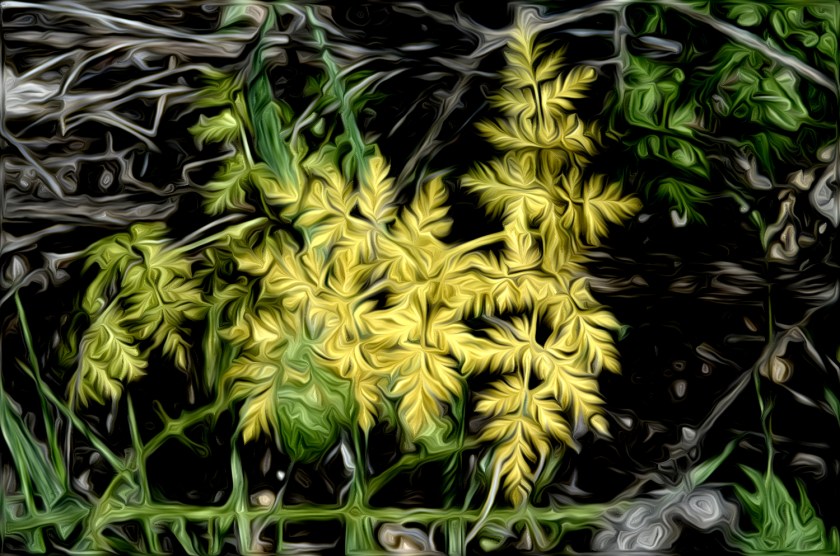
Hmmm. Nothing like playing with software to keep one amused in the early morning!
Adobe has a filter called “pixel bender” for CS4, CS5, and CS5.5. I expect they will have one for CS6 when it comes out.
I have been playing with the “Oil Paint” one, with maybe another thrown in by accident. Kinda like the results.
Is this “art”? Or not?
If you use it, reduce the picture in size. My system crashed using full-sized 16 megapixel images; no problems when reduced to 1500 in Photoscape along the long edge.
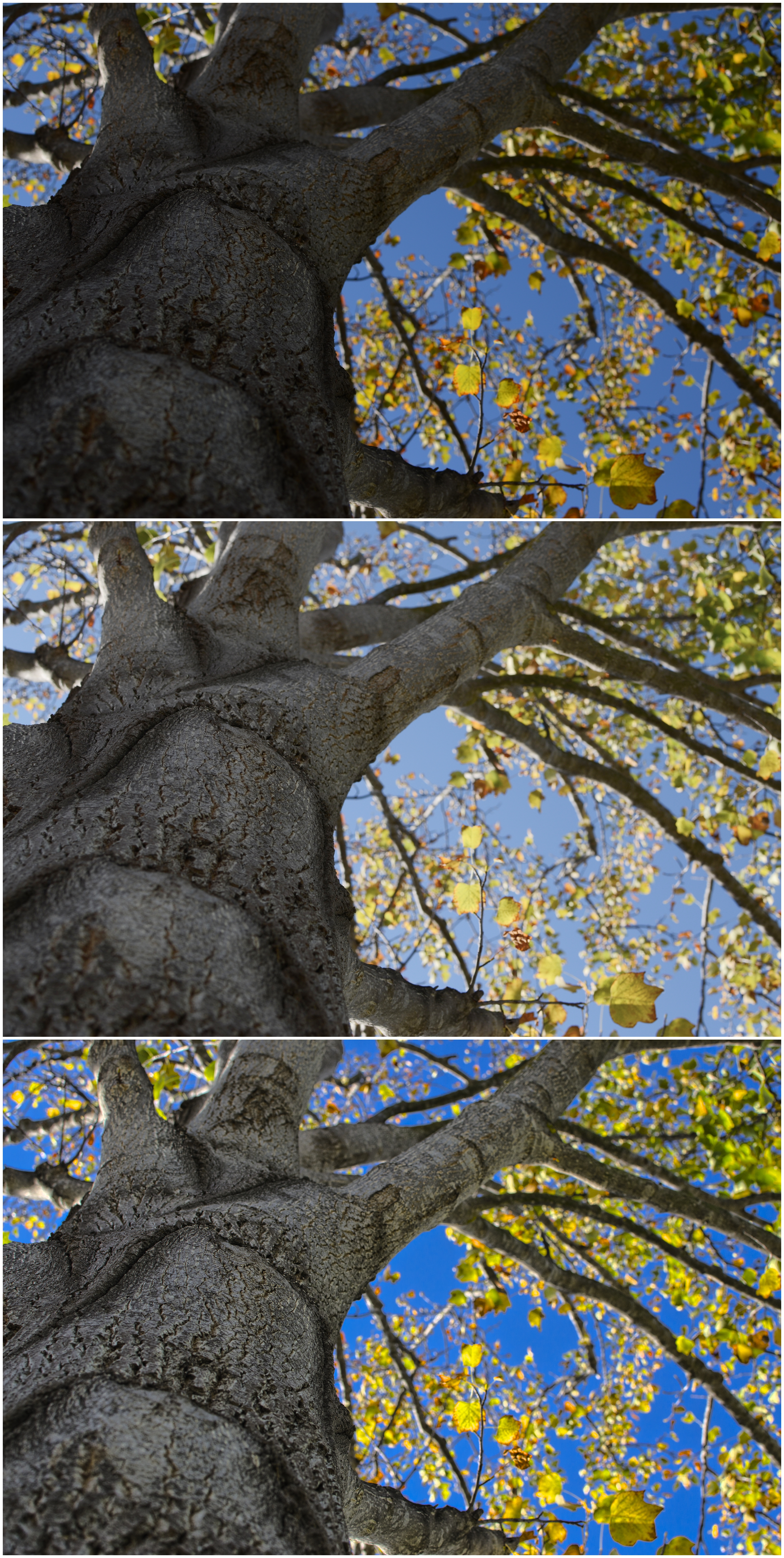
One thing I find I like about HDR, if not pushed too far, is that it can create a good sense of the original light without a loss of detail. I still have 8 days left on my trial version of HDR Express, so that is the toy I chose to play with this morning. Yesterday’s picture shooting up into the tulip tree was the subject.
Manipulating images in other software, such as Photoscape or FastStone, allows me to lighten and darken them. I did this with the idea of merging multiple images in HDR Express, but HDR Express likes being boss, and reads the metadata from the same 3 images, and shuts its processes down – it realizes that you’ve got the same picture. That is a frustrating limitation. Removing all the metadata doesn’t change the situation. However! There is a work-around that is rather nice.
In Lightroom, open up the image you want, adjust the image so it is dark, and then right click on the image and export to HDR Express. It then pops open HDR Express, and HDR Express takes a few minutes, and creates 5 images, ranging from dark to light for your viewing pleasure. The differences are not immense, but if you watch the histogram on the upper right of the screen, you can see what the program is doing to your picture.
Below is a composite picture of the tulip tree out front. The top one is the original one I shot, which was dark to begin with, so I didn’t change it when I sent it to HDR Express via Lightroom. The middle one is my adjustment in Photoscape, which did a good job, but the intensity of the blue sky was a bit lacking. Finally, the bottom image is the one I exported to HDR Express, and it produced a rather pleasant image, with all the detail of the trunk, while retaining the colors of the leaves against that intensely blue sky I saw in my lens.
Top to Bottom - Original Picture - Lightened in Photoscape - HDR Express Image from Original
The Nikon Hit Man doesn’t like the idea of having to use lighting or post-processing to get the perfect image. I disagree. Post-processing is often necessary, and has been done forever by artists in the darkroom – dodging and burning are forms of post-processing. The thing is, sitting at a computer putzing with software is pretty dull stuff, so for us restless souls, it’s something of a nuisance. In a darkroom, you are moving around, not sitting at a desk. Big difference. Modern technology has its points, but movement is not often one of them!
I am in agreement, though, with the Nikon Hit Man about the original image: it should be as perfect as possible. This means you think about it before hand (if you can) by choosing the right lens, exposure settings on your camera, and so on. Not always easy to do – or remember – because there are so many things you can forget as well! And that is why programs which allow image manipulation are assets to the photographer. Nonetheless, for people who like the physical realities of art, software is more challenging than trying out a new medium, and often far more frustrating.
What was supposed to be a two-week interim stay by my brother turned into five months. We moved the guest bed in my husband’s office into my studio so that Josh, who telecommutes, would not be kicking my brother out at 5:30 a.m. All the stuff in my studio, where the bed landed, migrated to the former bed space in my husband’s office.
Last night I dove into the knitting projects which had begun piling up there. Some people live out a suitcase quite tidily – I admit, I do not – and using borrowed space is sort of the same. The result was a treasure trove of lost needles (more than few, and lots more than several), projects, yarn. In the mix I found two sweaters which need finishing up, like weaving in ends, that I had neatly folded into a bag and promptly lost. Also, a beret or two or three or four in various stages of design and failure. The list grows.
Paint Brushes Ready to Escape!
The remaining items include the tansu which stores my suzuri and varied painting supplies, rolls of paper, and a box full of ink-painting supplies (mostly sumi and hake brushes) which I have been hoping to sell here on Ink, Yarn & Beer, to see if anyone might be interested in a few specialty items. My light table is also in there and who knows what else!
Photoscaping is Happening!
And while I am at it, a wonderful, easy-to-use, free program to edit digital images just released an upgrade. Photoscape is a fantastic product. I use it for quick editing of jpg files (it does not support raw files, as far as I know), especially those with color issues, such as being too red. For those red ones, I decolor the image to -3 or -4, depending.
Now it has frames! I used one of the gradated ones for these. Check it out – there is a bit of learning curve, but I have found it quite easy.
And?
It takes time to re-organize after such a disruption. Available space is different than it used to be as the bed is staying in the studio. The best part – hooray – is I can paint with far easier access to supplies.
I am a magpie at heart – I love shiny objects. As a kid, I used to drive my mother nuts because I liked rhinestone buttons on my dresses and gaudy costume jewelry. These days, I am more conservative, or at least demonstrate better taste, than I did when I was five years old as far as clothing. But, I am still irresistibly drawn to sparkles – splashes in water – spider webs in the morning light – flickery sun in dark shadow.
Today, I returned to the local botanical gardens. Autumn is settling in. The sky has a different quality of blue, the light is cool and intense. The scent of pine needles rises up with the heat of the day. With me came my Lumix ZS5, and the Canon QL17 GIII. I took a few pictures with the Canon, and oodles with the Lumix. This is the luxury of digital – 60 pictures without the cost for processing.
The path I took this morning was one I haven’t taken before. I always head uphill for some reason, but today I deliberately went downhill. Here, the garden is more of a woodland, with large California oaks mixed in with other native plants. The colors are more brown and green in the woodland area of the garden than up the hill, but there are little bright spots here and there of sunshine and shadow, along with lingering flowers and autumnal berries.
What I looked for today, very deliberately, was the contrast of light and dark, of sun and shadow. I stopped the camera down to -1/3 EV, to keep the camera from making all the light areas washed out. In the shadows, this creates a bit of drama with contrast. Compositional elements were a bit more studiously considered as well, such as movement of a tree branch across the picture, a pathway, a stairway. Some shots I framed with foliage, others I attempted to focus on a specific part, such as a tree leaf, and open the f/stop as much as possible with this camera (which is not more than f/3.3 manual), to blur out the background.
The set on Flickr for today contains images as they came from the camera. Most of them need some help, I think, but a few of the ones of the oaks are interesting and successful as they stand, I think. The one below has been cropped.
I am always in conflict about post-processing images, yet it has been done since the early days of photography. Images have been manipulated by time and f/stop, airbrushing out of unwanted characters who have lost political importance, handpainting. Processing of film images also influences the final product.
Below is an image of a daisy taken awhile ago alongside our house. It’s rather bland. Below is the same image, with post-processing done in Photoscape. You can see that under the top daisy, the flower’s receptacle has become nearly pure black, like a puzzle piece. Even in the original picture, it is a bit dark, and consequently distracting to the eye.
Original PhotoDaisies with Post-Processing
Neither picture above is especially spectacular, but the post-processing certainly messed up the final image. Below are two more results, the first which is sharpened only from the original. The receptacle is a bit more defined, with its ridges a bit more clear, but not darker. The second one uses the “bloom” feature (which I don’t understand – I’m a novice in post-production photography software) in combination with the sharpening. I think the result is a little better. The whiteness of the petals is more apparent. I also used the mole removal feature to get rid of the black spot on the foreground daisy.
Daisies SharpenedDaisies Sharpened and Bloomed
One thing I have a very hard time with visually is contrast – adjacent areas and their shades of grey – when I work in color. Whenever possible, I try to take photos of any artwork I am doing to check out the contrast. High contrast has few shades of grey; low contrast has several. The degree of density in each, how dark or light, can determine the “pop” in a picture. In painting, this can cause items to retreat to the background, or move forward. This is what our mind uses to create depth and dimension in a photograph or a painting.
This next photo is the last one above, converted to greyscale. It is a soft photo, not especially dramatic. There are good areas of contrast, but the petals are lost.
Daisies in Greyscale after Sharpening and Blooming in Color
This next photo is the greyscale photo further sharpened, and the contrast increased. The petals are more apparent.
Greyscale Daisies with More Sharpening and Contrast
Finally, here are chorus lines of the photos in a row. It may be worthwhile to look at it, and thus decide which photo is ultimately the best. I set the lines up so they would span the same space, but in doing so, some of the image quality is degraded. What I am looking for is the contrast and clarity in the final image of the petals, the inside yellow part (stamens and pistils? I forget my flower sex!).
Ultimately, I am not sure about any of these photos. I think the viewer needs to determine it. Liking or disliking a photo is a personal thing. I do think, in general, the composition is rather nice, but in retrospect, I should have taken the photo from a more superior perspective, looking into the foremost daisy a bit more, but not by much. Also, to cut down on “busyness,” it would have been a good idea to remove the dropped petal on the most distant daisy, the one up against the wall. If I knew how to remove it with software, I would try it. There is some movement in the photo. The center of the daisy on the left may be a distraction, just as the receptacle on the upper daisy may be too dark.
Good, bad? I need to step back to reconsider! Too close, too much, a bit overwhelming. Later I can make a decision.
Whoopsie Daisies!
One thing which does help is turning one’s work upside down.The same can apply to a photo. Maybe I am more successful than I think, as I really like the movement in this upside down image. And, in reconsidering, I like the one of the colored daisies only sharpened a bit, with the black spot removed, the best.



 I am a magpie at heart – I love shiny objects. As a kid, I used to drive my mother nuts because I liked rhinestone buttons on my dresses and gaudy costume jewelry. These days, I am more conservative, or at least demonstrate better taste, than I did when I was five years old as far as clothing. But, I am still irresistibly drawn to sparkles – splashes in water – spider webs in the morning light – flickery sun in dark shadow.


 Ink, Yarn & Beer