
Taken whilst exiting the ferry in Seattle.

Taken whilst exiting the ferry in Seattle.
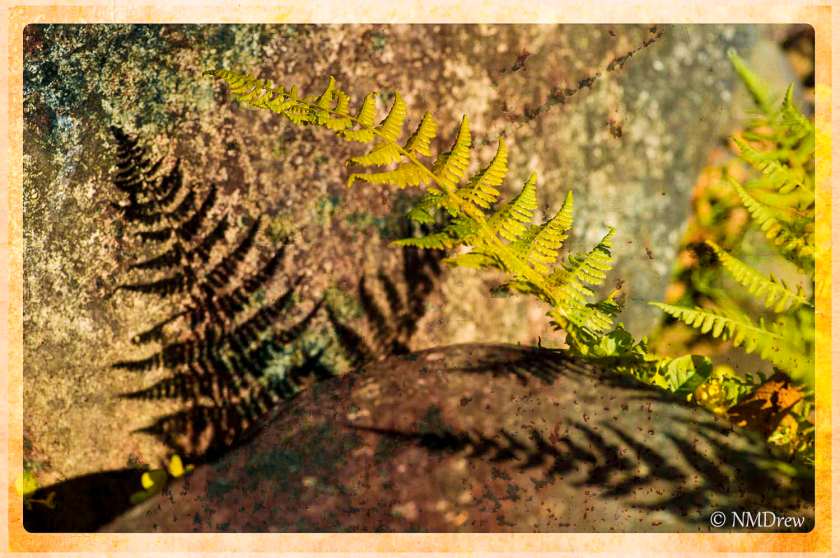
More playing with software – here, textures and borders in Perfect Photo Suite.
One thing I admire is craftsmanship – the ability to create something beautiful and / or useful – and that mastery of tools to create that item. By making the decision to understand the photographic software I am using in greater depth, the computer and programs are shifting from just things to play with to make a photograph look better to creative tools in the creative process. Granted, the physical task is not the same as working in a darkroom – and not as fun. But by plumbing the depths of different software, I am finding a creative outlet I haven’t had before. Really strange this new mindset . . .
To learn anything, to master anything, to go beyond mastery into artistry, takes time, talent, inspiration, patience, accidents, tangents. I can honestly say that this change in perspectives occurred when I took the picture below further than I ever conceived possible . . .

I chose this photo because I like the shadows cast by the fern. I thought initially it would be good in black and white, which I think is something I will eventually do, but I just grabbed it at random to use as a photo in a follow-along of an OnOne Perfect Photo Suite video lesson.
I have never used textures to process an image, but a post by Brian Matiash featuring a picture I really liked, tweaked my interest to the point I looked up this video. Step by step, I followed Liz, choosing the ferns, importing some textures, working with her as she moved along. I really didn’t think too much about making a picture I liked, I thought about learning more about Perfect Photo Suite. Well . . . I did learn more about the program, but I also learned that I really could get something I liked that was not horrifically ugly.

I had fun, and better, discovered that I could find a sense of creative satisfaction sitting at a computer working on a photo.
Oh, here it is in black and white . . .


I am practicing masking in different software programs. Of late, I have picked up a trial version of Topaz’s Remask 4. It does a very good job, far better than less expensive programs, and with very good edge refinement. This is one of my first attempts using it, replacing a dull sky with one filled with clouds. Processed using LR5, CS6, and Remask 4. If you would like to see what Remask 4 can do, google it or look for it on YouTube, but you can also see how it worked with a photostacked rose.
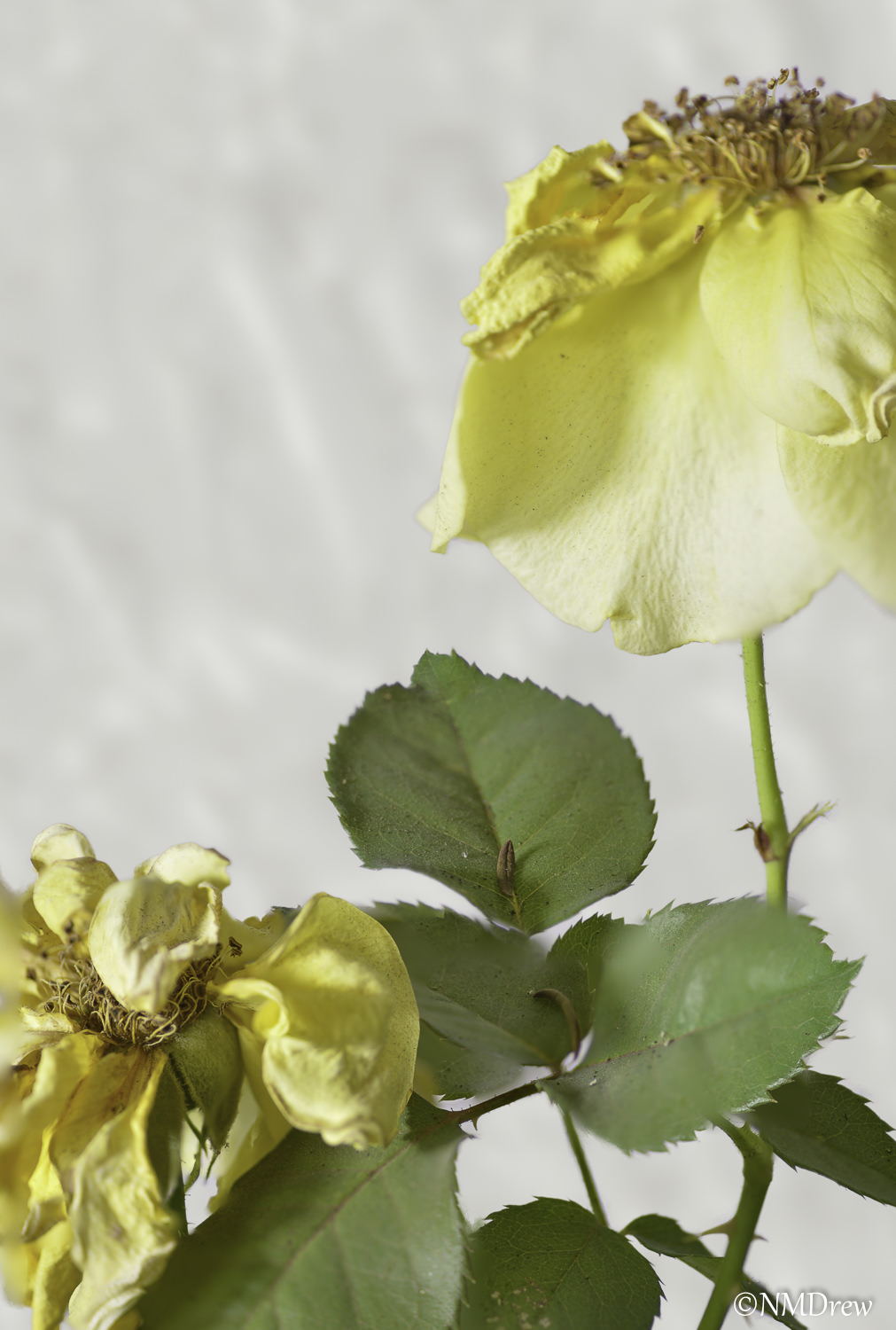
The above was done using Topaz Remask 4 and CS6. The one below with a “quick and dirty” program and less refinement on my end. In the one above, I inserted a background and blurred it in the Gaussian blur. The one below was simply an opaque, white background.

Like I said, I’ve made the decision to work at mastering the software I use in post. There are lots around, with lots of tools. Some are expensive, some ubiquitous, others less well known.
Some progress is being made. Click on them to compare if you wish to see the quality of the masking.
Topaz Remask 4 is quite remarkable.
 Ink, Yarn & Beer