Zinnia & Steel Wool: Focus Stack with the Nikon Z6ii

Focus stacking – also called focal stacking, photo stacking, and who knows what else – is taking a series of images of one object and focusing at a slightly different distance from the previous photo. From there, you merge all the images to create one highly detailed image.

I’ve done this before using a manually focused set up, but after looking things up, it turns out the Nikon Z6ii has a built in focus stacking set up where everything is automated. It doesn’t take very long. I decided to try it out, following instructions on YouTube. They were easy to follow. My parameters, if you are interested, were as follows: 100 images, set apart by “1” in the Nikon menu, and an interval of “1”. What all this means, no idea, but I did it, and in a few minutes I had 100 images. My lens is 50mm at f/8.
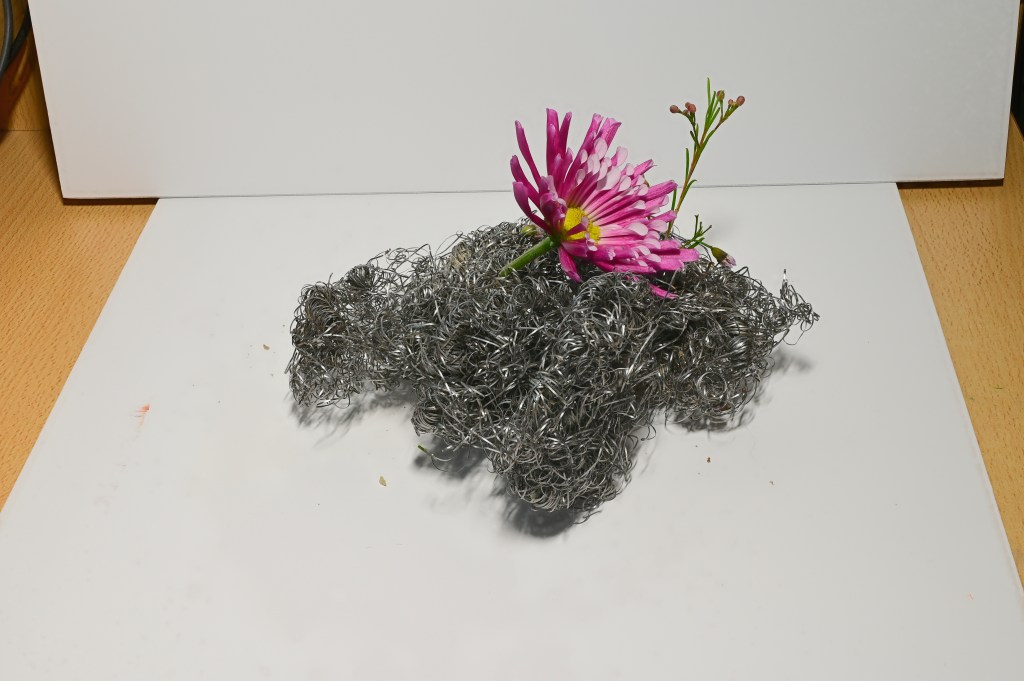
Zinnia & Steel Wool

This is what the original stacks looked like after using Zerene software. Zerene is a software I have used years ago, and it works great. It takes a bit of time, but I think a dedicated program helps a lot. Photoshop does focus stacking as well, and so does another program, Helicon, but this requires an annual license or a lifetime license, and comes with various grades of licensure. For me, Zerene is just perfect for what I want to do.
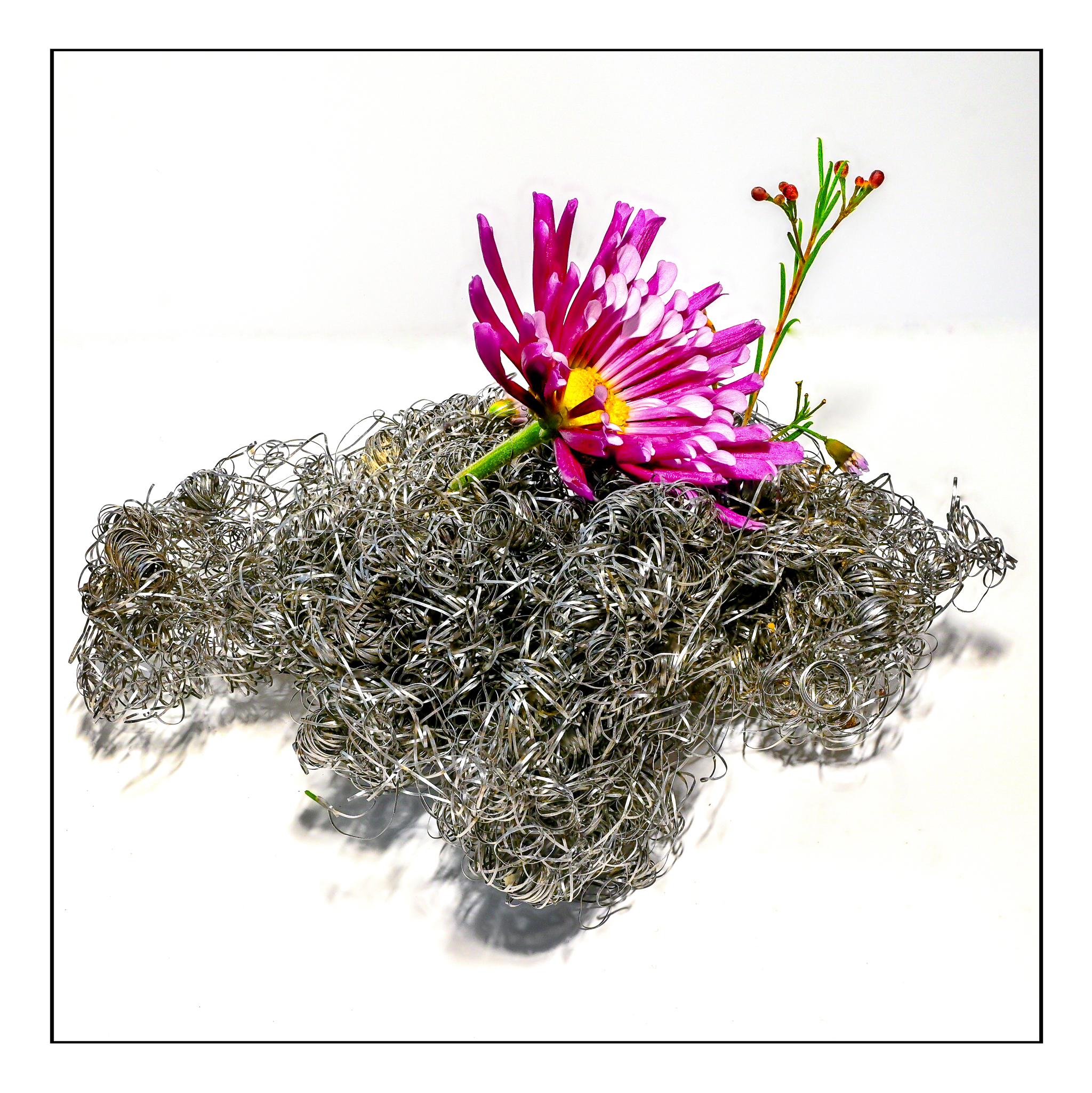
First of all, if you want more detail of the above picture, click on it and enlarge as big as you can get it. You will find the little hairs on the zinnia stem as well as flaws in the photo stacking, but it is worth looking at methinks.

Obviously I did a bit of post production! I had to use the spot fix in LR and On1 to get rid of the line where the 2 pieces of foam board met up. I also had to get rid of spots and splodges. I increased the exposure a bit, upped the whites, blah, blah, blah. Let’s just say it took some time, but made me think that perhaps investing in a light box might be a good idea. I tried to make this look as nice as possible without going nuts and getting picky to the point I was ready for the zoo.

Kris over at Wicked Dark Photography does a lot of outdoor focus stacking of small things, like moss or mushrooms, and her lovely work made me realize there is a lot more potential here than getting nice photos of things to sell on eBay. Kris’s work as a photographer just really appeals to me as she knows a lot about nature, enjoys trees and water and even spiders (which I like outdoors and not enlarged!) and small plants. I look forward to her weekly posts as she is often out on an adventure with which I can travel along, especially on her videos.
The Olde West

Living in California meant traveling across country to move. We did this when I was 12, and I did it as an adult in my 30s.

Driving through the vast reaches of this country always amazes me. First, it is just BIG. Open miles of open land, a house or ranch or roadside attraction.. Huge mountains seen across miles. Winding roads where dust behind you flies in a cloud as you bump along, looking for rocks and holes. Freeways, local highways, dusty country lanes – this is what I enjoy when I travel. This fall we plan a trip across northern Nevada and into Utah, when the weather is cooler, and perhaps we will even enjoy colored leaves at the higher altitudes.

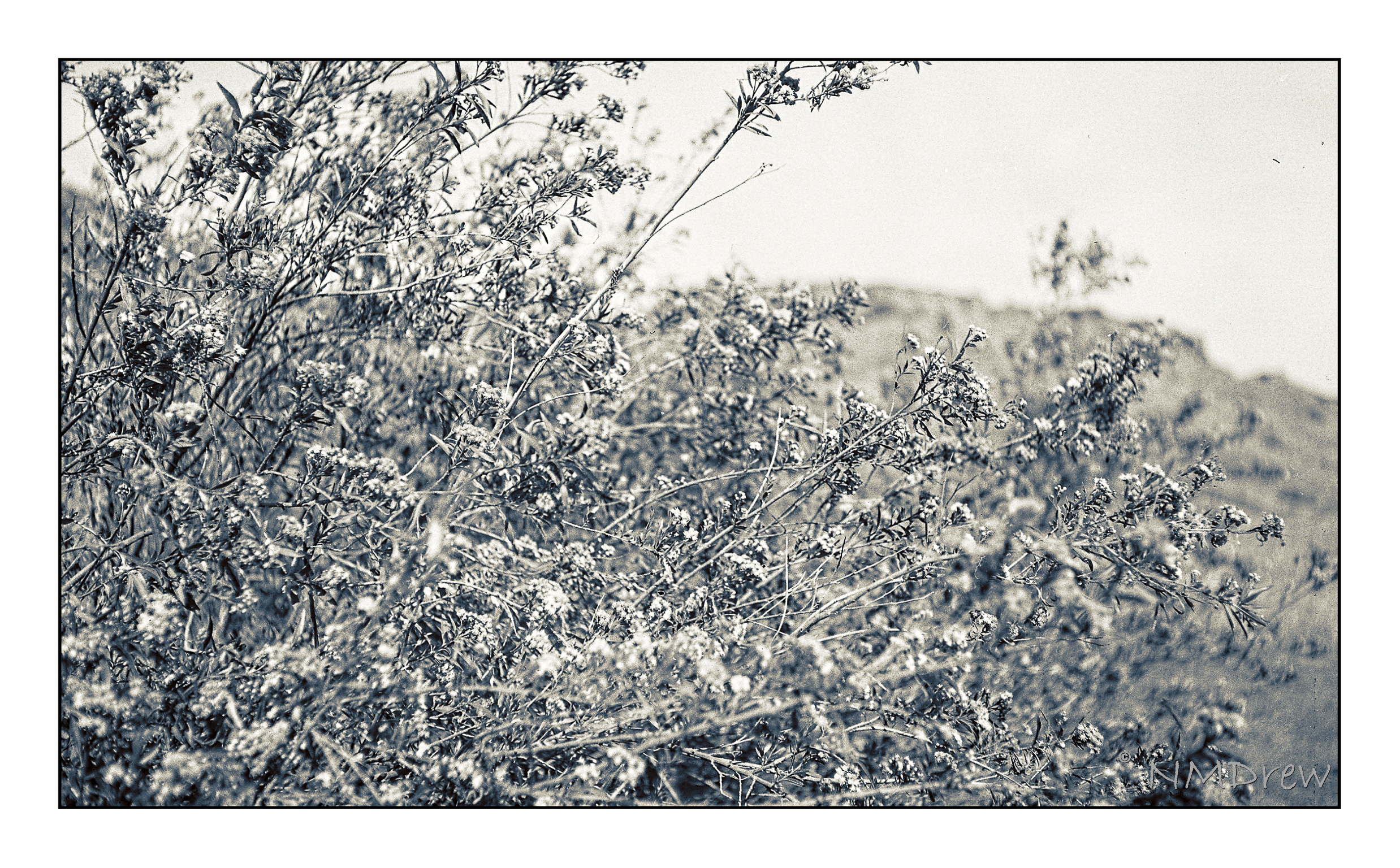
Awhile back I loaded up one of my old cameras – a Voigtlander Bessa RF 6×9 with a Heliar lens, ca. 1935 – with Ilford Ortho 80 Plus film. I forgot about it until I opened the back of the camera and slapped it shut as quickly as possible. As the camera only gets 8 pictures per roll, I lost a few – like 3. One image was too dark for use. But, the remaining 4, while not great, were fun to manipulate in post.

The Ilford film had just been released, so I bought a few rolls to test out. In my 35mm film camera, it worked beautifully, but my exposures were marginal in the 6×9 at best. I worked on them a lot to bring in discernible contrast – most were over-exposed. The lens on the camera is a beautiful Heliar, but my guestimates with 80 speed film were too high. As well, I used no filter since I don’t own one to use with the lens. So, above, a test shot to look at contrast – white flowers on dark green foliage. I created a preset in On1 Camera Raw that I liked; it brings out the details but doesn’t create too much contrast.

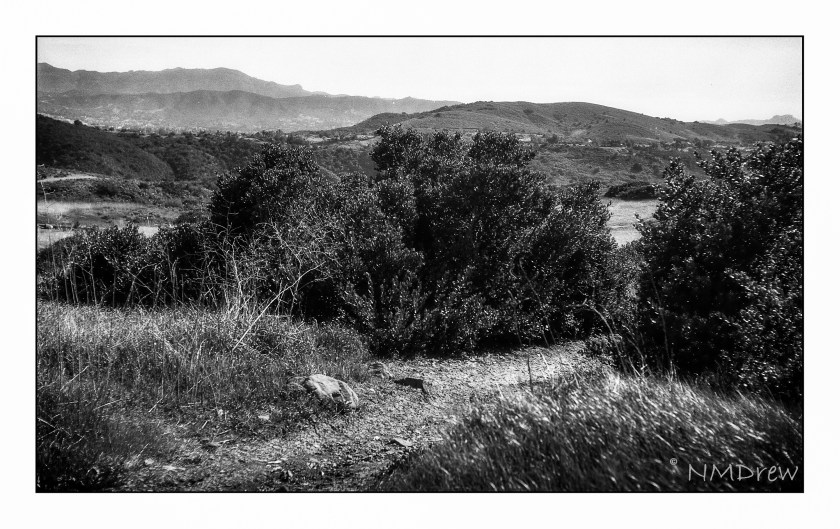
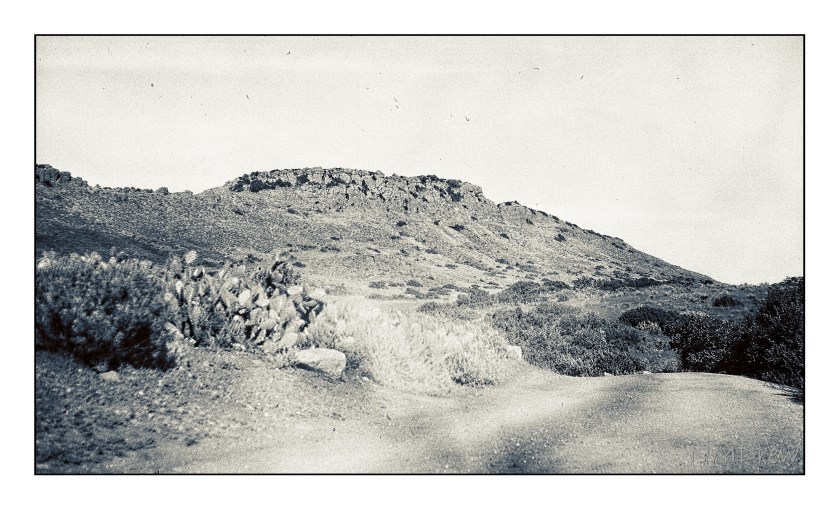
This photo makes me think of old dirt roads and stagecoaches jouncing along – like you see in 50s movies! The image got a light leak, but the details of the distant mountain – Mount Clef – and cacti are worth a look

Again, more detail and a bit of LR dodge-and -burn. This is the dried landscape nearby. When the winters are wet – which ours was not this year – the grasses and mustard can grow up to 8 feet. Easy to get lost in, but don’t – stick to the paths or ticks and other critters will get you.

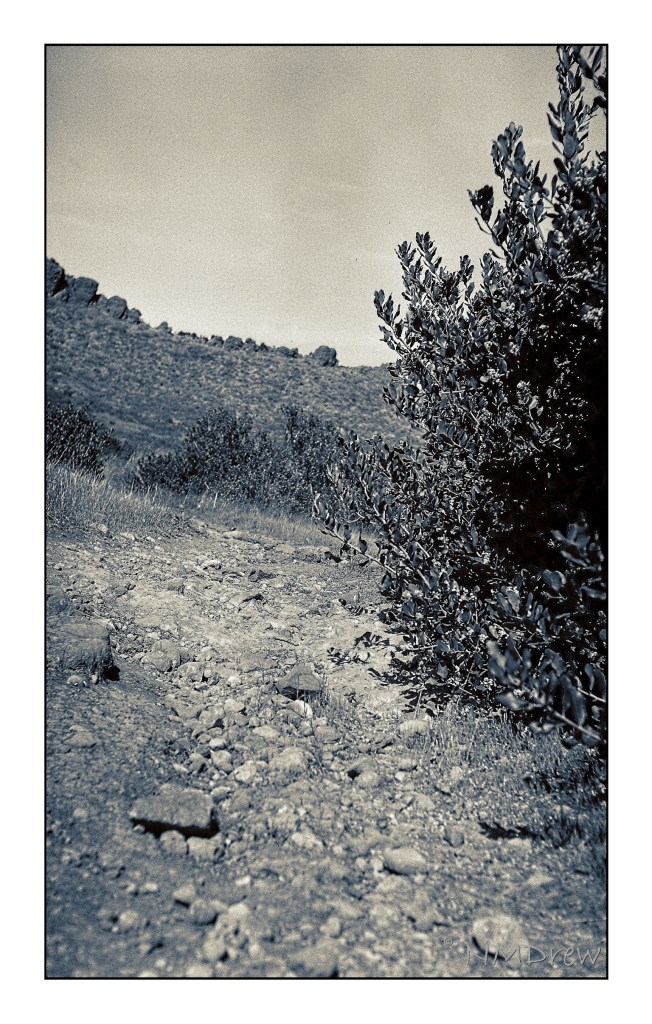
Backcountry is beautiful and dangerous. I remember turning back here – a rattler was basking in the sun. That’s another good reason to walk where you can see ahead of you!

So, a bit of my West with my old camera and newer film and technology. The Voigtlander did not let me down, nor did the film. I am looking forward to taking this camera with me up to Morro Bay next week – along with more modern cameras – and out to Nevada and Utah. More Olde West to come!

The Grand Grand Canyon

Needing to travel light, I took only my Chrome Book, my Nikon V3, the Olympus OM-1n, and the Olympus XA4.  I used up 3 out of 10 rolls of film, and probably blew one of those.  I thought I had used a 4th roll, and maybe I did, but cannot seem to find it.  I used a Chrome-OS based editor called Polarr, but found the Chrome Book a bit too small to do much editing.  I backed up all my images onto an external HD, a 1.5 TB “My Passport.”

The first stop on our trip was Flagstaff, Arizona, for two nights.  We stayed at the England House B&B to use as our jumping-off points for the Grand Canyon and Sedona.  Our hosts, Richard and Laurel, were full of great information, and sent us out to the Grand Canyon to a very specific spot from which we could peer into the depths of the Grand Canyon.  We made a few stops as we drove into the Grand Canyon National Park.

The first stop was the Desert View Watchtower designed by Mary Colter, who was quite an amazing woman.  If you have a chance to visit the Desert View Tower, take the time to do so.  Not only is the Tower a piece of fascinating architectural design and execution, the views are worthwhile.  Take the time to walk around it, find the little corners, and stop for a moment to appreciate the grandeur of the view and the vision of Ms. Colter.

From the Desert View Watchtower, we drove deeper into the park, following the specific directions from Richard and Laurel.  It is a pullout leading to a fire road, and about a 20 minute walk through a pine wood.  The air is aromatic, redolent with the spices of high desert plants – resinous and sweet.

Flowers and grasses grow between the pine trees, and old, dead trees have become architectural designs created by nature, with the details of their structure revealed in their craggy lines and intimate remains.

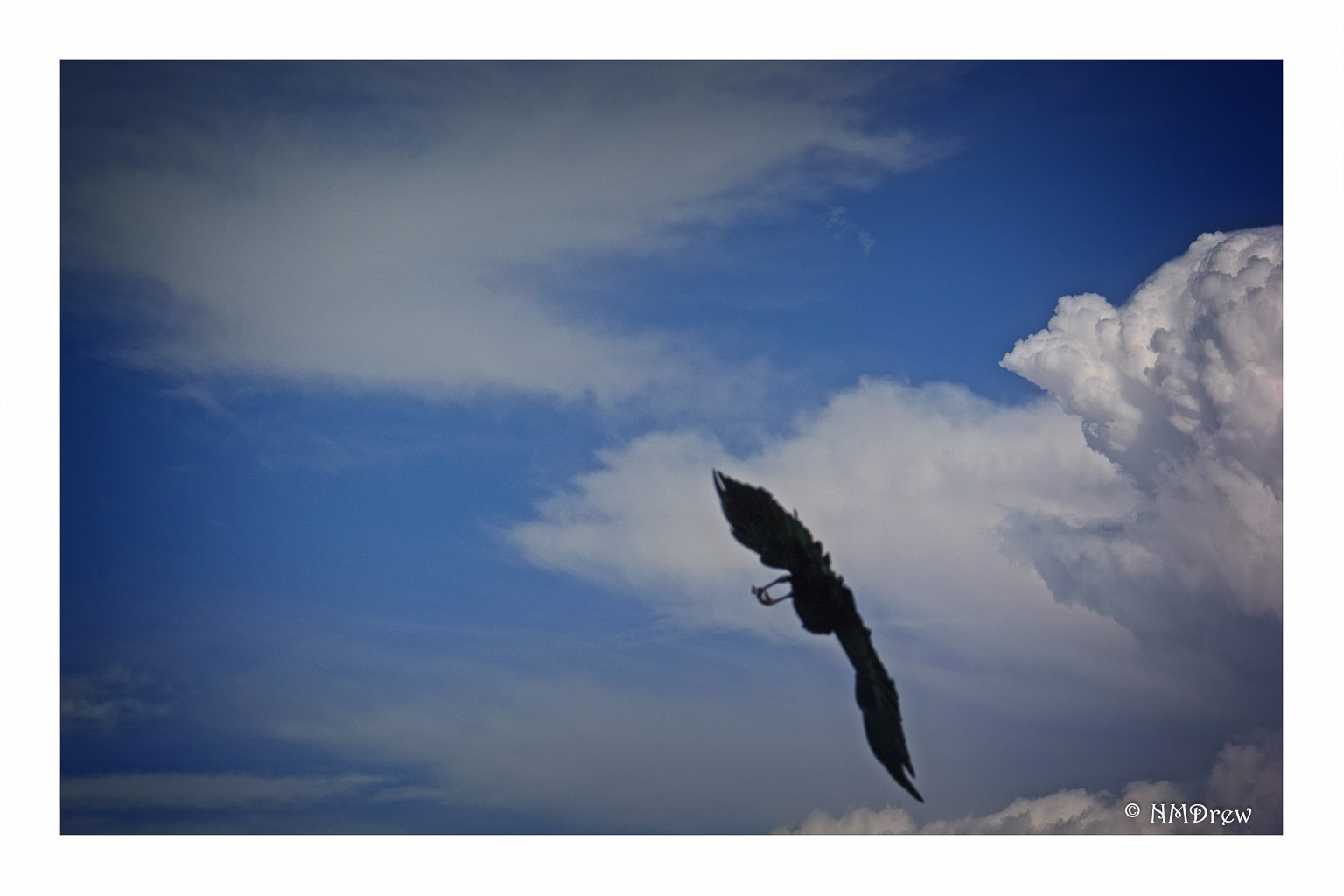
Finally, at the end of the road, a picnic area opens up at the very edge of the Grand Canyon, which drops below you a mile.  No fences protect you.  No one tells you not to jump.  You find a place to stop, and look, to hold on to.  Birds such as ravens and raptors fly above you, only to drop down into the Canyon.  The Colorado river, a deep muddy red, flows at the very bottom.  As the sun shifts and clouds move, the colors of the Canyon change.  It’s a mesmerizing, enchanting, and magical place – far too big and grand to be seen in one day.

I used the Nikon V3 with the 1 Nikon  10-100mm lens for most – if not all – of these images, with post in Lightroom and On1.

Some thoughts on “On1 Photo Raw”

Today is the very, very first day that On1 Photo Raw is available for usage.  I think the original idea was to have a product ready to roll in October 2016, but rather than have a “finished” product full of bugs, they realized they had more on their plate, and held off until today, November 23.  I’m glad they did – and I am glad, too, that they realize that this really is a “work in progress” as it stands.

Personally, I love On1, and have been using them since version 8, which was a while back.  I use it with Lightroom.  What makes On1 great as a company is their support, ongoing consistent development, tutorials, and so on.  On1 products are sophisticated, and while they do not rival Adobe Photoshop for complexity, On1 products are far easier to use.  I prefer their brushes, spot and blemish removal tools, as well as the fact I can create presets which I can store.  At this point, the presets from On1 Photo Suite 10 cannot be used in On1 Photo Raw, but I expect they will have the ability to port them later on.  The one-up that Photoshop has is its “content-aware” fill.

waiting-for-lovers

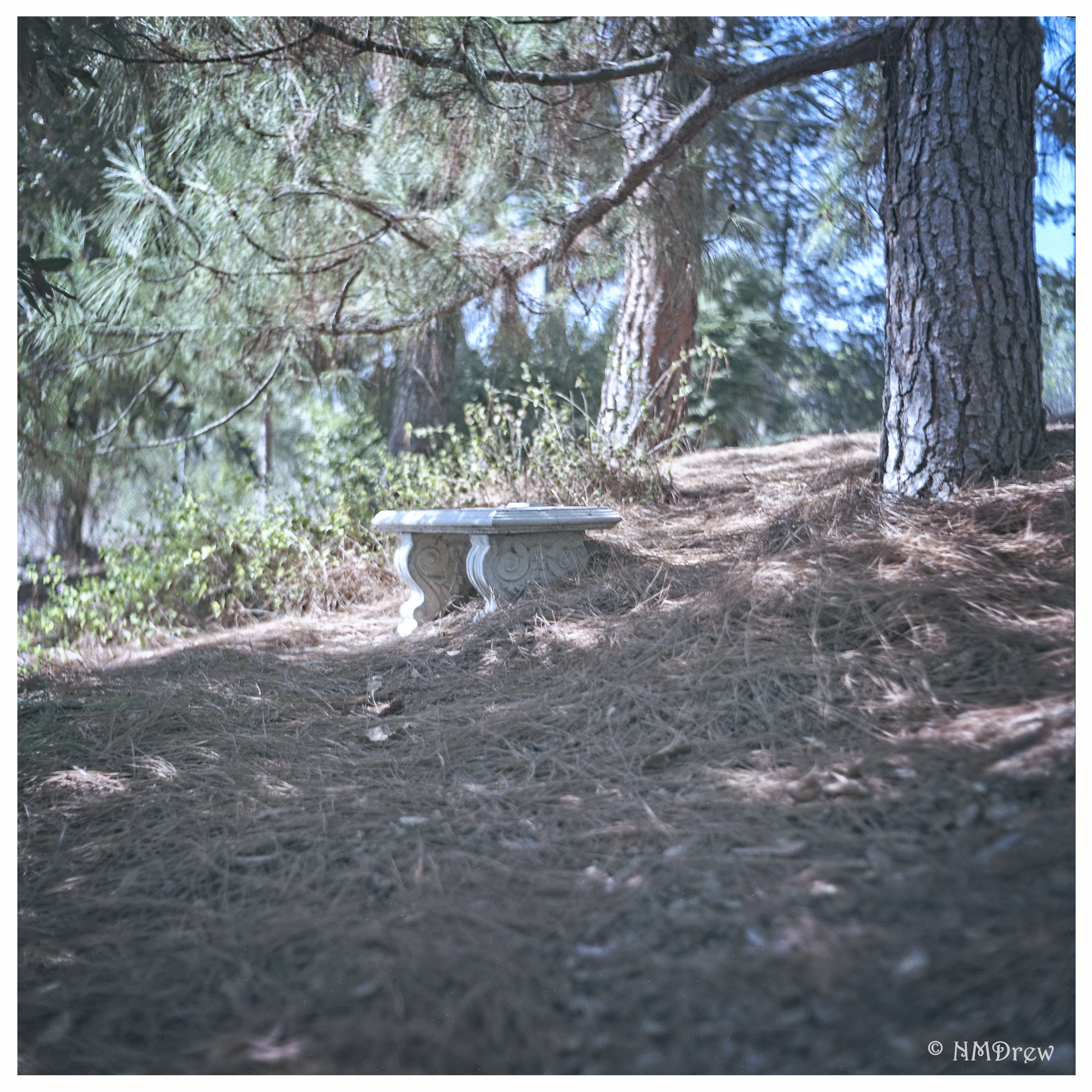
The image above, Waiting for Lovers, was edited using On1 Photo Raw.  It is a film image using Kodak Ektar 100 in a 1930s Welta Weltur rangefinder.  The lens is an uncoated Xenar – probably about 75mm – which has an ethereal quality to it that I really love.  Scanning the image with my rather dirty Epson V600 (I have since cleaned it), I ended up with a blue streak across the entire image.  On1 took it out quite nicely.  Spots and threads were also easy to remove.  I think On1 did something to their processing algorithm (or whatever), as the spot removal works very quickly.

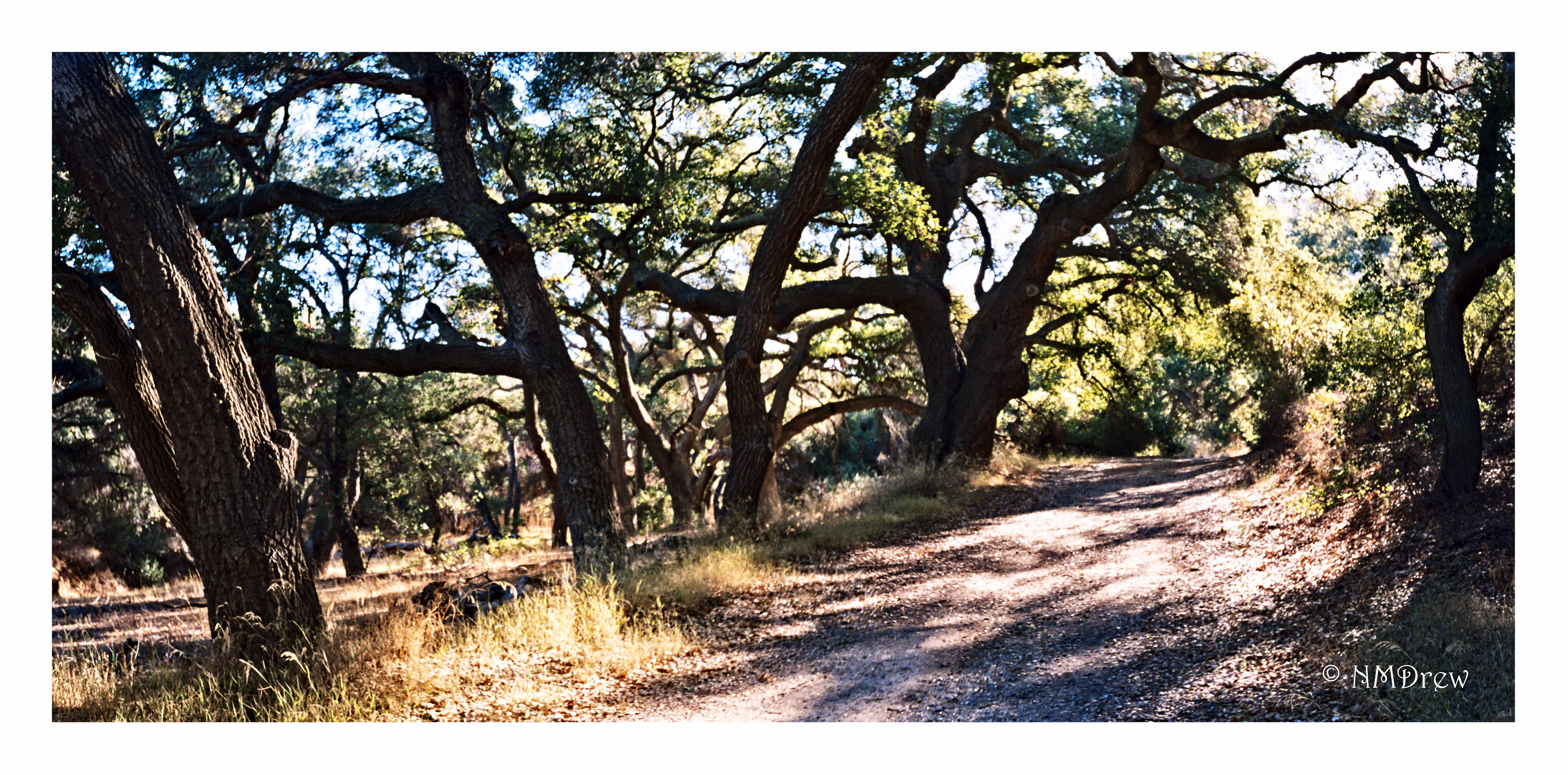
chumash-trail-1

This image is a pano stitched together in LR, and consists of two images taken with the Olympus XA4 and Lomography 100 film.  The only thing I did was perk it up a bit with some detail, in LR and in Photo Raw.  It is nearly identical to the SOOC image.

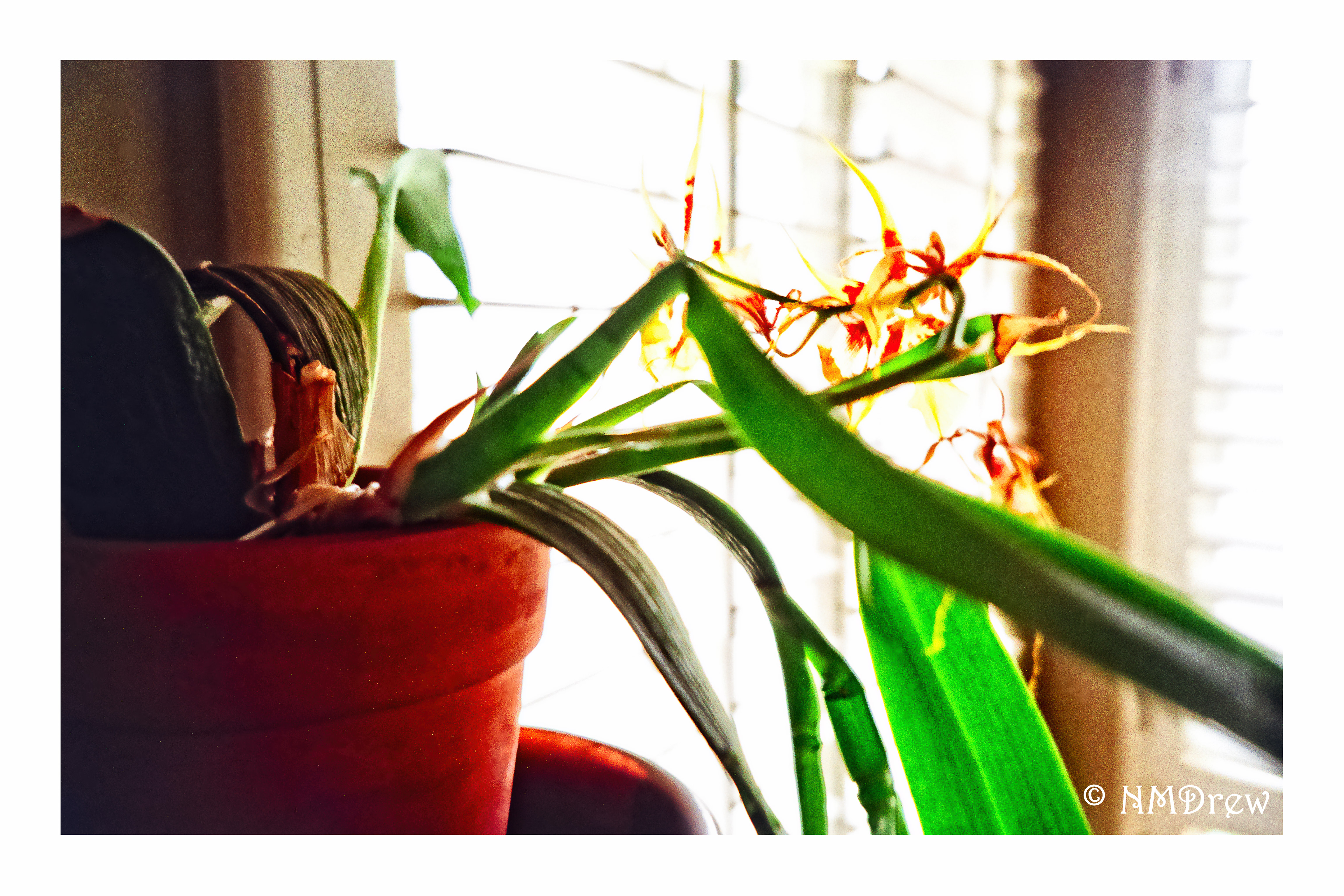
orchid-in-the-window

Finally, the above image was really pushed in On1 Photo Raw.  Spot removal, brush usage, presets, whatever.  This was an overall high-key, pale image, but I set it up to be contrasty and bright – possibly too much so – but wanted see what I could do.  This was also taken with the XA4 and Lomo 100 film.  Both of these two images were scanned using a Pakon 135 scanner.

There is so much software out there for photographers, that competitors to Photoshop seem to come and go.  My favorite and most consistent programs are Lightroom and On1.  I also use DxO v. 11, and while it is good for some things, it lacks the diversity of On1.  Capture One is good, too, but it makes me crazy as it does not make sense to me at times . . . but I admit, I have not put in time to using it as it has a higher learning curve, and is not, for me, very intuitive.  So, two thumbs up to On1 for its Photo Raw software – I think it will prove to be a real winner as they continue to develop it.