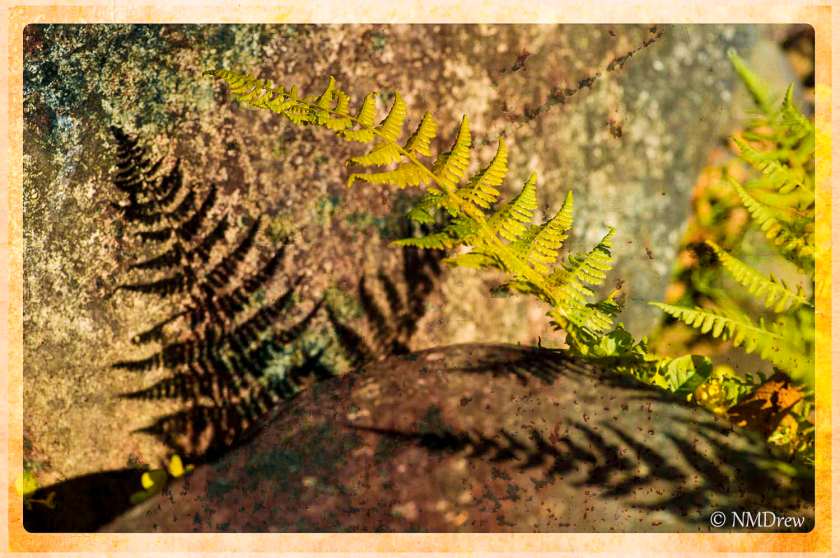
More playing with software – here, textures and borders in Perfect Photo Suite.

More playing with software – here, textures and borders in Perfect Photo Suite.

I am practicing masking in different software programs. Of late, I have picked up a trial version of Topaz’s Remask 4. It does a very good job, far better than less expensive programs, and with very good edge refinement. This is one of my first attempts using it, replacing a dull sky with one filled with clouds. Processed using LR5, CS6, and Remask 4. If you would like to see what Remask 4 can do, google it or look for it on YouTube, but you can also see how it worked with a photostacked rose.
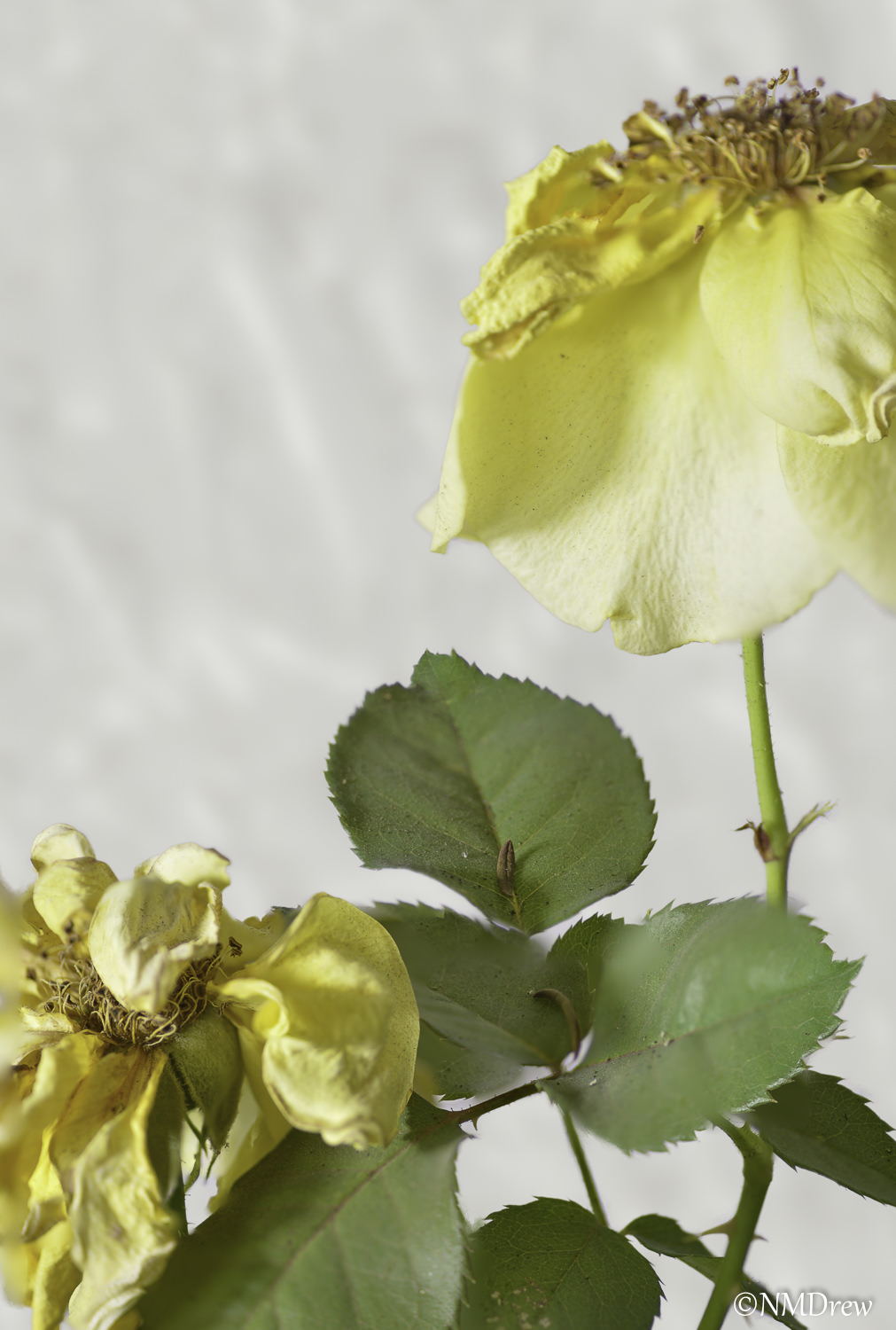
The above was done using Topaz Remask 4 and CS6. The one below with a “quick and dirty” program and less refinement on my end. In the one above, I inserted a background and blurred it in the Gaussian blur. The one below was simply an opaque, white background.

Like I said, I’ve made the decision to work at mastering the software I use in post. There are lots around, with lots of tools. Some are expensive, some ubiquitous, others less well known.
Some progress is being made. Click on them to compare if you wish to see the quality of the masking.
Topaz Remask 4 is quite remarkable.

The Kiron 70-150mm is another vintage lens with excellent rendition of detail. Some post processing in LR and Photo Suite 8 Effects.

 Ink, Yarn & Beer