
Awhile ago I decided to move more into the medium format world of film photography. I have a Yashica D TLR (6×6) and a number of 6×6 folders from varying years, a 1930s 6×9 Voigtlander folding rangefinder, and now have a Mamiya 645 (6×4.5) and, the latest, a Pentax 6×7 beast with a 135mm f4 macro lens. This last one is the subject of today’s commentary. You can google it, as well as read about it here on Wikipedia. It’s not something to take lightly – it’s quite the weapon!
Okay! First, as the name implies, it takes a 6×7 size negative, which is big, big, big. Not as big as a 6×9, but still bigger than a 35mm by a lot. Here is a good article on the size comparisons, complete with images.
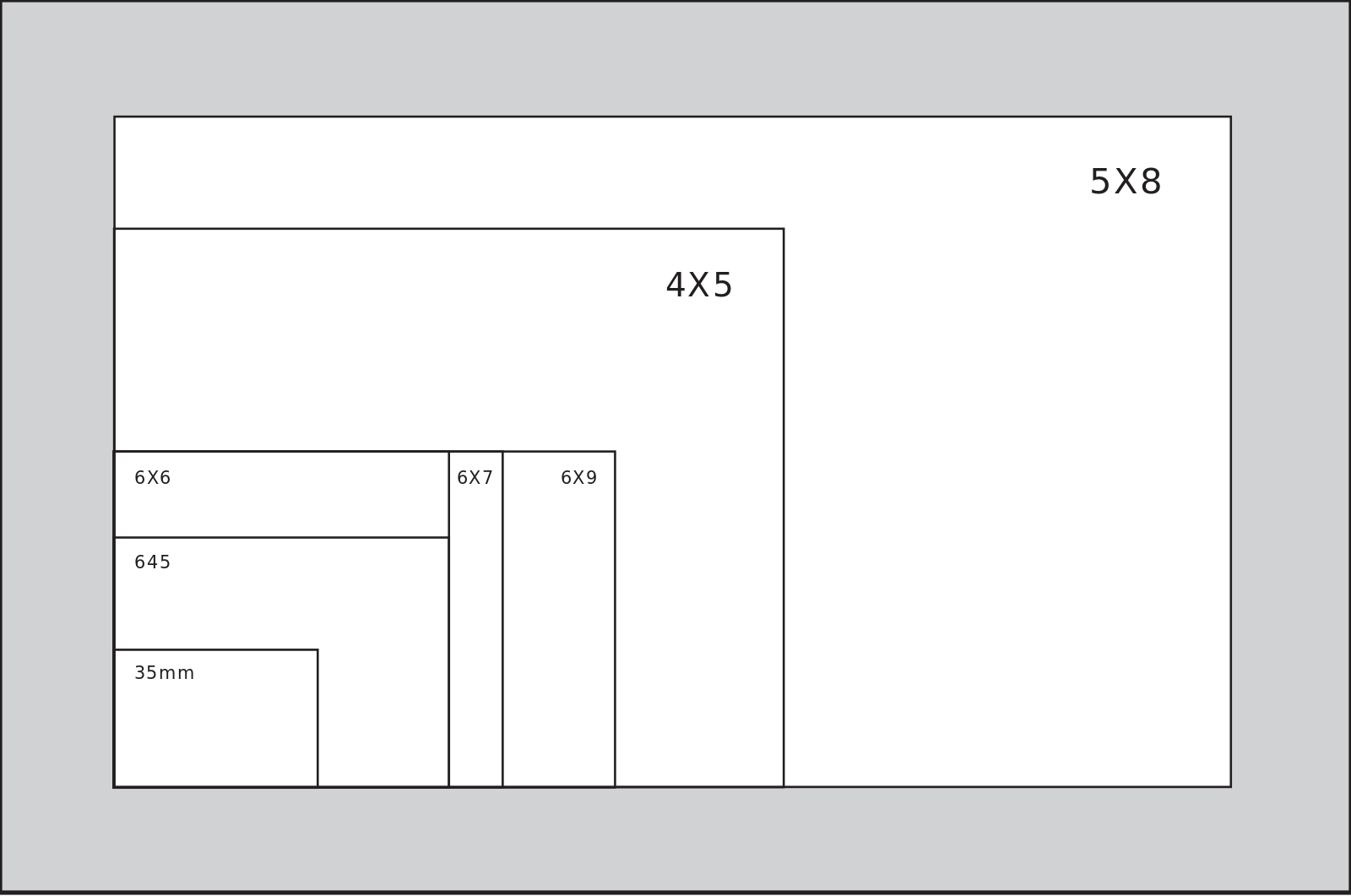
I would imagine that, as with digital, the larger the negative, the more important the quality of the image – focus, sharpness, and so on. Of course, film is not digital and has its own personality, but it still needs to meet certain criteria, I am sure.
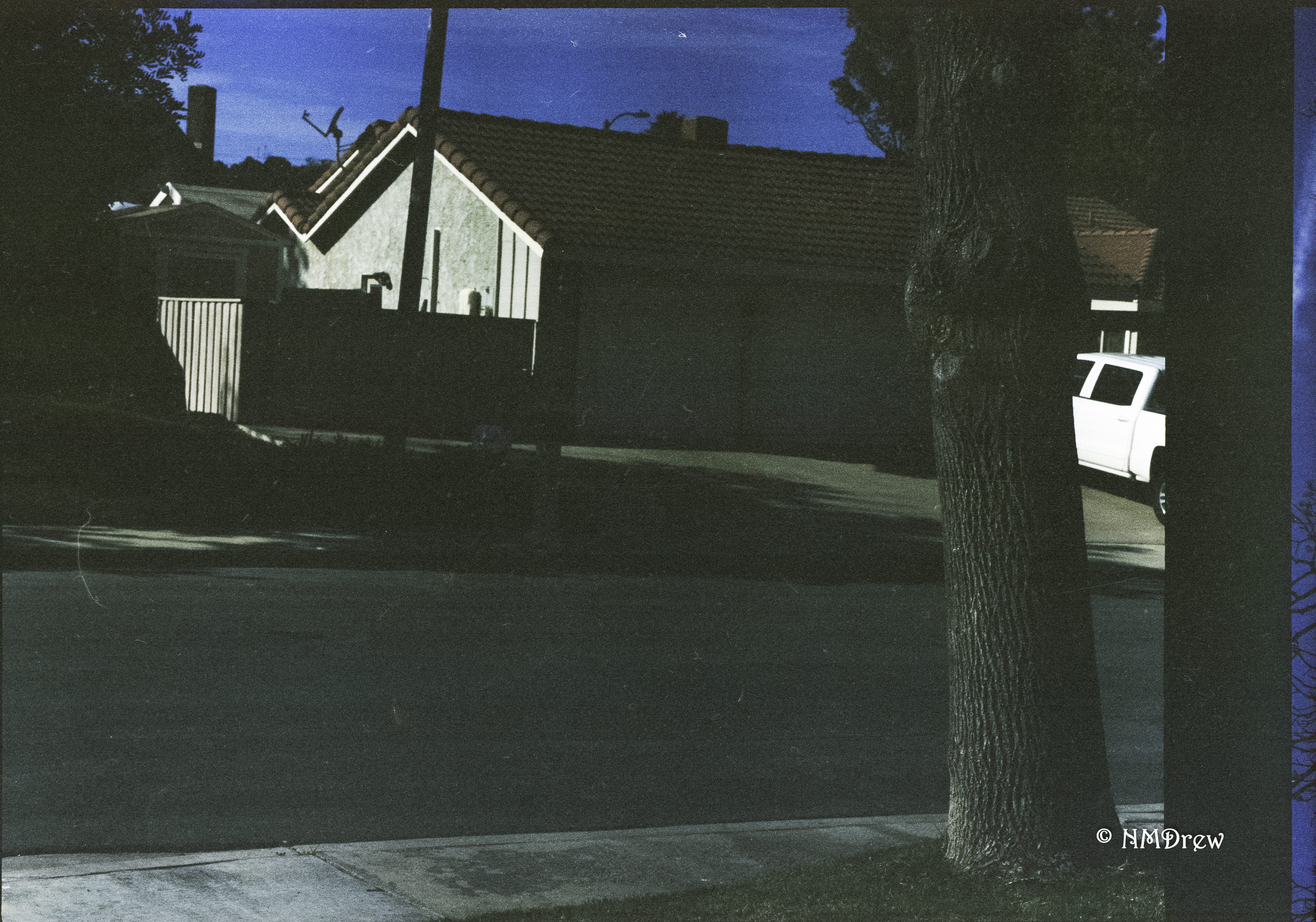
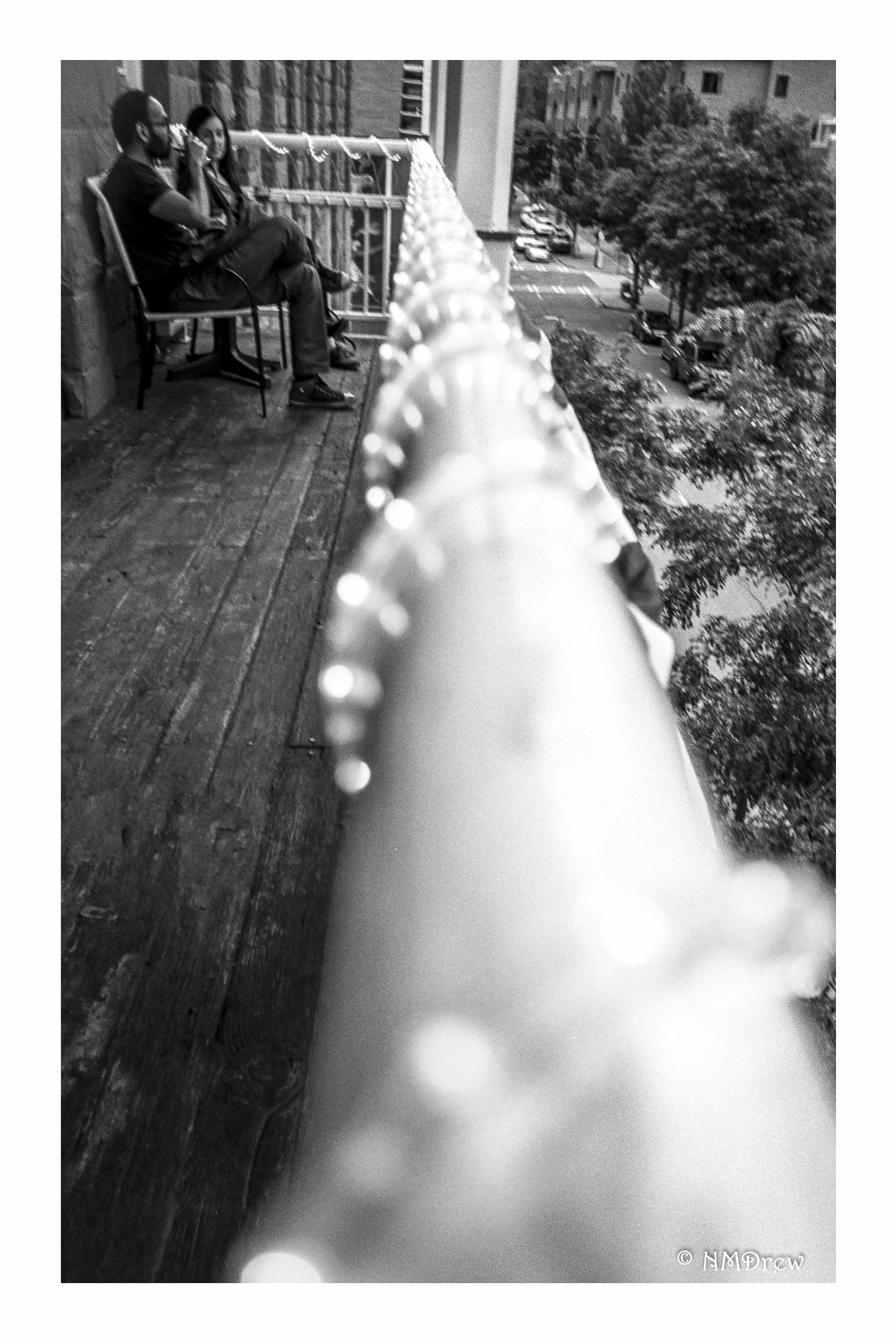
The first roll of film I ran through the camera was basically a disaster. 3 out of 10 images were there, and all were under-exposed. For Portra 400 film, they were trash. This made me wonder about the camera – does it work, are there problems? Having read about the camera and the trickiness of loading the roll of film, I gave it another try with two more rolls. The first three photos below are the first roll.
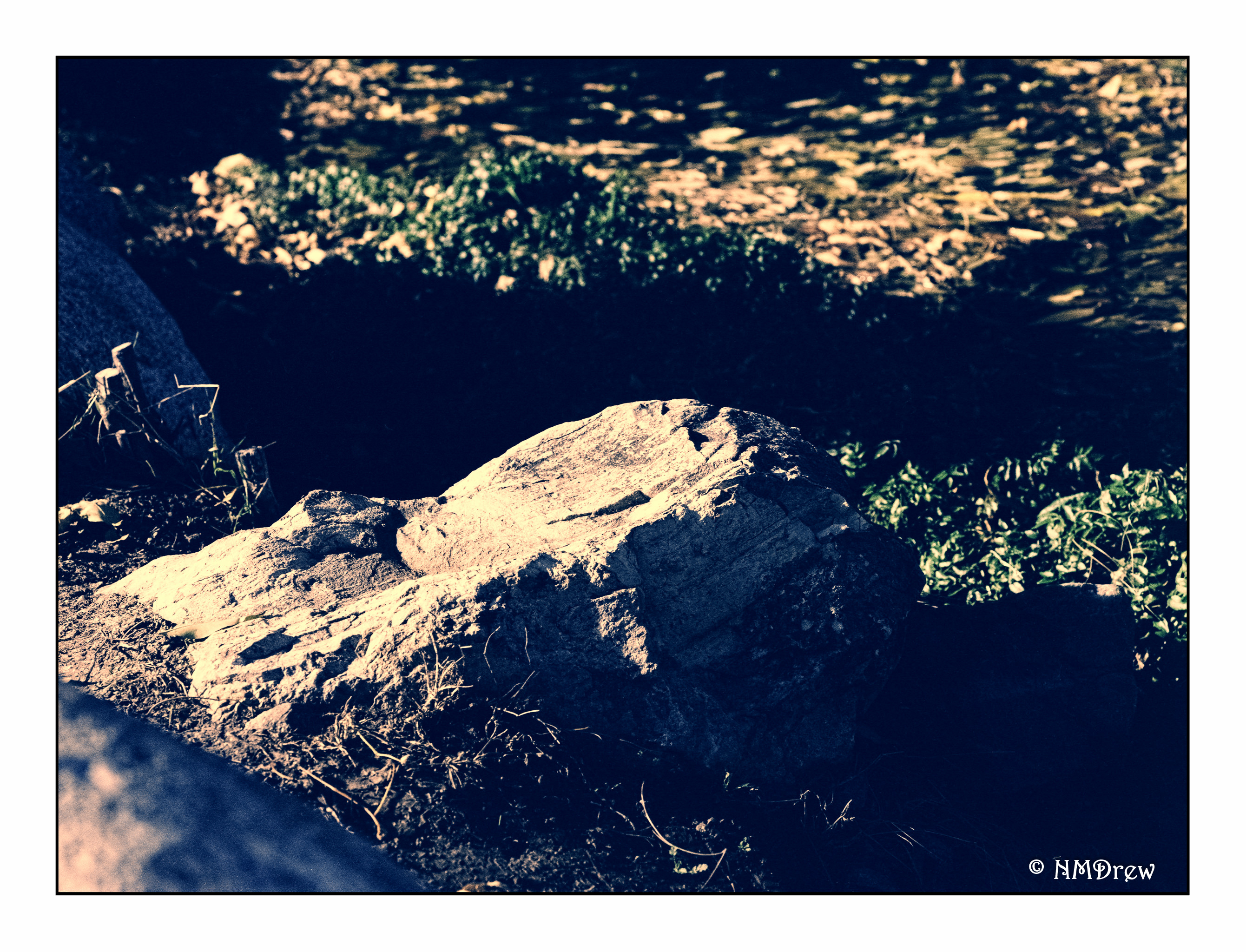
The one above was worked on in post, just to see if anything could be done with it. Not much could be to save it from its ugly self. The ones below are SOOS (scanner), and they are really awful, too.
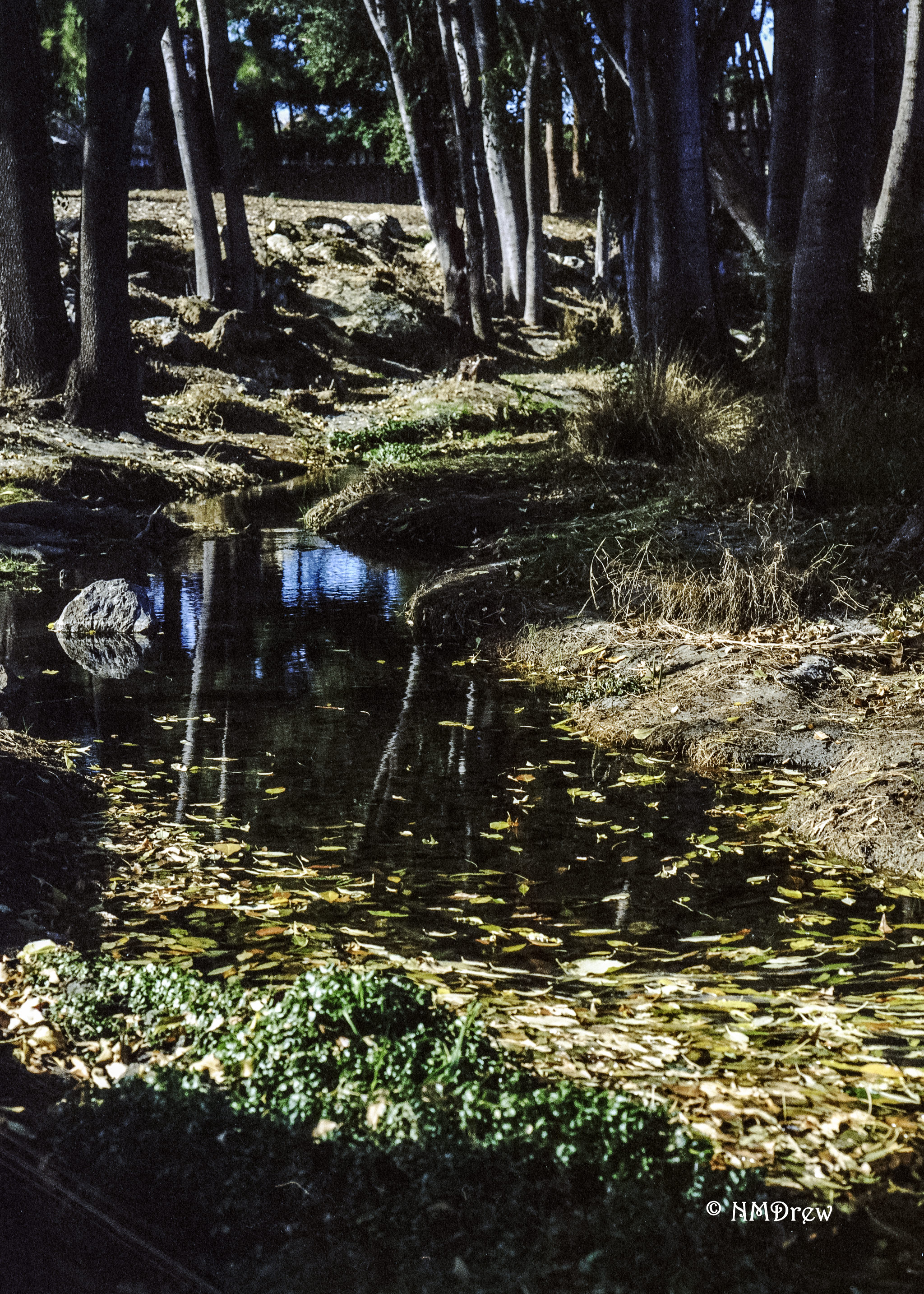
To make the decision to keep or return the camera meant I needed to do some photography in a very controlled environment. I needed to check the aperture and exposure factors. Out came the tripod and the light meter. Bracketing and moving things around. I took about 20 pictures in about that much time – maybe longer – and documented what I did. In doing so, I learned a bit more about the camera and the lens, as well as had a rather scientific bit of testing.
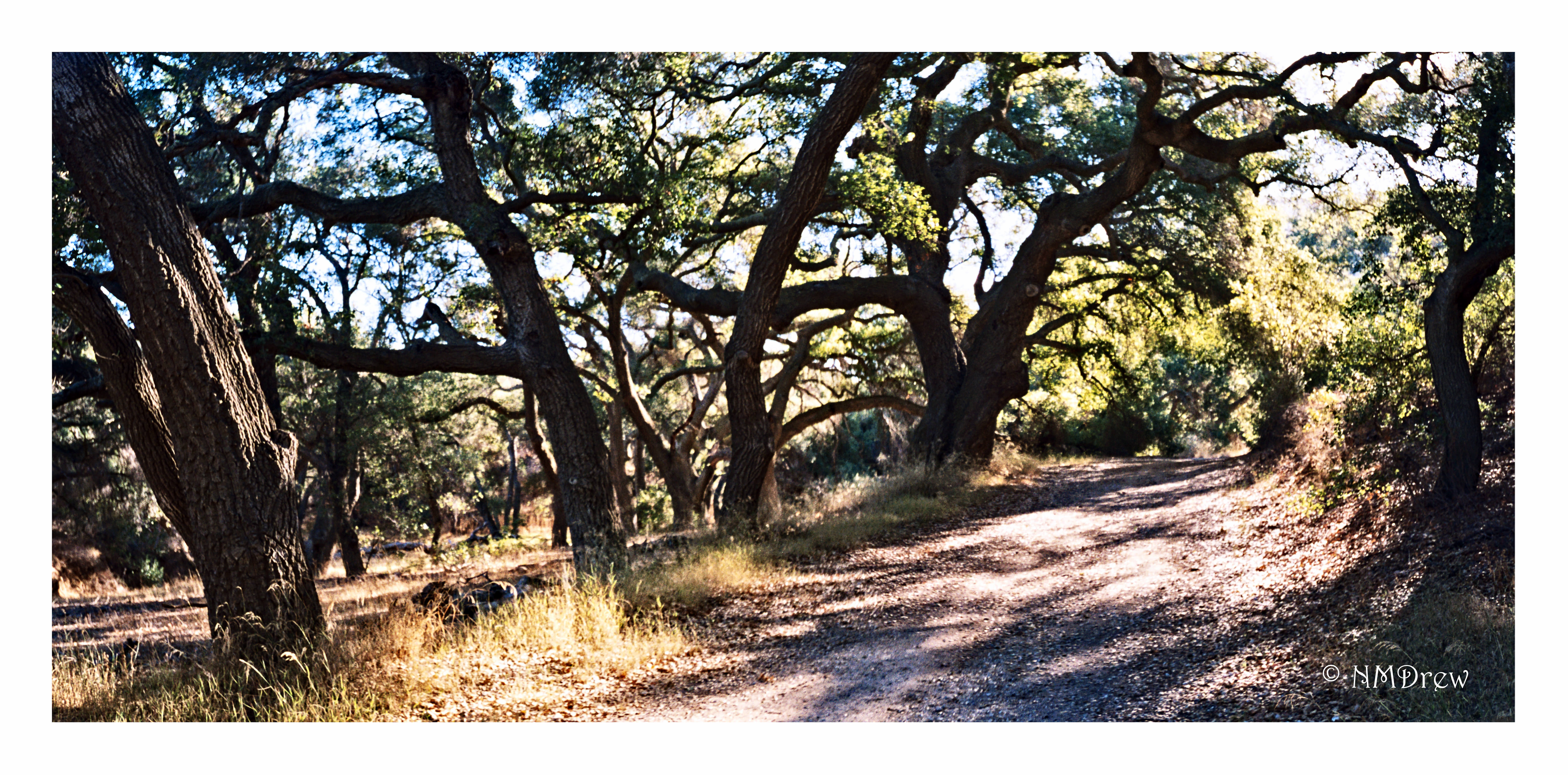
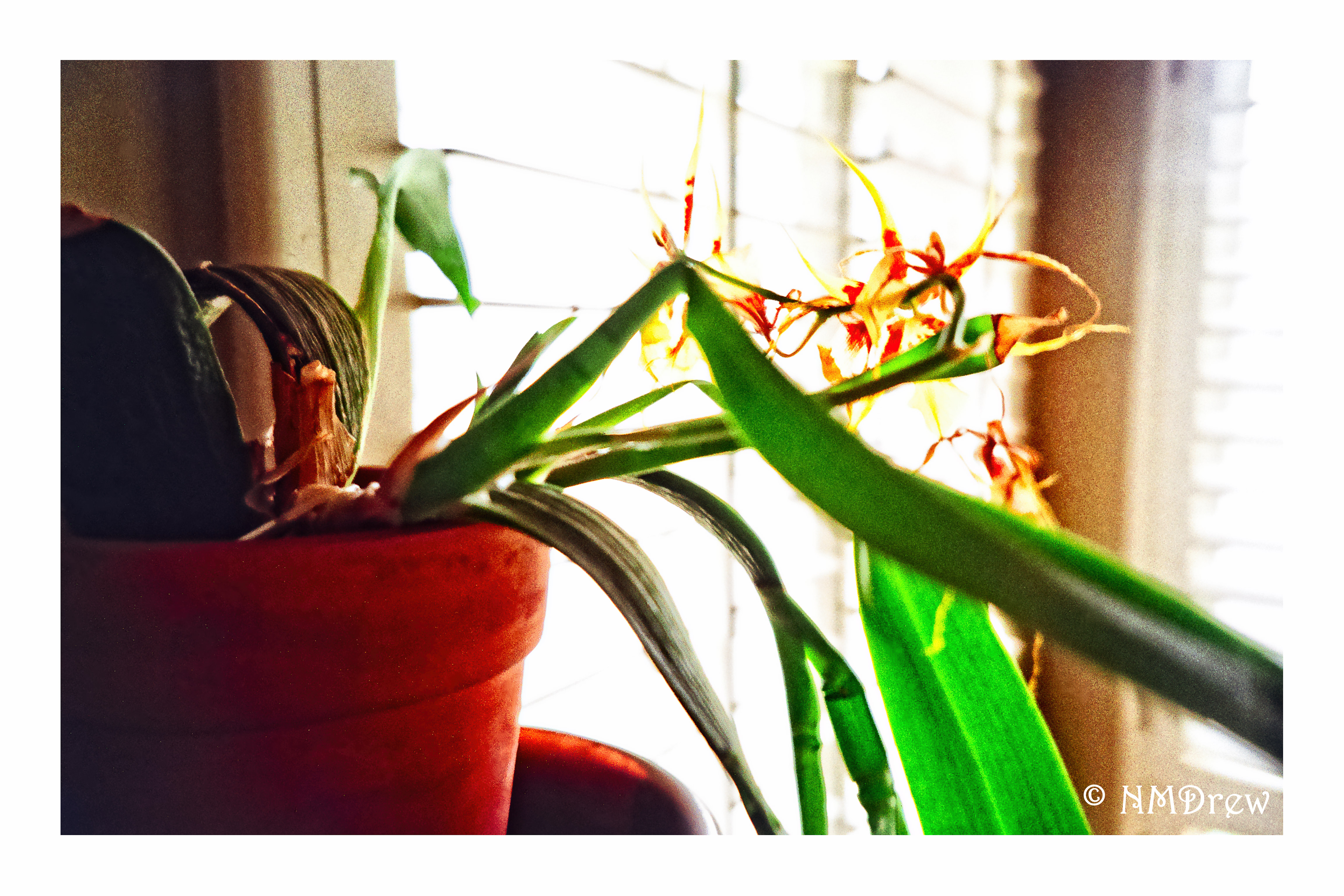
The effort was worth it, and I think that this beastie is going to be fun, and a challenge to my normal scatter gun approach to things. Below are the results, taken using Lomography 100 Color Negative film (120), with some cropping and touching up in post. I didn’t check for spots, come to think of it, so I may need to do that, too. I did clean the negatives before scanning, and used Digital Ice in the scanner . . .
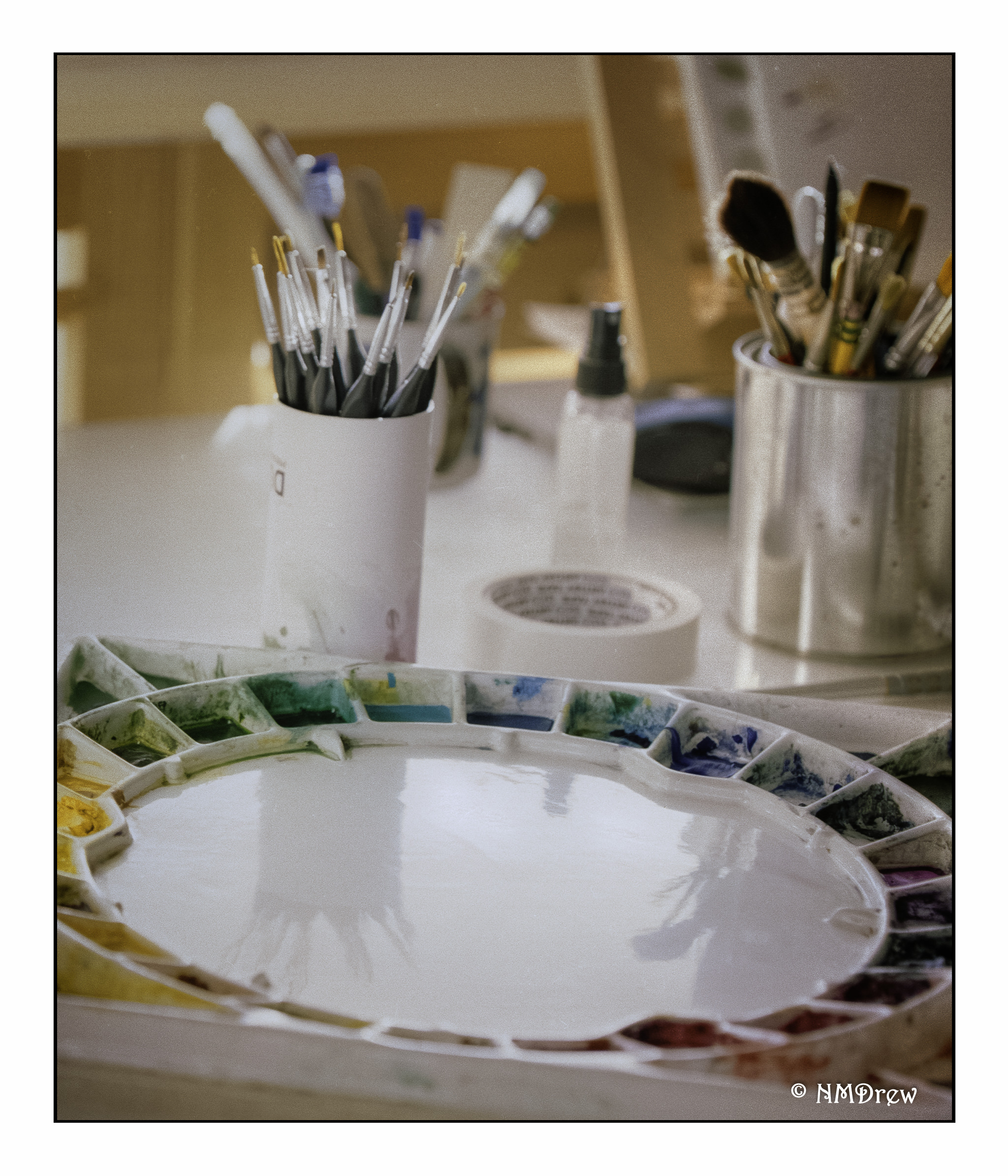
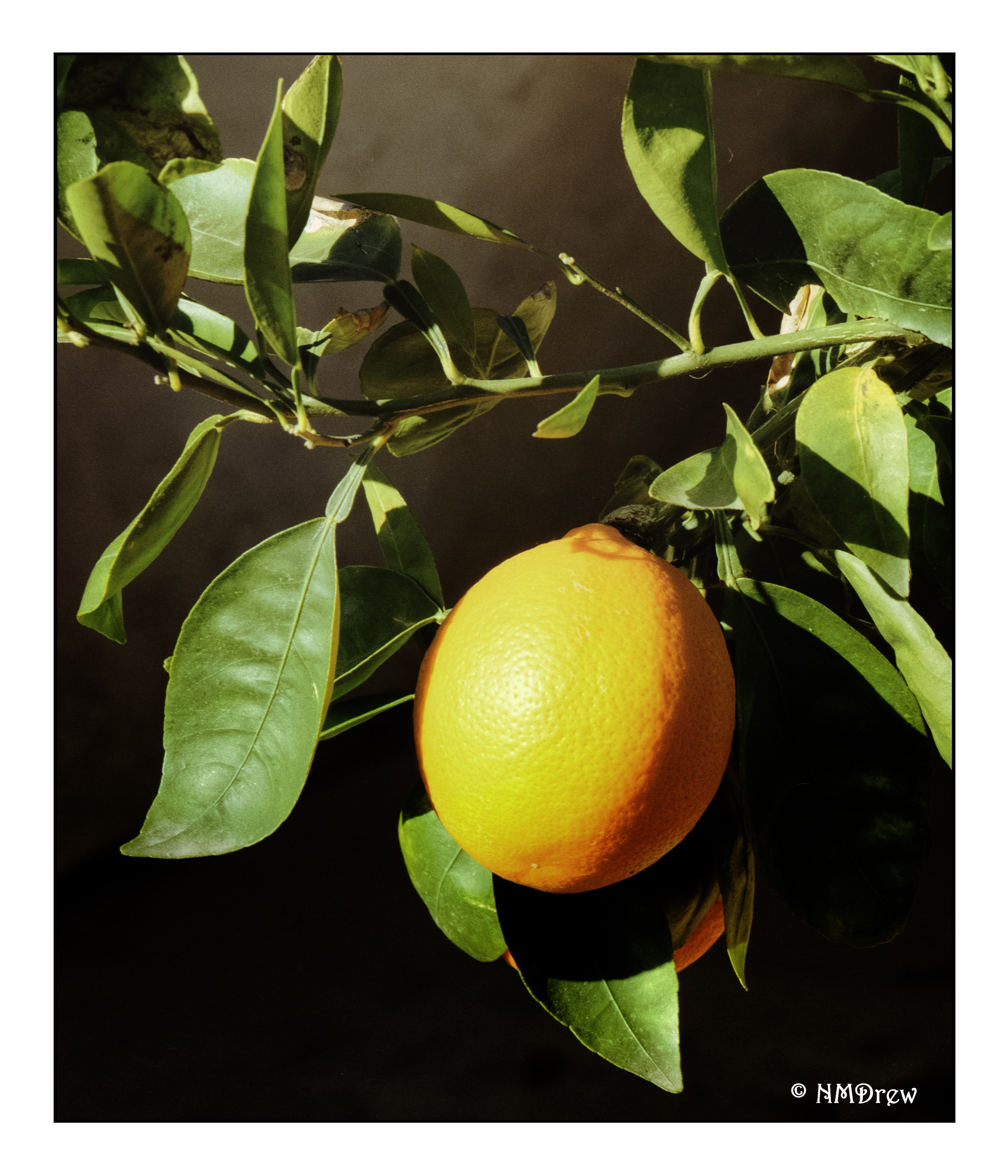
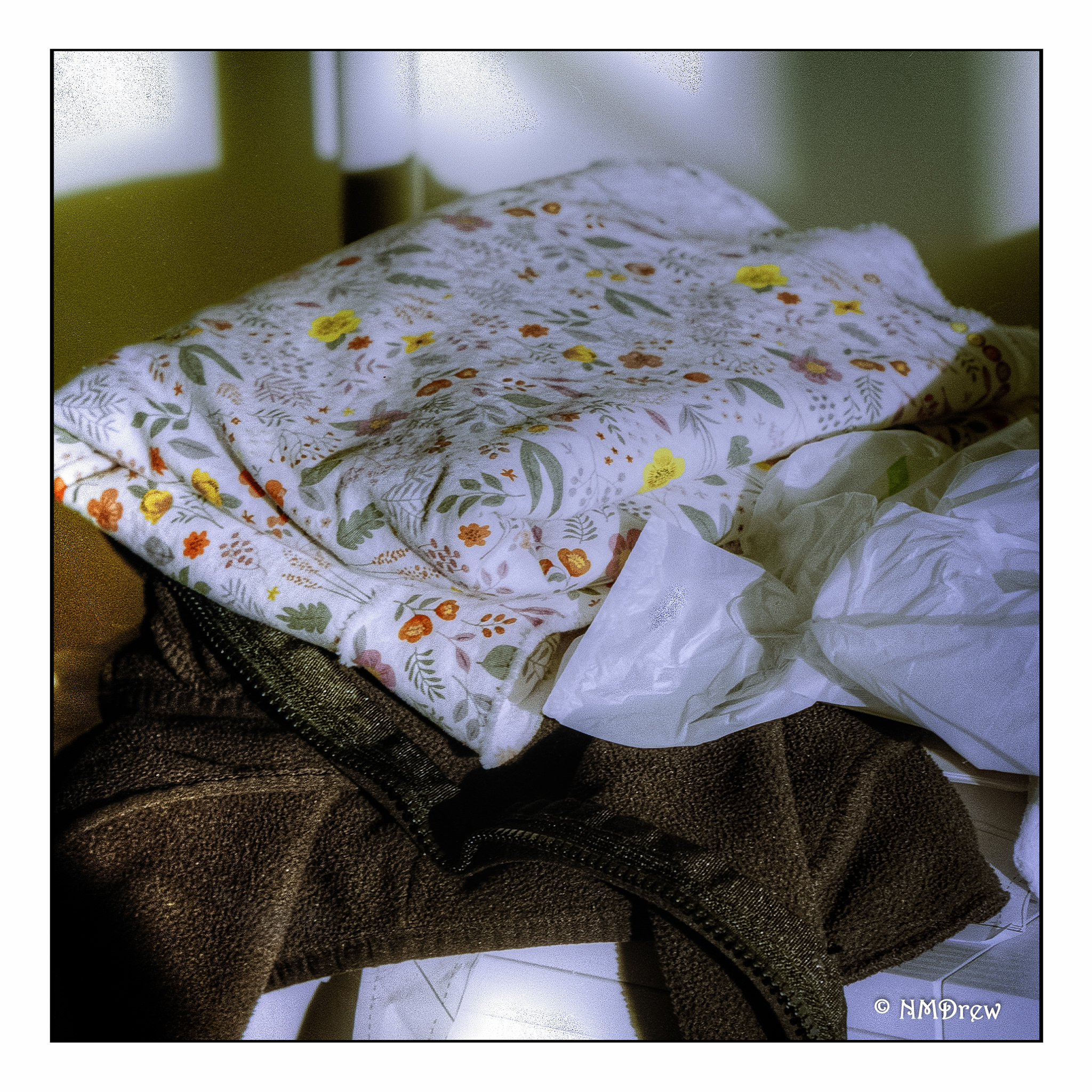
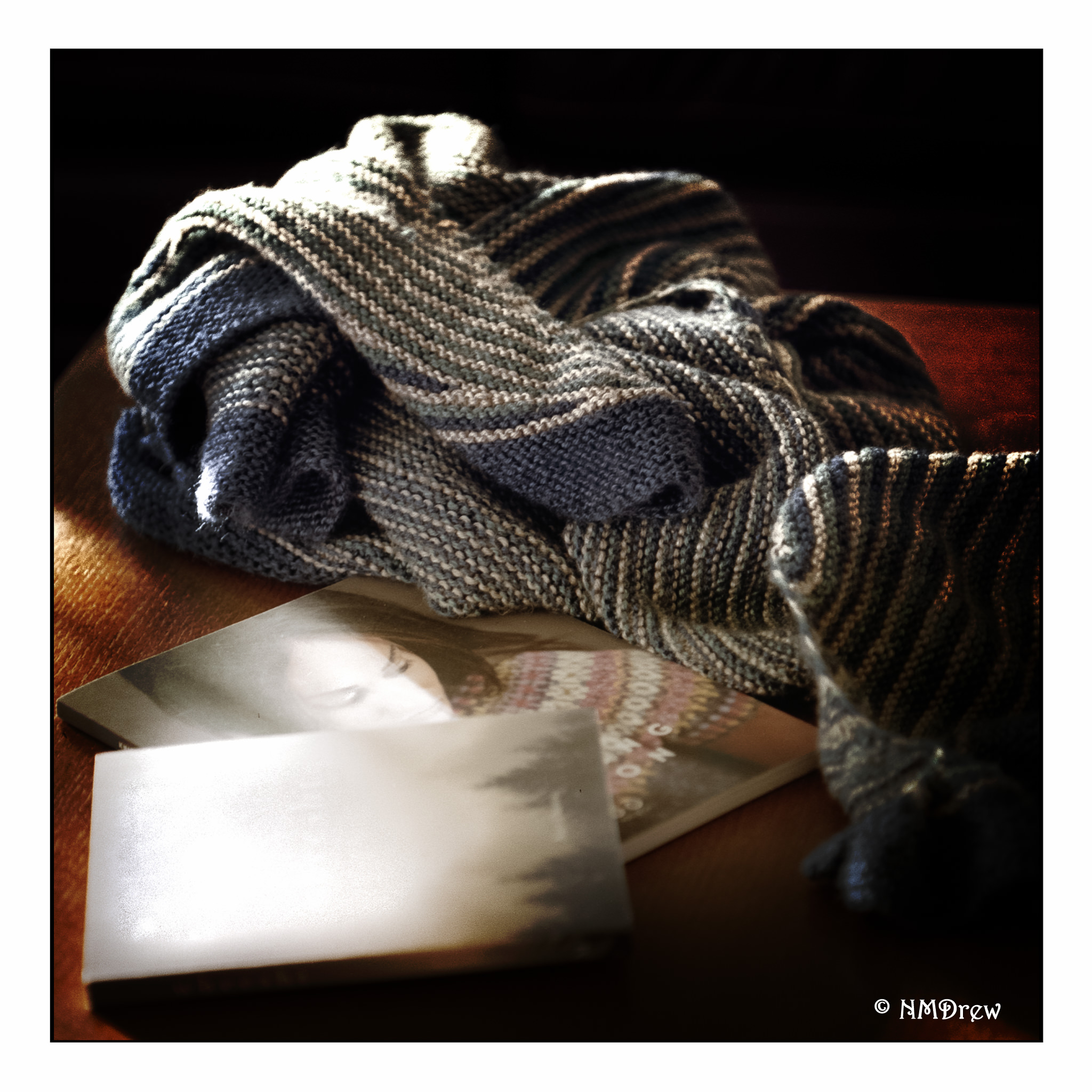
Altogether, very pleased with this camera and the lens. Lomo 100 did a fine job. It’s doing quite well for a camera that dates from ca. 1969 (older than my husband!). I think I want to get a waist-level view finder for it and probably some shorter lenses. The Yashica TLR is a waist-level viewfinder camera, and I really enjoy that; hence, a waist-level viewfinder for the Pentax, and perhaps the Mamiya. Unlike all my other medium format cameras, the Mamiya and the Pentax allow for lens changes and other bits that the Yashica and the folding cameras do not have. That is for the future, though, as I think this camera has a lot to teach me in the meantime.

 Ink, Yarn & Beer