HDR – high dynamic range – is an area of photography that you can love or hate. Some people push it and produce very dramatic images, which can be good or bad, depending on perspective. Other people are more subtle about it, and the result is equally good or bad. All this is, of course, a matter of opinion. My opinion, here, is what counts!
At times, I rather like the gaudiness that HDR can produce. Other times, I dislike it. I think that the colors involved often influence my reactions, as there are some colors I prefer more than others. Subject matter, as well, will influence my opinion. You?
The point of HDR is to merge multiple image files so that the details in the shadows are visible – seen in overexposed images – and the highlights are also visible – seen in underexposed images.
I have been looking at different software for HDR. The one I like the most so far, out of of three that I have looked at, is HDR Express, by Unified Color.
In my own portfolio, I don’t have a series of pictures with variations in f/stops or exposure, so what I did was take a NEF (raw Nikon image) file and, in Lightroom, adjust the color a bit, and then change it to -2.00 through +2.00 for exposure, and export each one to CS5. From there I saved each as a .tif file. Finally, I imported and merged them in HDR Express.
Below is the original image used for the HDR.

These are the images I used with the changes in exposure – all lined up so you can see the gradations.
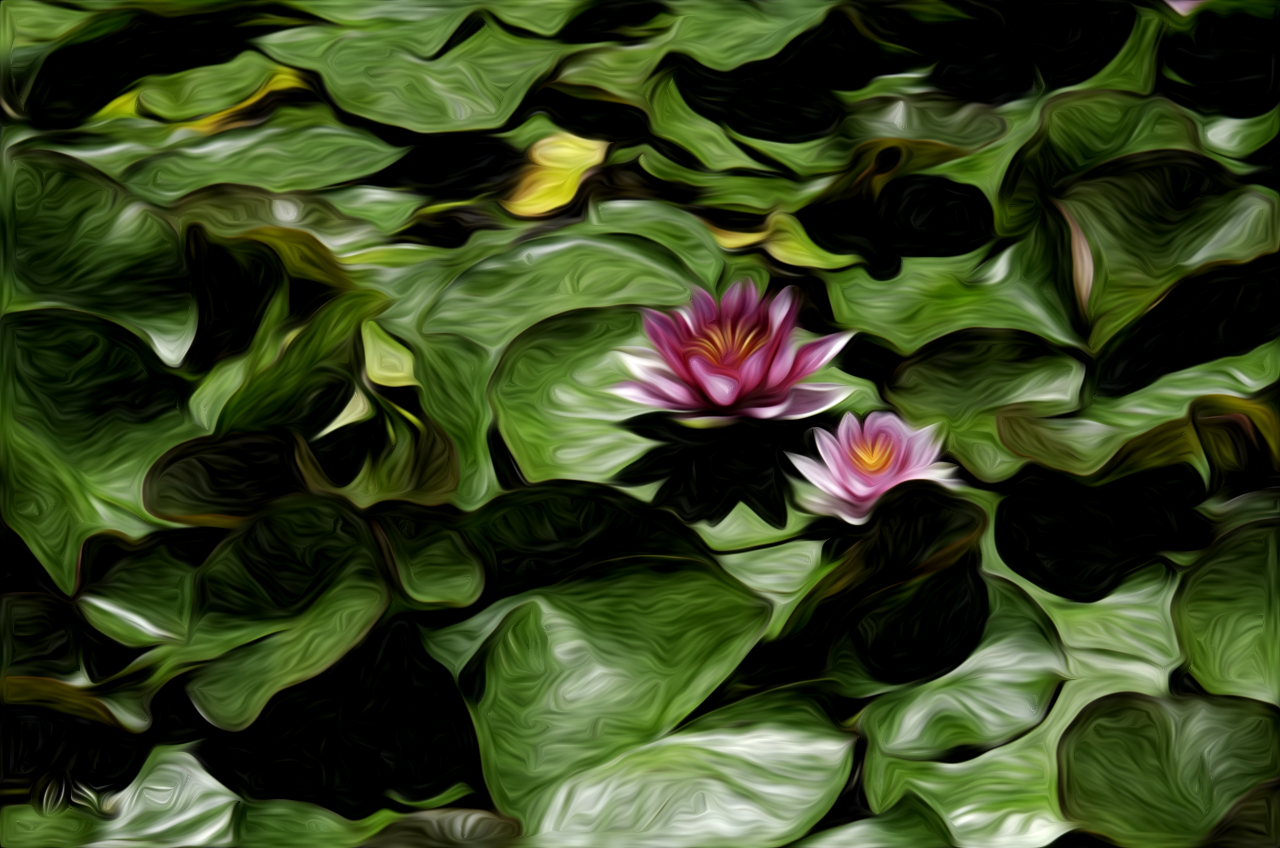
 I imported all five of these pictures into HDR Express, merged them, and then saved them in the different “styles”. Below is a merged image of the different styles. The first image, in the upper left hand corner, is the original image.
 So far, I have only positive things to say about HDR Express. It is very easy to use. The website has good tutorial videos – check the sound volume on them as it varies – and the 30-day trial period is unrestricted, meaning no size limitations of the pictures, no watermarks, or other points of frustration.
This software is my first foray into HDR that has been enjoyable. I will be trying other free versions over the next several weeks before deciding which, if any, I will purchase. I will also confess that while I have Lightroom and CS5, I am only scratching the surface of what these programs can do.
If you want to see the images I used in larger format, check them out on my Flickr site.





 Ink, Yarn & Beer