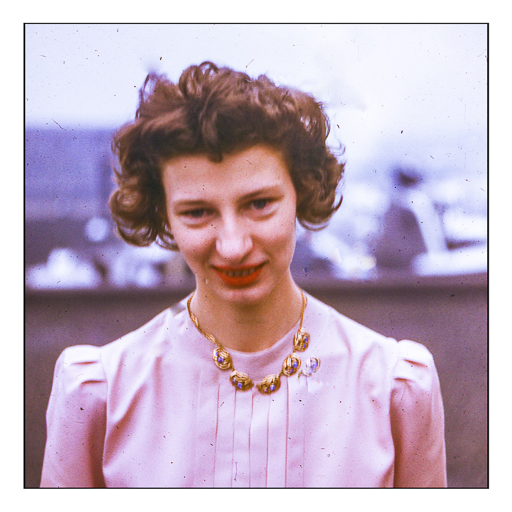
Today is my mother’s birthday – she would have been 106 today. From horse-drawn ice wagons to men in outer space, she saw a lot in her lifetime. She worked in television as a camera (wo)man during the 1940s in Chicago, broadcasting the Cubbies to the world and playing bit parts on live TV, to being a housewife with a bunch of kids. As a child, she was a challenge, and even when I became an adult she could push you. Now, as someone older and in my last loop of life, I really admire her non-traditional viewpoints and life she lived. Her independence of spirit and honesty and sense of justice are something not often seen when she was young, and nowadays. Thanks for being you, mom!
I bought the Pentax 17 half-frame camera soon after it came out. And only a couple of weeks ago did I finally finish the roll and get it processed. I scanned the film myself – the first roll in what seems ages – and it took me awhile to get familiar with my film scanners. I have a Pakon 135 which I use with my very old XP eMachine laptop, and my newer Pacific Image PrimeFilm XAS scanner which works with Windows 11.
Pakon 135 Scan
The above image was done using TLXClient (the professional part of the Pakon software – may have the name a bit munched), a part of the Pakon software. It is limited in size for the final scan. I used it with scratch and dust removal along with whatever else was in the arsenal. The image was a tad dark so I lightened it a bit in Lightroom. It has a warm cast which is very nice to the eye.
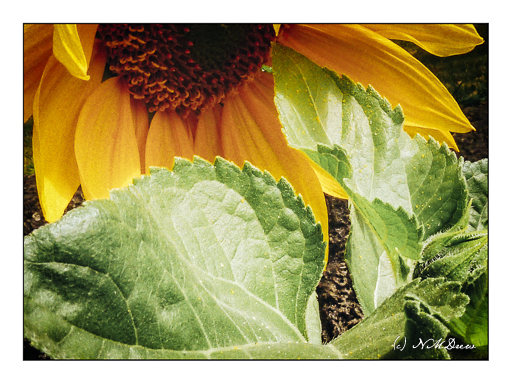
The above image was scanned as a negative – not a negative turned positive as the Pakon does. From there I converted it to a positive image using Negative Lab Pro and the “Cine” color interpretation. It is a lot colder and more blue of an interpretation. I rather like it. Post-processing of film images is a lot like painting – you can interpret things as you wish.
I used the Pentax 17, one of the two newest film cameras manufactured in the past couple of years. It is a simple camera which uses zone focusing but is automated in a lot of ways which make for some fun times. What I have seen so far in image quality is pretty good – and when you remember to take the lens cap off, you get pictures, too! (There is a light on the viewfinder which blinks at you if you have no incoming light – but I forgot that!) The biggest thing is that this is a “half frame” camera, meaning instead of one image, you get two. Thus, a 36-exposure roll should net you 72 images.
Image quality has been discussed back and forth for different film sizes, so I will leave it to you, dear reader, if you want to find out more. The link above takes you to the Ricoh website for the Pentax 17, and if you use the tabs on the web page, you will get a lot of information. I think the pictures I got look great – when I remembered to do things right! Using the Pentax 17 is easy and fun, and its compact size makes it easy to take with you.
Today I had planned to go to my painting class but when I got out of my car for a dental appointment this morning, I felt a sudden stabbing pain in my hip. So, I am staying home and have an appointment with my orthopedist tomorrow – this is just too weird, and having worked ER and radiology for years, it is a bit scary. Better safe than sorry.
To amuse myself, I scanned some long overdue photos from some Fuji Pro 400H color film I took sometime ago and had processed. Truthfully, most of the photos were rubbish and rather horrid. I thought this photo matched my mood – gloomy, dark, and definitely not one of sunny cheer, which is what this day started out to be! Instead, the humor of it all – or perhaps irony – is here in this photo . . . because I have photographed this little creek in a local park and can honestly say I have seldom gotten one I really like. Sort of matches my mood.
Agfa Isolette, Fuji Pro 400H film, scanned on Epson V600.
Getting ready to fly somewhere is a pain in the ass these days. If next week’s trip is cursed in any way, it’s wheels only for me in the future. Meanwhile, distractions in the neighborhood for the sake of sanity.
Putzing around a bit, I decided to take an image I had developed a week or so ago and take it somewhere. No idea about the camera, but it is Fujicolor film. I desaturated it and then pushed it to extremes in black and white – I like to do this when considering a subject for value studies, whether I painted it already, or plan to paint it. Below is the color version.
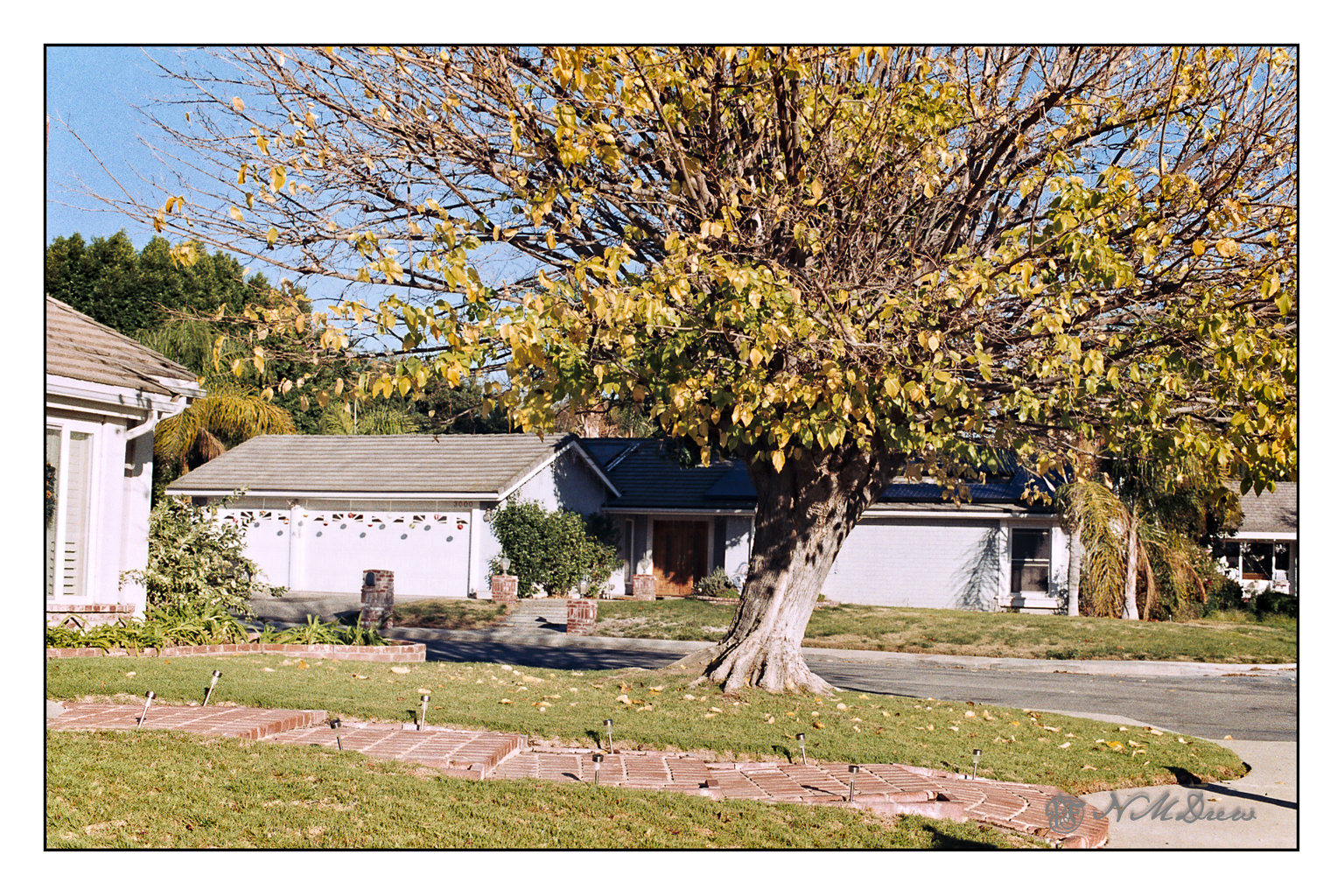
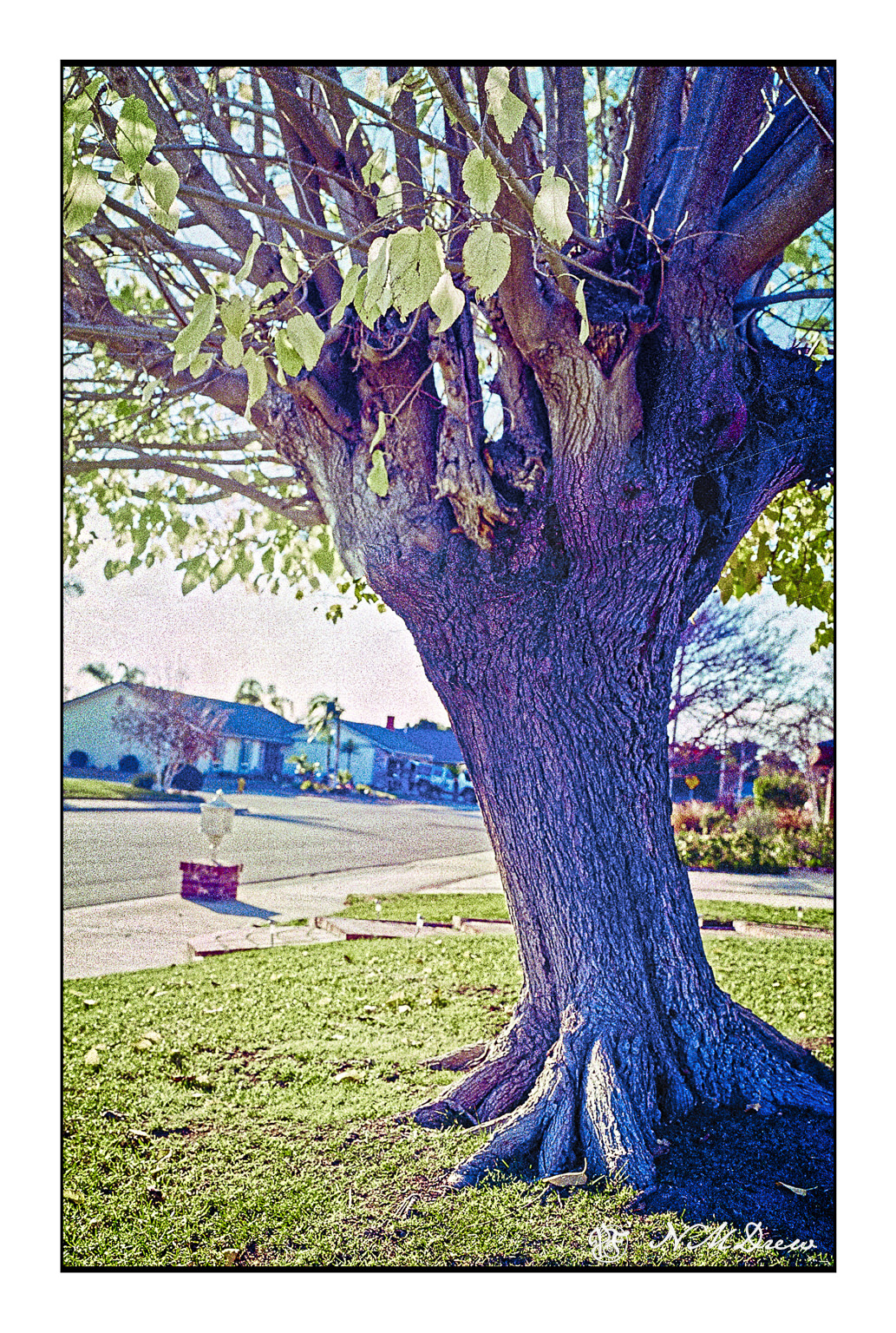
Just as an aside, this is my favorite tree in the neighborhood. In the fall all the leaves are scattered around, bright yellow. In the spring, they come back slowly, little bright bits of green and then a full canopy. The shape is very symmetrical at the height of summer.
The above was a series of five or six pictures fused together into a panorama. The original pano was not as detailed – the image was a bit soft – but I wanted the texture of the trunk to show clearly.
35mm Fujicolor 100 film, scanned with a Pakon 135, and again with a PrimeFilm XA Super using Silverfast 8e.



 Ink, Yarn & Beer