Today I went up to the Botanical Gardens, one thought on my mind: to take images of birds with my 70-300mm lens on the Nikon V3. As the V3 has a 2.7 crop factor, this makes the 70-300 the equivalent of 189-810mm.
I’ve never used this lens to specifically capture birds, but it did a pretty good job. My technique was shutter priority, with the shutter set to 1/1000 to keep blur to the least possible amount; I also set the iso to 3200 down (priority based) and the f/stop to about 5.6 to 8.
I have absolutely no idea what these birds are, nor was I really aware of birds until I was determined to find them. I had hoped to see a road runner – they are up there! – but I did see four distinctively different ones, which I caught. Looking in Peterson’s Field Guide to Birds of Western North America, this looks like a wren, but what kind???
The 1 Nikon 70-300mm lens does a pretty good job overall. It has the advantage of being lightweight with image stabilization. Coupled with the V3, I could catch multiple images in a row, clicking away as the birds moved around, and then choosing the best of what I got.
More to follow!
Note: A fellow on flickr says these little guys are White Crowned Sparrows!
Today is the very, very first day that On1 Photo Raw is available for usage. I think the original idea was to have a product ready to roll in October 2016, but rather than have a “finished” product full of bugs, they realized they had more on their plate, and held off until today, November 23. I’m glad they did – and I am glad, too, that they realize that this really is a “work in progress” as it stands.
Personally, I love On1, and have been using them since version 8, which was a while back. I use it with Lightroom. What makes On1 great as a company is their support, ongoing consistent development, tutorials, and so on. On1 products are sophisticated, and while they do not rival Adobe Photoshop for complexity, On1 products are far easier to use. I prefer their brushes, spot and blemish removal tools, as well as the fact I can create presets which I can store. At this point, the presets from On1 Photo Suite 10 cannot be used in On1 Photo Raw, but I expect they will have the ability to port them later on. The one-up that Photoshop has is its “content-aware” fill.
The image above, Waiting for Lovers, was edited using On1 Photo Raw. It is a film image using Kodak Ektar 100 in a 1930s Welta Weltur rangefinder. The lens is an uncoated Xenar – probably about 75mm – which has an ethereal quality to it that I really love. Scanning the image with my rather dirty Epson V600 (I have since cleaned it), I ended up with a blue streak across the entire image. On1 took it out quite nicely. Spots and threads were also easy to remove. I think On1 did something to their processing algorithm (or whatever), as the spot removal works very quickly.
This image is a pano stitched together in LR, and consists of two images taken with the Olympus XA4 and Lomography 100 film. The only thing I did was perk it up a bit with some detail, in LR and in Photo Raw. It is nearly identical to the SOOC image.
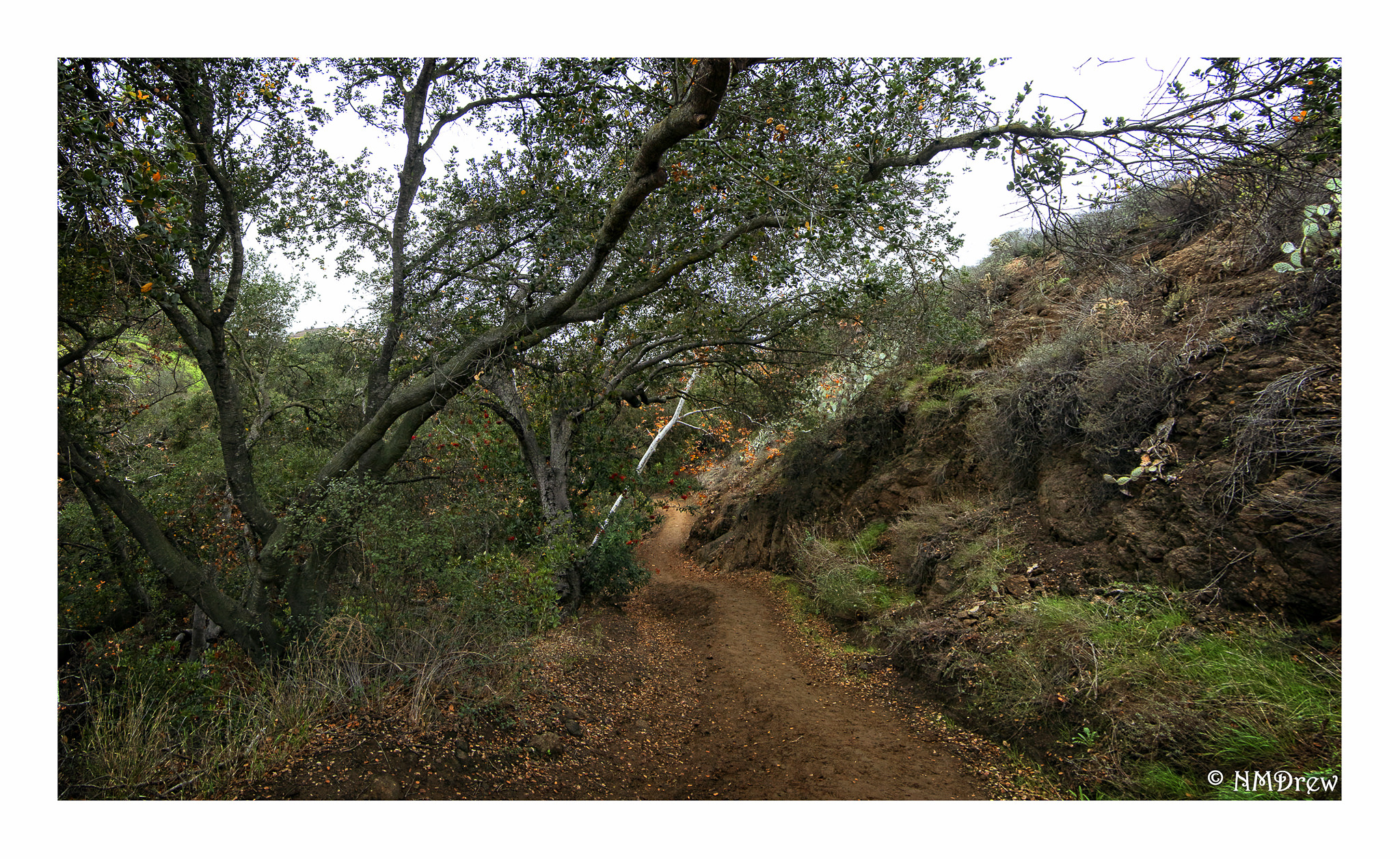
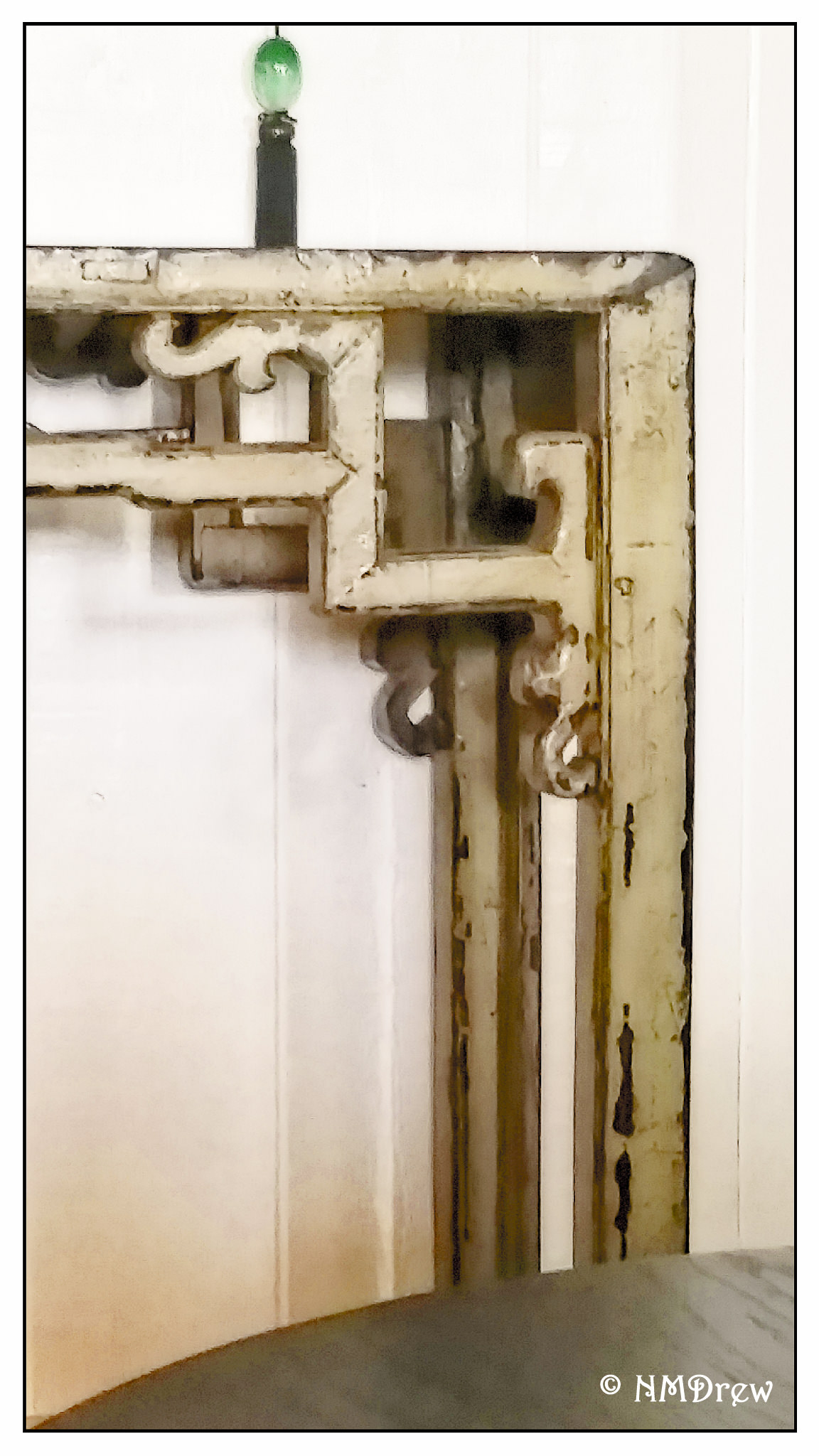
Finally, the above image was really pushed in On1 Photo Raw. Spot removal, brush usage, presets, whatever. This was an overall high-key, pale image, but I set it up to be contrasty and bright – possibly too much so – but wanted see what I could do. This was also taken with the XA4 and Lomo 100 film. Both of these two images were scanned using a Pakon 135 scanner.
There is so much software out there for photographers, that competitors to Photoshop seem to come and go. My favorite and most consistent programs are Lightroom and On1. I also use DxO v. 11, and while it is good for some things, it lacks the diversity of On1. Capture One is good, too, but it makes me crazy as it does not make sense to me at times . . . but I admit, I have not put in time to using it as it has a higher learning curve, and is not, for me, very intuitive. So, two thumbs up to On1 for its Photo Raw software – I think it will prove to be a real winner as they continue to develop it.
Today is the very, very first day that On1 Photo Raw is available for usage. I think the original idea was to have a product ready to roll in October 2016, but rather than have a “finished” product full of bugs, they realized they had more on their plate, and held off until today, November 23. I’m glad they did – and I am glad, too, that they realize that this really is a “work in progress” as it stands.
Personally, I love On1, and have been using them since version 8, which was a while back. I use it with Lightroom. What makes On1 great as a company is their support, ongoing consistent development, tutorials, and so on. On1 products are sophisticated, and while they do not rival Adobe Photoshop for complexity, On1 products are far easier to use. I prefer their brushes, spot and blemish removal tools, as well as the fact I can create presets which I can store. At this point, the presets from On1 Photo Suite 10 cannot be used in On1 Photo Raw, but I expect they will have the ability to port them later on. The one-up that Photoshop has is its “content-aware” fill.
The image above, Waiting for Lovers, was edited using On1 Photo Raw. It is a film image using Kodak Ektar 100 in a 1930s Welta Weltur rangefinder. The lens is an uncoated Xenar – probably about 75mm – which has an ethereal quality to it that I really love. Scanning the image with my rather dirty Epson V600 (I have since cleaned it), I ended up with a blue streak across the entire image. On1 took it out quite nicely. Spots and threads were also easy to remove. I think On1 did something to their processing algorithm (or whatever), as the spot removal works very quickly.
This image is a pano stitched together in LR, and consists of two images taken with the Olympus XA4 and Lomography 100 film. The only thing I did was perk it up a bit with some detail, in LR and in Photo Raw. It is nearly identical to the SOOC image.
Finally, the above image was really pushed in On1 Photo Raw. Spot removal, brush usage, presets, whatever. This was an overall high-key, pale image, but I set it up to be contrasty and bright – possibly too much so – but wanted see what I could do. This was also taken with the XA4 and Lomo 100 film. Both of these two images were scanned using a Pakon 135 scanner.
There is so much software out there for photographers, that competitors to Photoshop seem to come and go. My favorite and most consistent programs are Lightroom and On1. I also use DxO v. 11, and while it is good for some things, it lacks the diversity of On1. Capture One is good, too, but it makes me crazy as it does not make sense to me at times . . . but I admit, I have not put in time to using it as it has a higher learning curve, and is not, for me, very intuitive. So, two thumbs up to On1 for its Photo Raw software – I think it will prove to be a real winner as they continue to develop it.