If you use the Instax Wide 300 by Fuji, you know that it has a flash that won’t be turned off. As a result, flash goes off when you don’t want it and can over expose your picture and waste film. Instax film doesn’t cost an arm and a leg like the Polaroid film does, but it still is annoying to not have control over that darned flash.
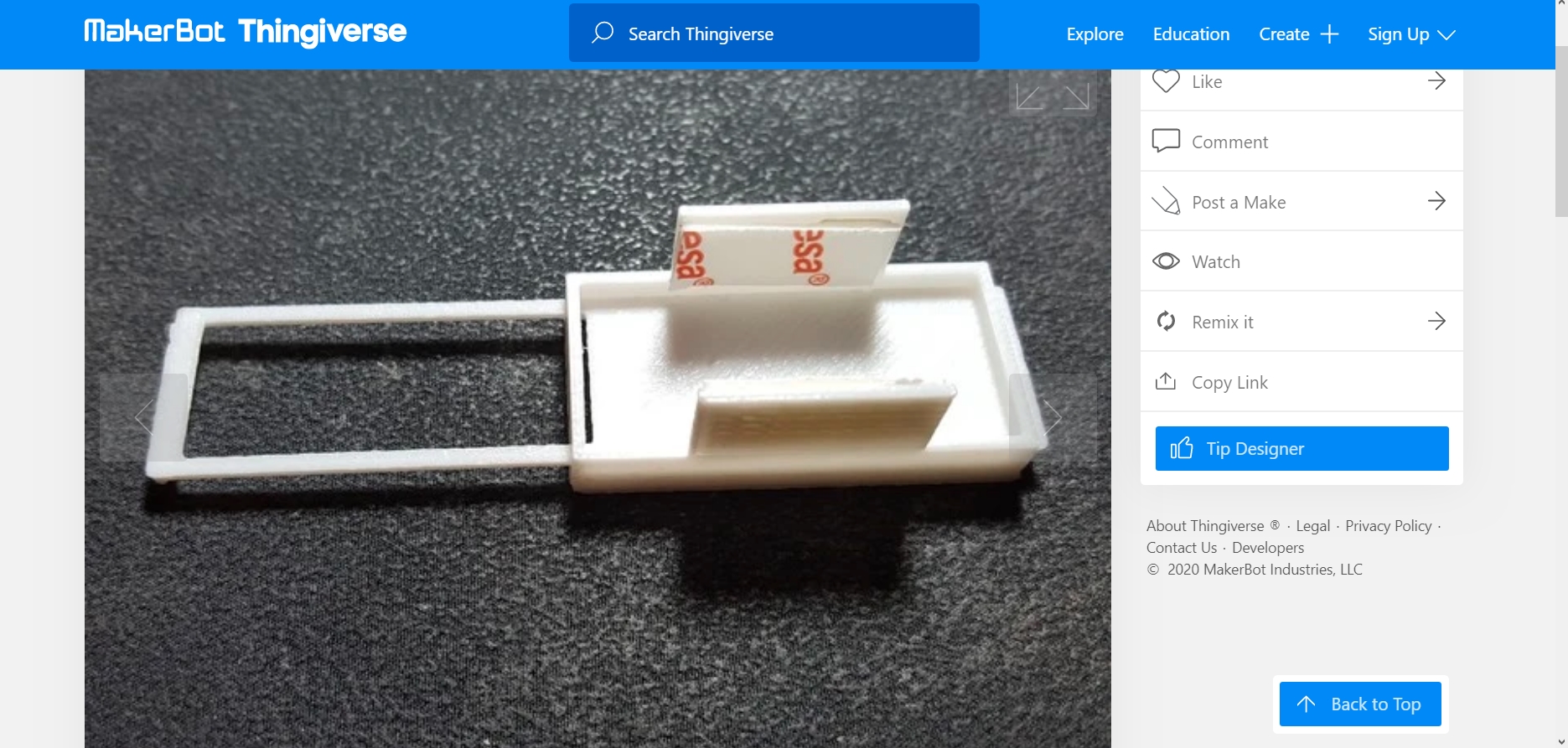
Enter Thingiverse, the world of free patterns for 3D printers. My husband has one and makes some really cool things. I looked, sought, and found a cover for the 300 Wide’s flash. You can find it here: https://www.thingiverse.com/thing:2788611 – and it works really well! From the site, this is what things look like – screen dump of the cover. Notice it has sticky foam tape or something to help keep it on the camera itself. It helps to keep the cover from sliding away from the flash as you move the camera. I don’t have any foam tape, but made sure the flash was covered, and it worked out nicely, as you will see below.

This is how it looks on the camera itself – again, pictures are from the Thingiverse site – click on the picture to enlarge it.

Notes from the Thingiverse site for the flash cover mention that if you make one in black, it shuts out a lot of light; a white one works more as a diffuser. My husband had hot pink set up on his printer, I had black and white film in the Instax, and I think the pink could have acted as a sort of red filter. Dunno. As we have a lot of different colors for the 3D printer, guess who is going to try them all out once they are printed?
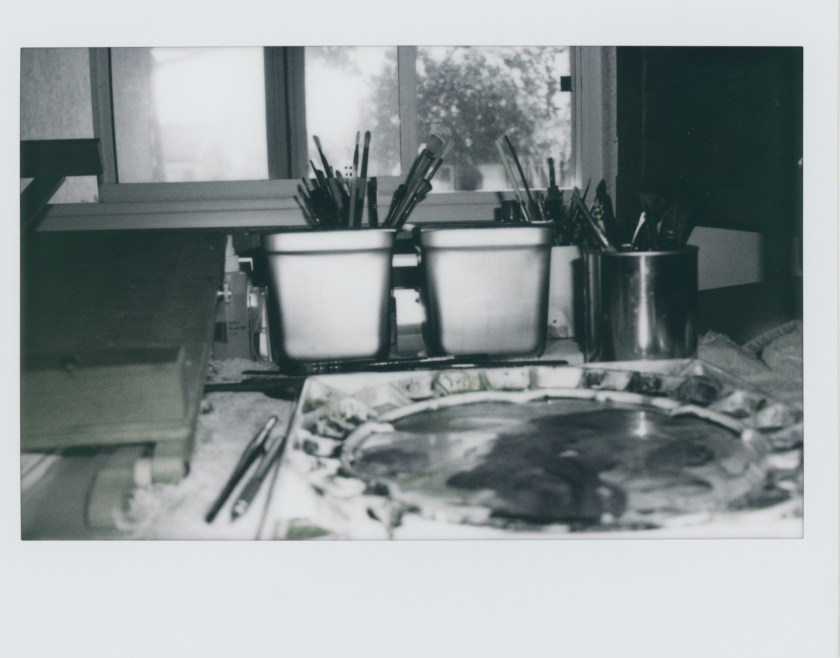
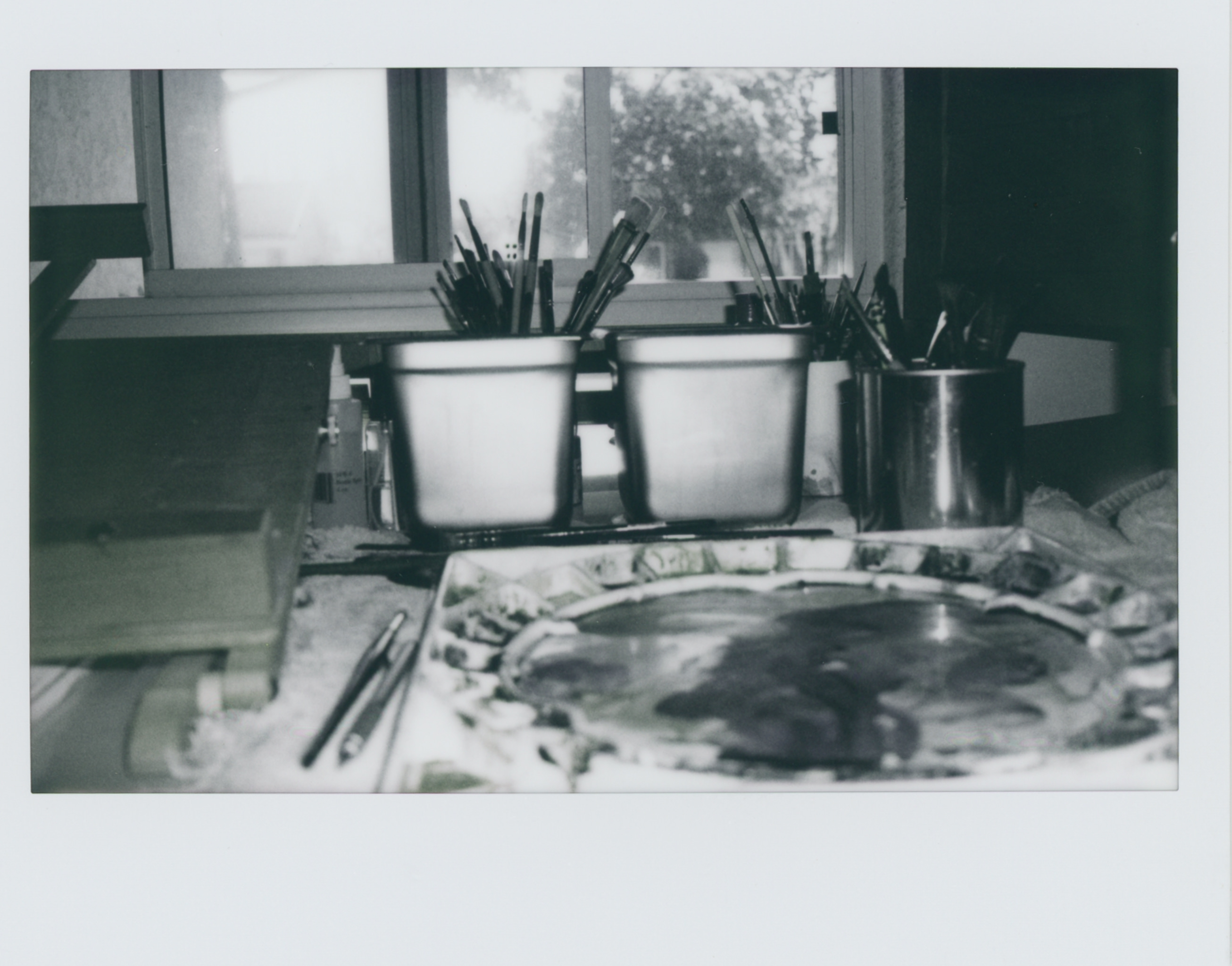
Here are the two pictures taken a couple of minutes apart to check out the flash cover. The first one is without the flash cover. I shot this out the studio window around 8:30 this morning, facing east, where the sun comes up. (I always have to say to myself, “And the sun sank slowly in the west” to remember which direction it rises – oh, well!) Pow! The flash went off.
And now, with my hot pink, newly printed flash cover, here is approximately the same image with the diffuser on.
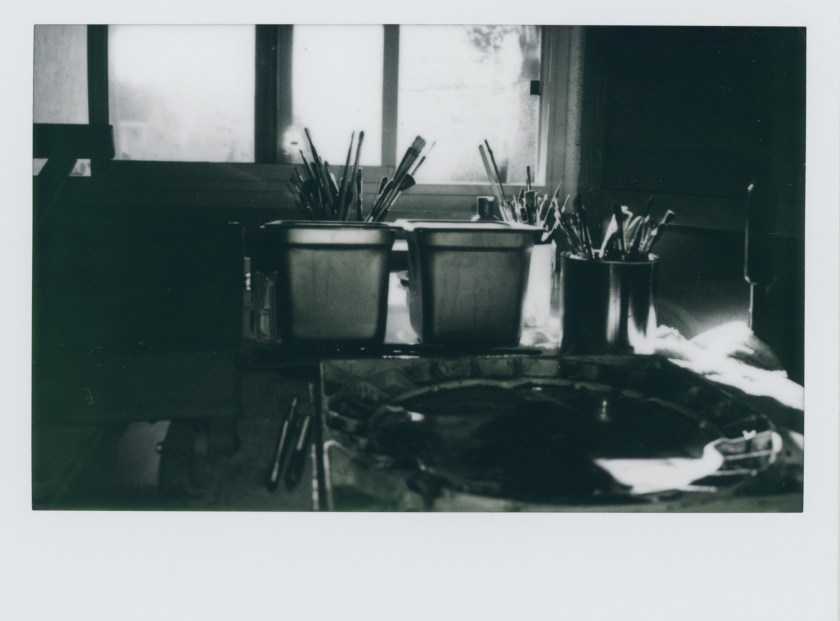
Once more, the flash flashed, but was not flashing all over things. And it produced a rather pleasantly darker picture. Because the film is black and white, I expect the picture is not picking up the finer gradations of color it could. The window is blown out. But does it matter? I don’t think so. I am curious to see what will happen with color film, which I will load up when I finish this black and white.
I cannot say enough good things about Thingiverse. If you have a 3D printer or know someone who will print for you, not only can you find this flash cover, but also other cool photography stuff, like film uptake spools, pinhole cameras for 35mm and 120 (I have one yet to be tested out), 35-to-120 adapters, and who knows what else. Totally cool stuff if you like to play around, which I do, and certainly does Mr. D.
Toys! Toys! Toys!





 Ink, Yarn & Beer