
As I stated in my last post, I processed my own film at home for the first time. and scanned them after the film strip hung drying several hours in the bathroom. I have a Pakon 135 scanner, and it gives excellent results.
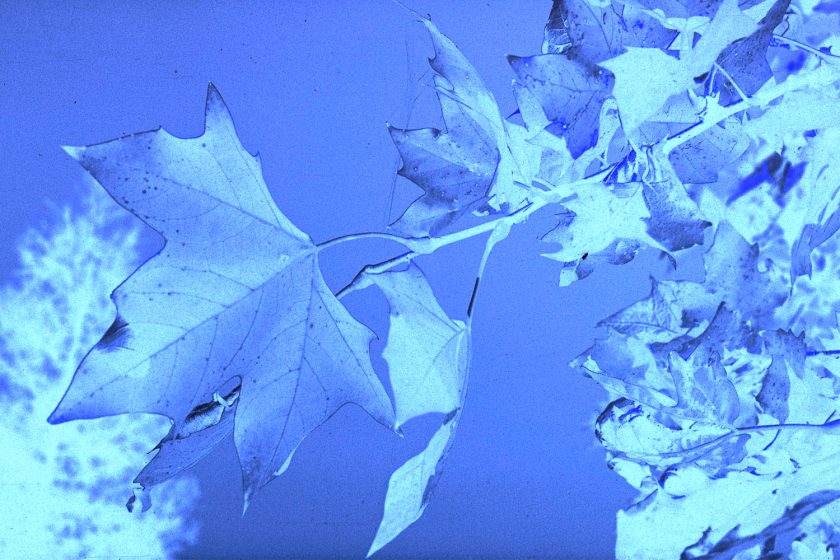
Initially, with the Pakon, I was getting only negatives – I had forgotten what to check off in the software to make the negatives into positives. Once that was figured out, the results were interesting – for some reason the Pakon will image black and white with a rather reddish tint.
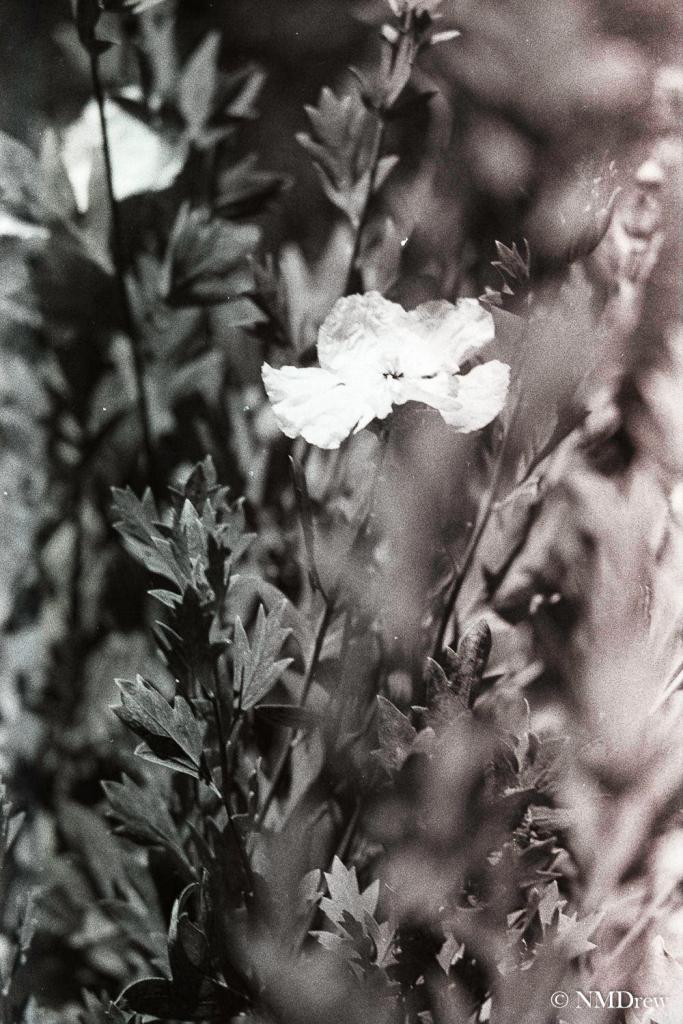
Desaturation was the key, so in LR, the saturation bar was moved to the far left, and the result was a black and white image! Now editing could begin.
The scans showed scratches and bits of debris – not sure if the debris is in the scanner (blow it out with canned air?) – but I expect the scratches were the result of my trying to roll the film onto the reel prior to developing. Fortunately, LR and Perfect Photo Suite help a lot in the post-production clean up to produce the final digital image.
Follows are some images . . . not all have been worked on, except to reduce the reddish tint.


 Ink, Yarn & Beer